swap to chronological order of most recently posted
-
how i am doing accidental exposure therapy for my fear of bugs
posted:
updated:
posted to: phototagged: bee, bugs, fly, inaturalist, insects, leaf hopper, moth, nature photography, photography, spider, structureSo I’ve been taking photos of bugs, now that I can trust my phone to not chew up any macro or zoom photography I take, and sharing them onto iNaturalist. it scratches my look I took a photo itch, it scratches my talking about cool things itch, it often tells me what bug I took a photo of, and it connects me with a whole lot of other people who occasionally also look at my photo of a bug and say yep that’s that bug. it’s a really great motivator is what I’m saying. but the best thing about this is that it has completely changed the dance my brain does when it sees a bug.
for context, I am a twitchy and tense person who doesn’t see very well in dim light or out of my peripheral vision, so I am usually very surprised by bugs flapping or running into my field of view — or if I’m very unlucky I hear them first. and because I’m twitchy that often makes me jump, flail, and in general just be stressed. but now, while I might still yell and flail once if I am surprised by a bug, the secondary instinct of taking its photo and putting it on inaturalist to find out what bug it is completely takes over my brain almost immediately. and all of the adrenaline and fear response that I’ve spent a lifetime training myself for just leaves.
The other night I let this little moth climb onto my hand and it let me carry it outside and it was the sweetest interaction I’ve had with a wild animal maybe ever? and while I extremely do not expect to have that kind of interaction with a house centipede or any of the many wasps in my yard, I don’t think I could have had it with a moth either before improving this loop in my brain.
which is to say, if you too do a lot of yelping and freaking out over bugs despite wishing you were not yelping and freaking out at every bug, maybe try taking a photo of more bugs. going out and opting into finding and looking at a bug has made being surprised by them much, much less awful.
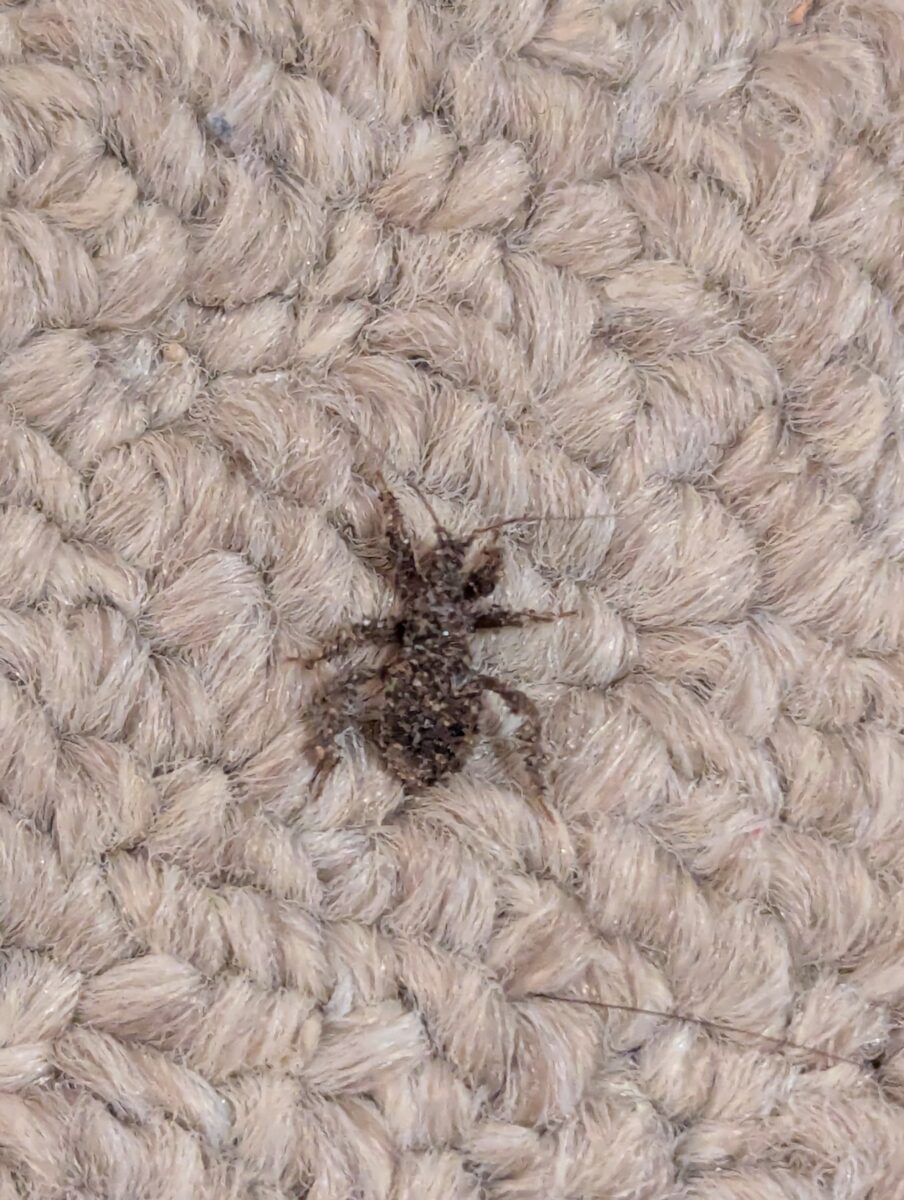
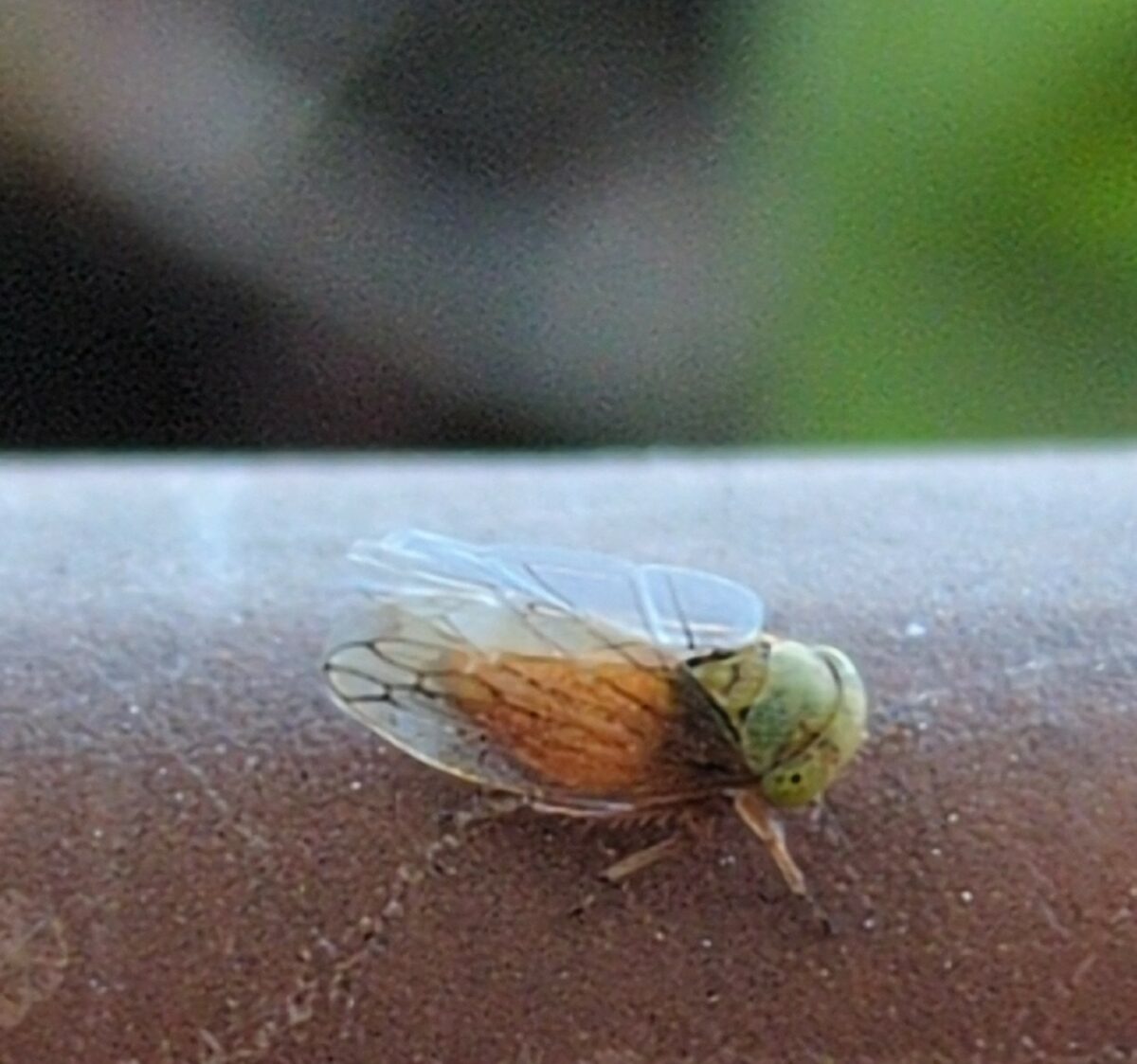
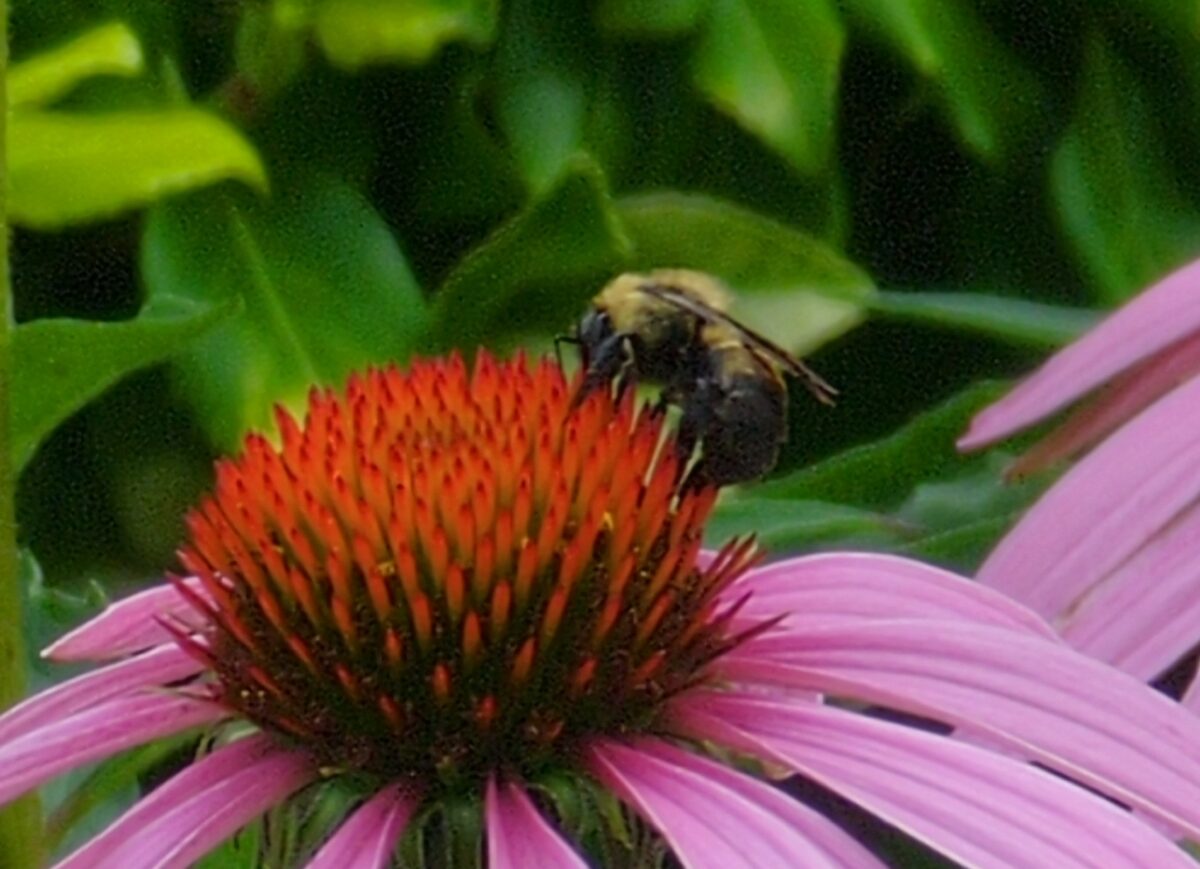
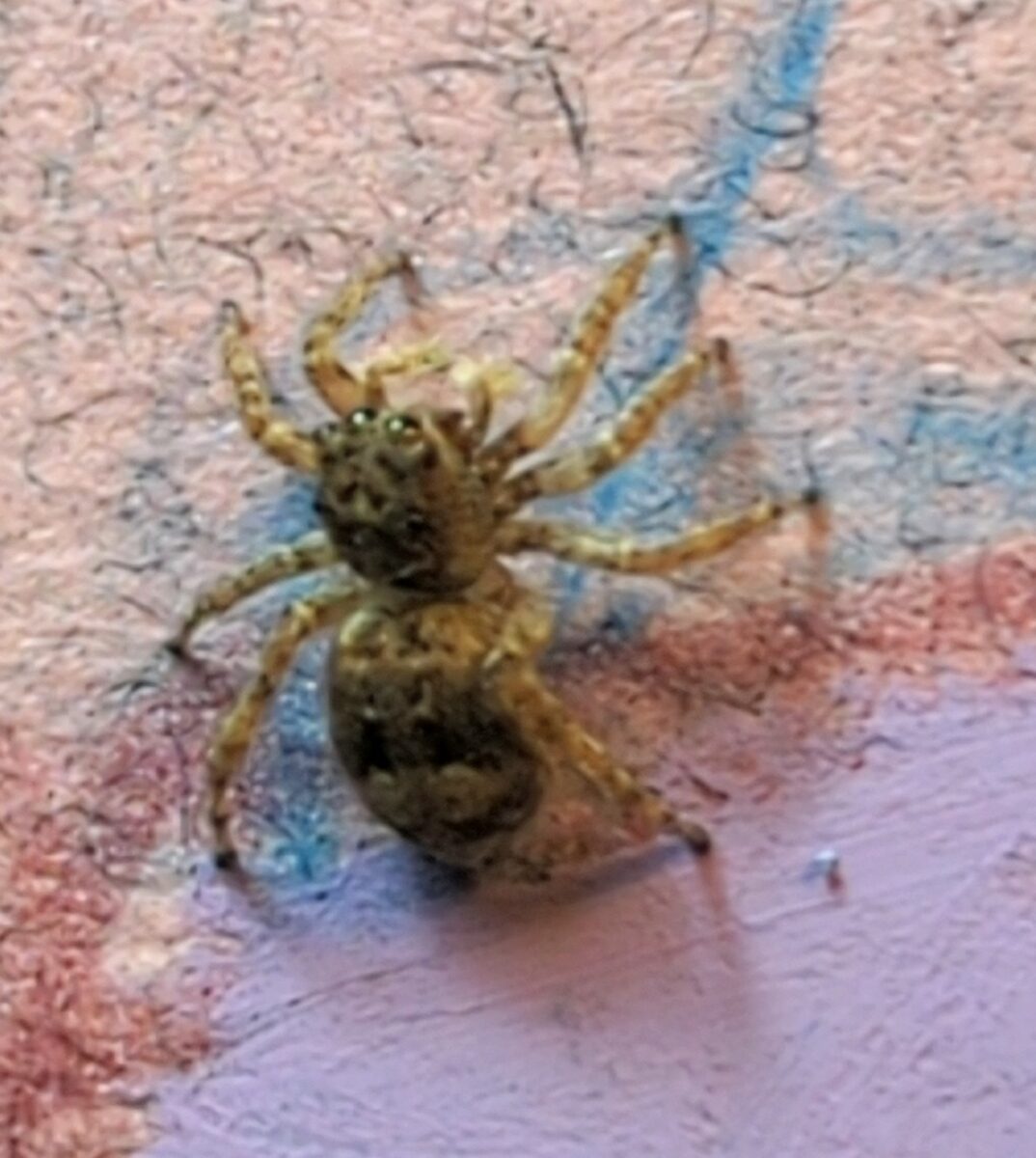
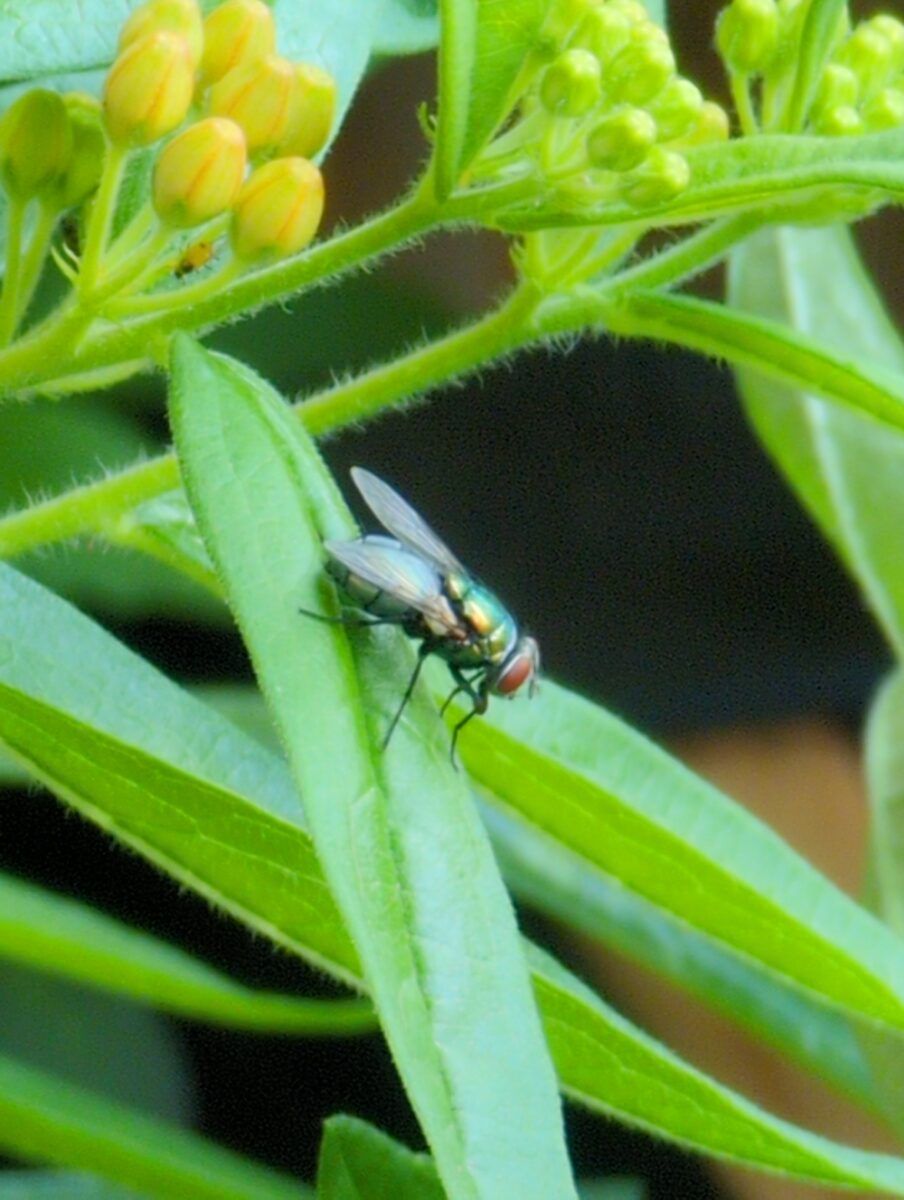
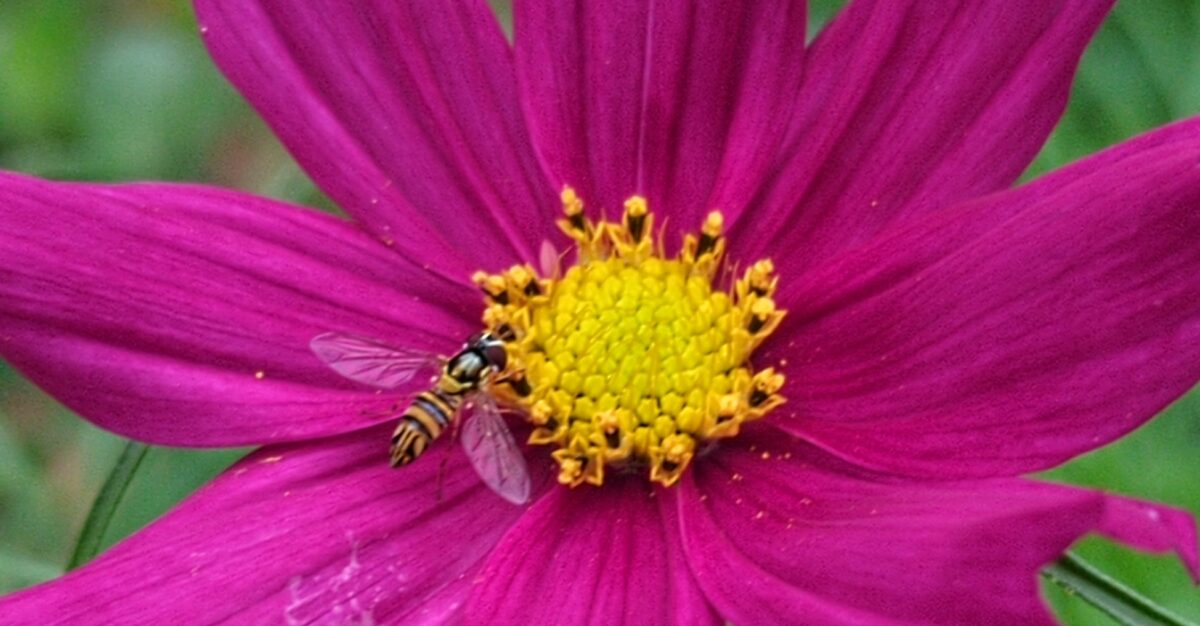
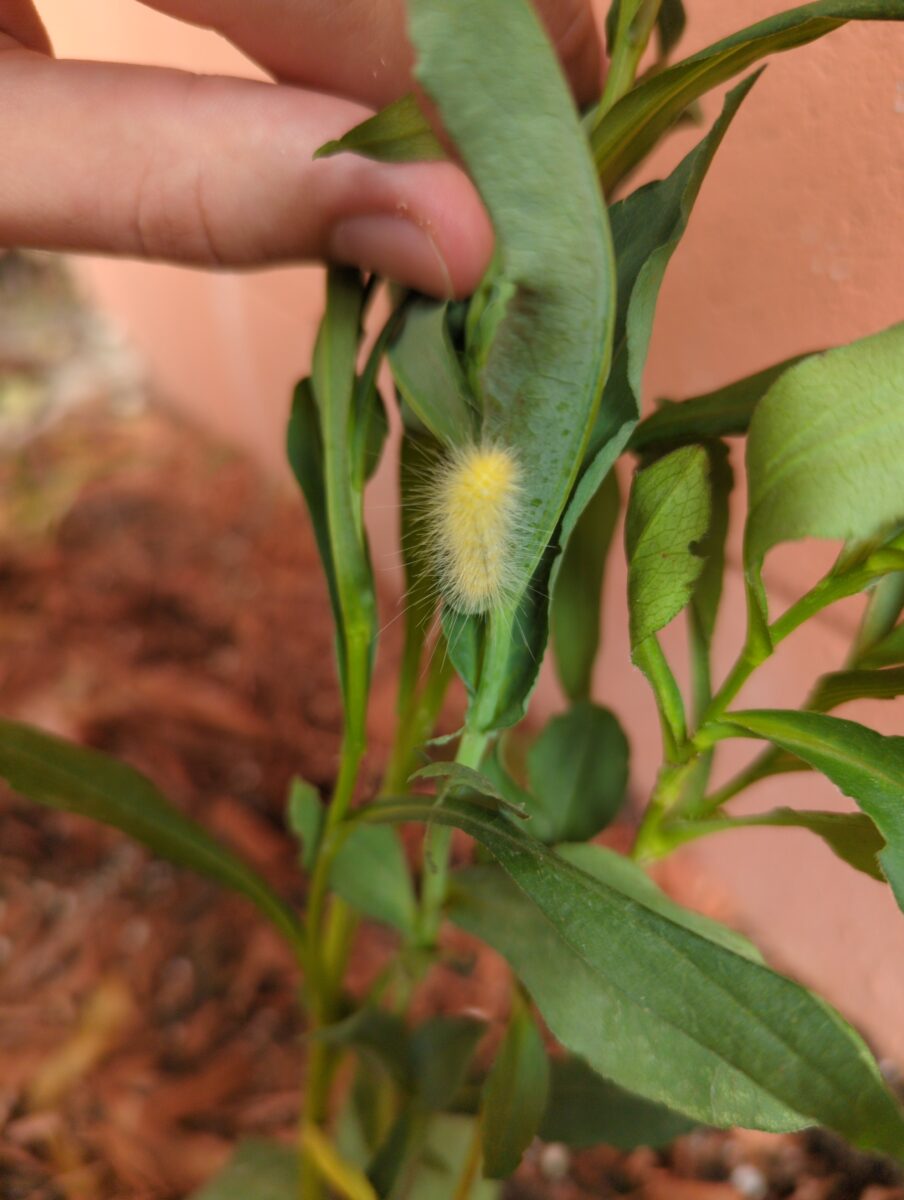
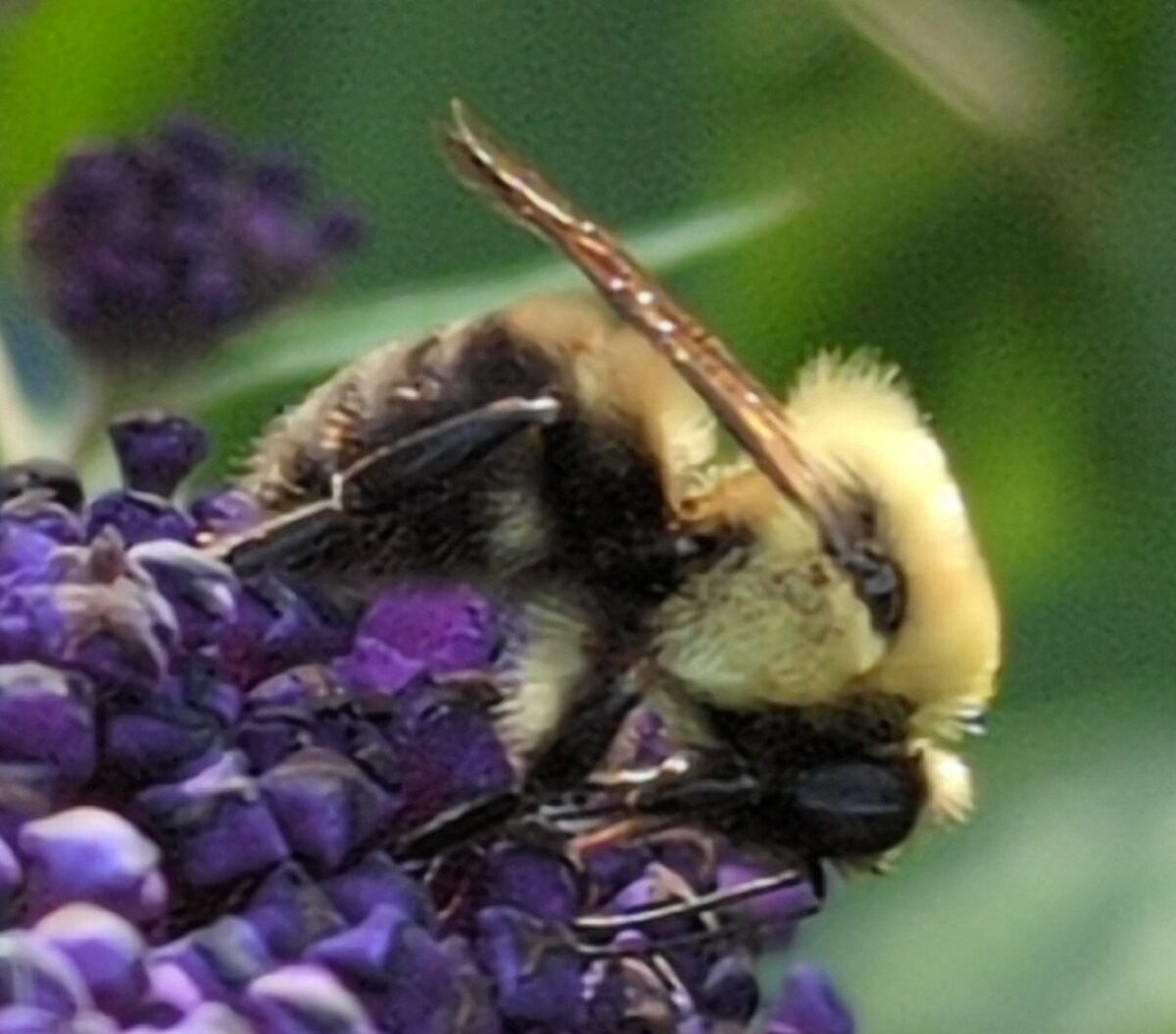
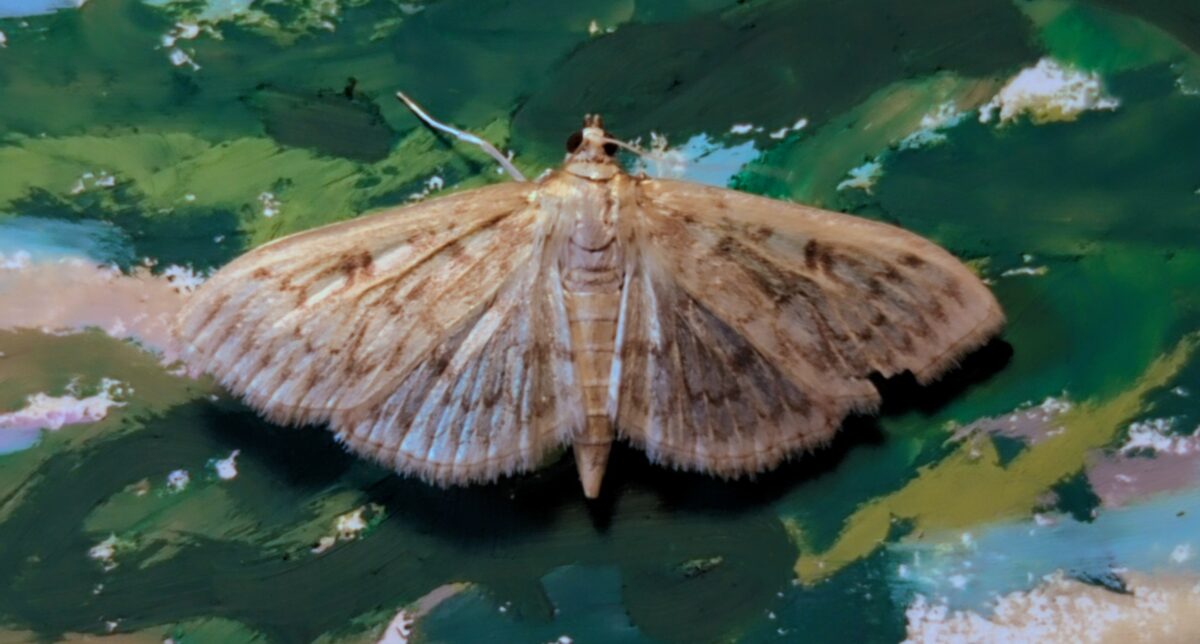
Here, also, have some cool bug photos:

August 2024 update bonus!
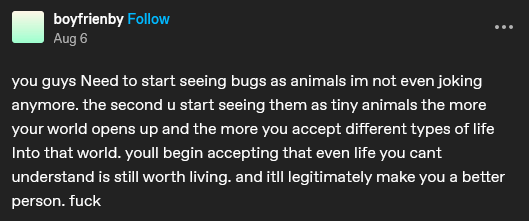
Yesterday I watched a small ant wander around my patio table, pause, give herself a good scratch, take a solid look (or smell) around the area, and then go about her day. Relatedly, this tumblr post spoke to my soul:
One response to “how i am doing accidental exposure therapy for my fear of bugs”
-
This was a response to an ask on tumblr! The question was:
What format do you recommend I save photographs in? Like raw or jpeg? I don’t know the difference.
Here are my thoughts!
so it depends on what you wanna do with your photo!
if you want to post it right away, you want a jpg; raw files aren’t web-ready and can’t be viewed by various devices easily.
if you want to take a bazillion photos and keep all of them too look at regularly on your phone, you want a jpg; raw files are much, much bigger sized files and will fill up your storage way more quickly, and they don’t actually look good out of the box.
if you like to post-process your photos on your phone or computer, you might prefer raw; jpg files contain only a fraction of the image data that a raw file does (hence the size difference) and it’s much harder to adjust them in ways that look and feel like professional photography.
however: processing a raw file is not optional – you can’t use it till it’s processed, and processing them is a skill you’ll need to give yourself time to practice. They also can require specific software to process them; famously lightroom and photoshop are the industry standards, and they’re pretty $$$, but I bet folks can drop some cheaper options in the notes!
I never shoot only raw, personally, because I love to share photos with friends ASAP, but sometimes I do shoot jpeg & raw together. If you have never tried out shooting and processing raw photos before, this is my recommendation.
Also, shooting raw is great but it’s super not necessary to do if you don’t want to process all your images by hand. There’s a bazillion reasons to take photos different ways, and “convenience” and “speed” are really good ones.
but also: post processing can be fun as heck. try it out! see what you think!
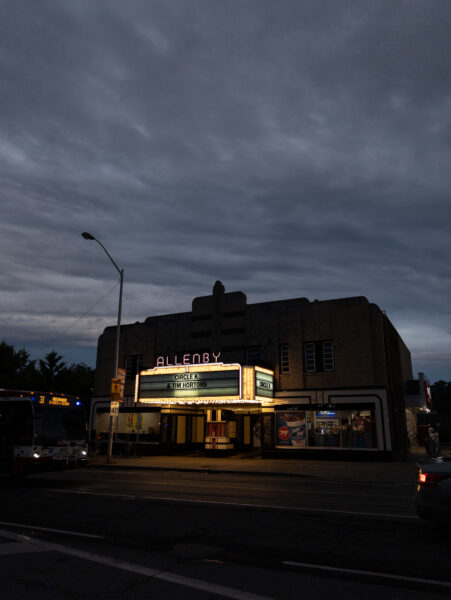
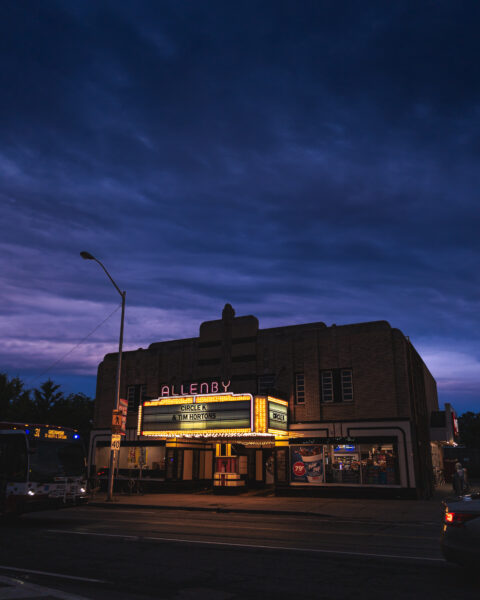
And for fun, on the left here’s a jpg photo straight from my favourite photo app for my phone, Open Camera, and in the middle here it is as an undeveloped raw photo exported directly to jpg, and on the right here is my processed raw photo exported to jpg:
-
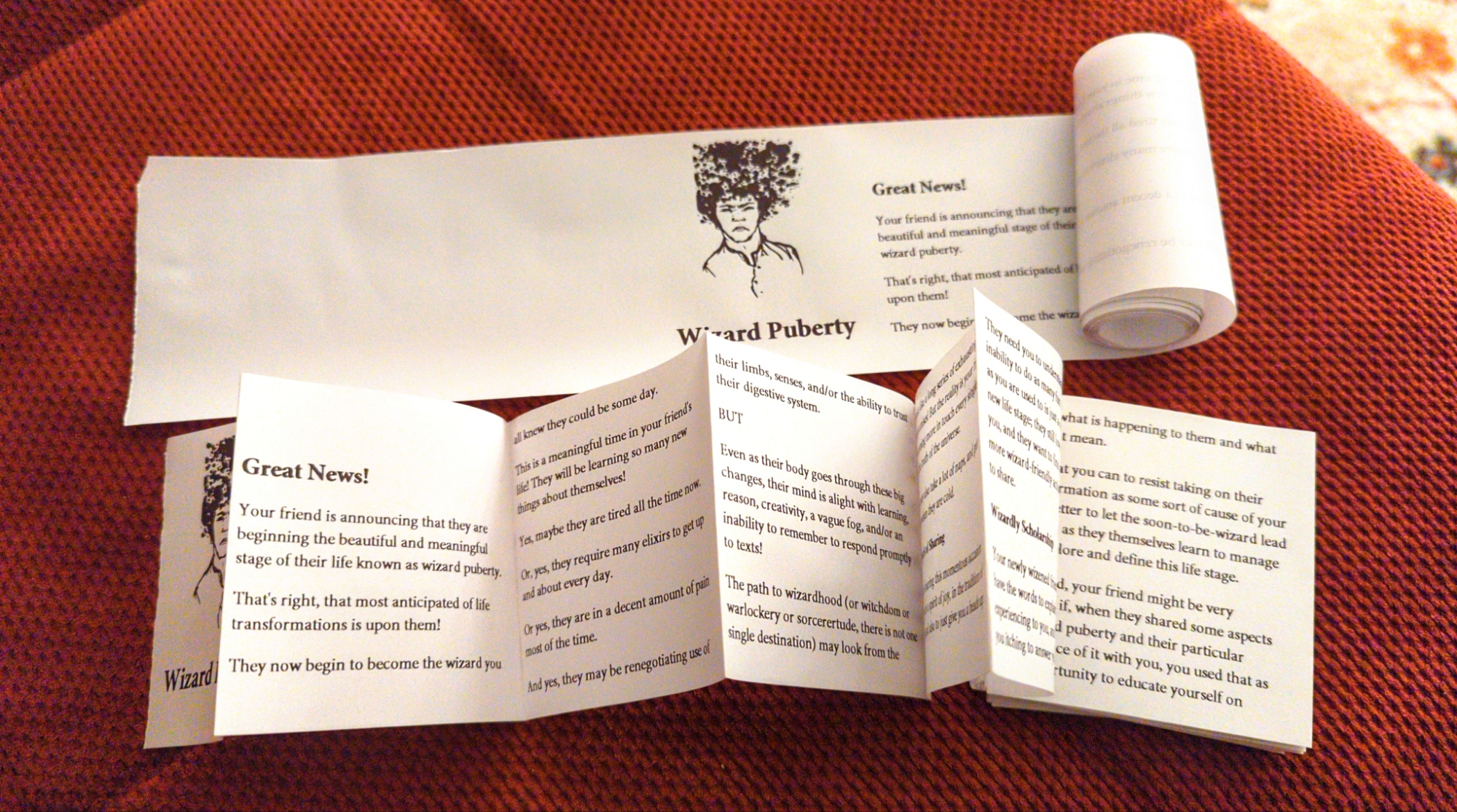
finally got some paper rolls for my label printer and started the important process of figuring out how to make zines with it 💪
-
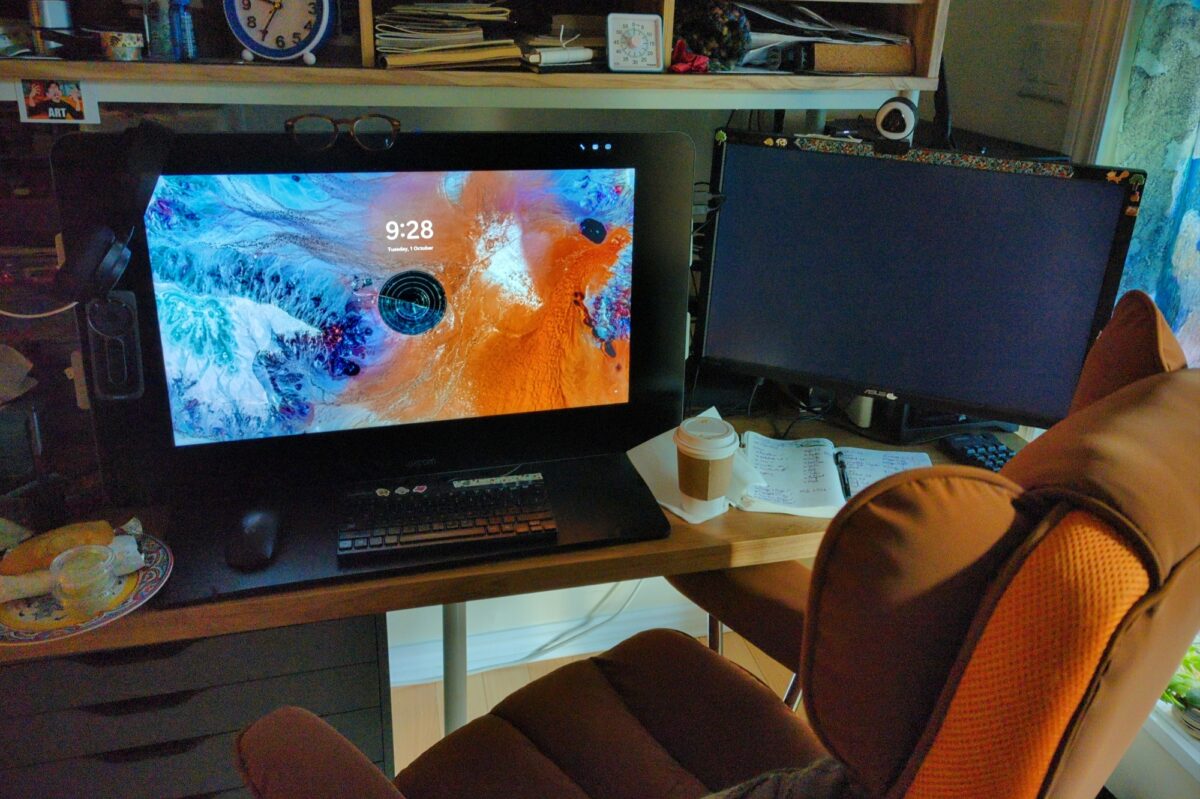
a 27qhd cintiq! complete with pen, stand AND express key remote!
seriously, I’ve already discovered how useful the remote is, it saved me yesterday during hours of setting up tiny assets in unity. it’s enormously more ergonomic for my partially paralyzed right hand than a keyboard right now and i wish I’d thought to try one much much earlier!
overall it’s beautiful and the extra screen real estate even makes game dev’s constant problem of too many apps slightly less annoying! not sure I’m back to full digital painting yet, but it was a great deal and i am glad i snagged it, even if it’s a bit earlier than initially planned.
anyone have any hot tips for min-maxing a Cintiq of this vintage?
-
This is a great short breakdown into getting prints out of your label printer! Hope this helps folks hack theirs while I keep testing the limits of mine.
-
For the past year or so I’ve been hosting a monthly remote lifedrawing/other digital art exercise session with my team at work, and I wanted to share this one with y’all because I think it’s been a really important exercise for me over the years and my team really got a lot out of it too!
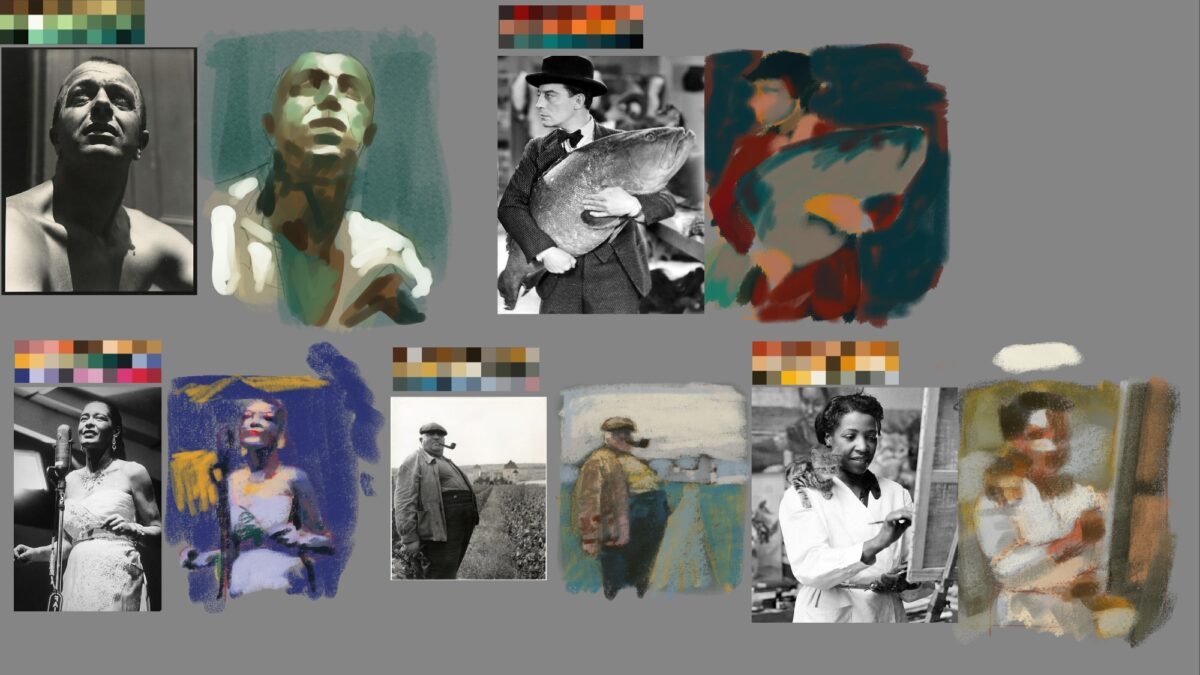
So there’s two pieces you need: a black and white reference, and an unrelated limited colour palette.
I’ve just been grabbing the reference off of pinterest, because we’re not doing anything with these except practicing so copyright doesn’t really apply. The color palettes can be created however you want, there’s definitely some great tools online, but these ones I made by using the color palette from image tool in Procreate. you dropped any image you have and then it will generate you one of these color palettes from it based on the color spread and the color frequency. it’s a really great quick way to grab limited palettes from images that inspire you!
Anyways, with both of those pieces in hand you can get to work creating a study of the image using only colours you’ve taken directly from the limited palette, or, if you’re feeling generous to yourself, mixed from the palette on screen.
It’s a bit of a mental stretch at first, but you will quickly start to find different vectors for your decision-making: are you using the colours to try and create a realistic image? or are you grouping them by value? does it make sense to try and assign warm and cool to light and shadow? or are there objects in the frame that would benefit from a strong local colour?
For me, it’s a decent digital version of a standard limited palette exercise I might do in watercolour our other traditional media, where I limit myself to a few paints or crayons or such. I did this exercise a lot with the full colour By Crom! comics, and it’s been great to bring it to my digital work.
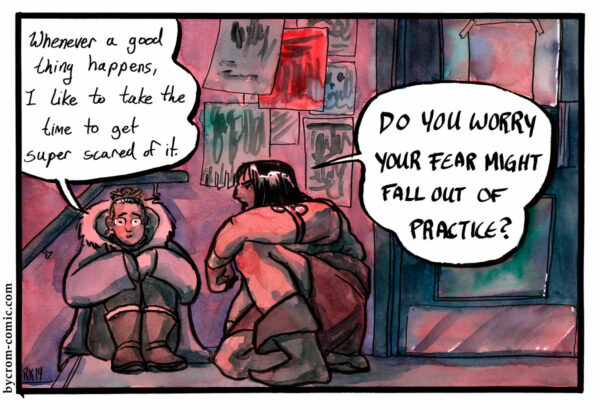
Speaking of digital work, this technique is the basis of a lot of the digital paintings I did in the past four or five years:
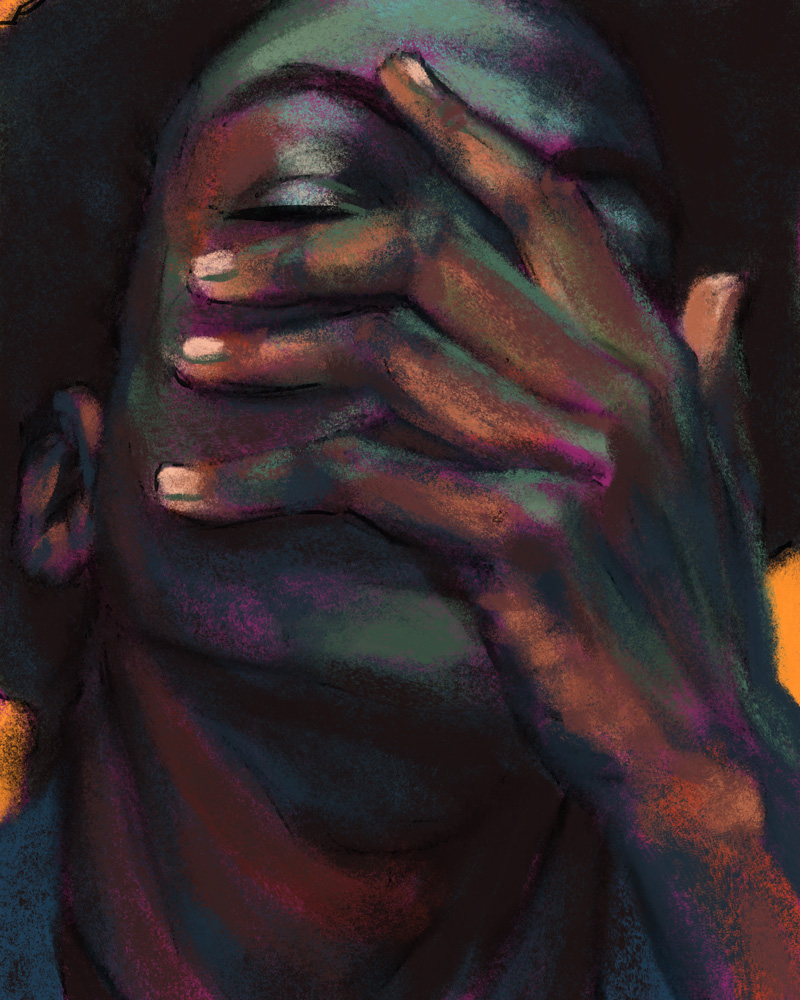
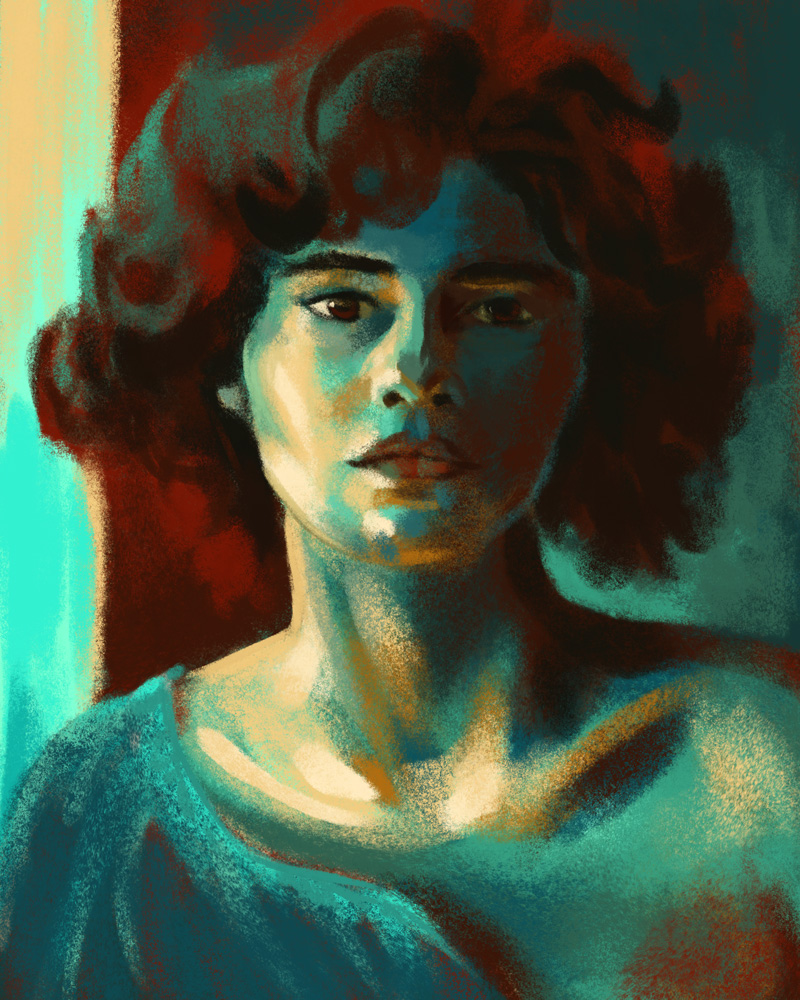

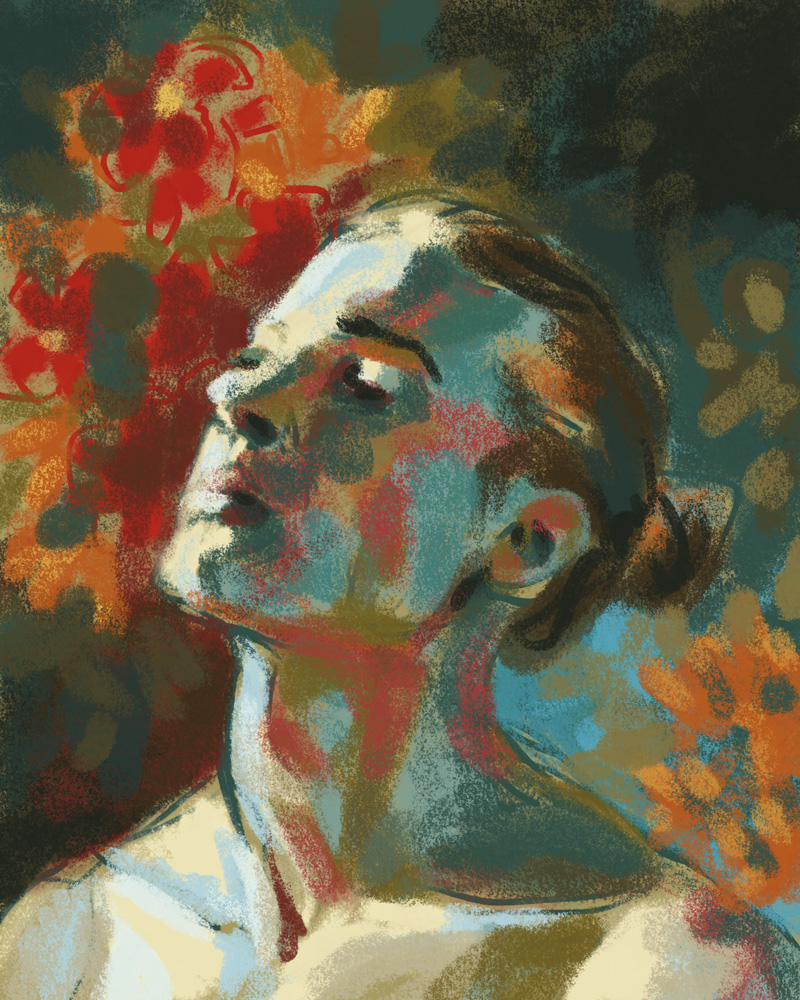
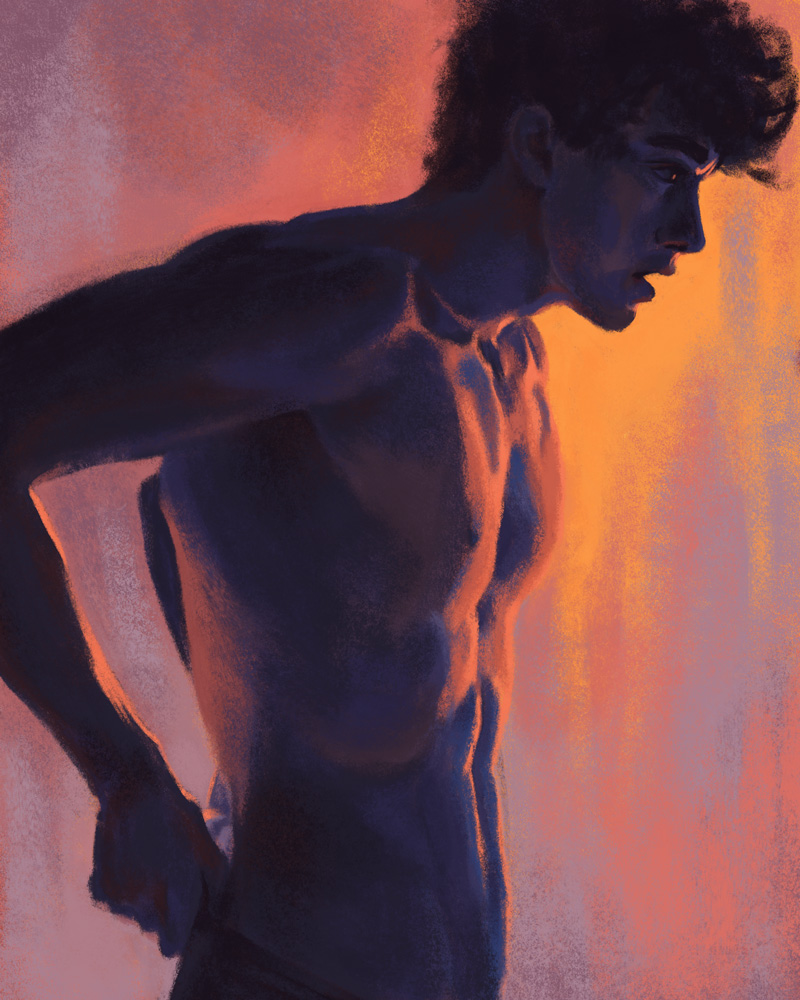
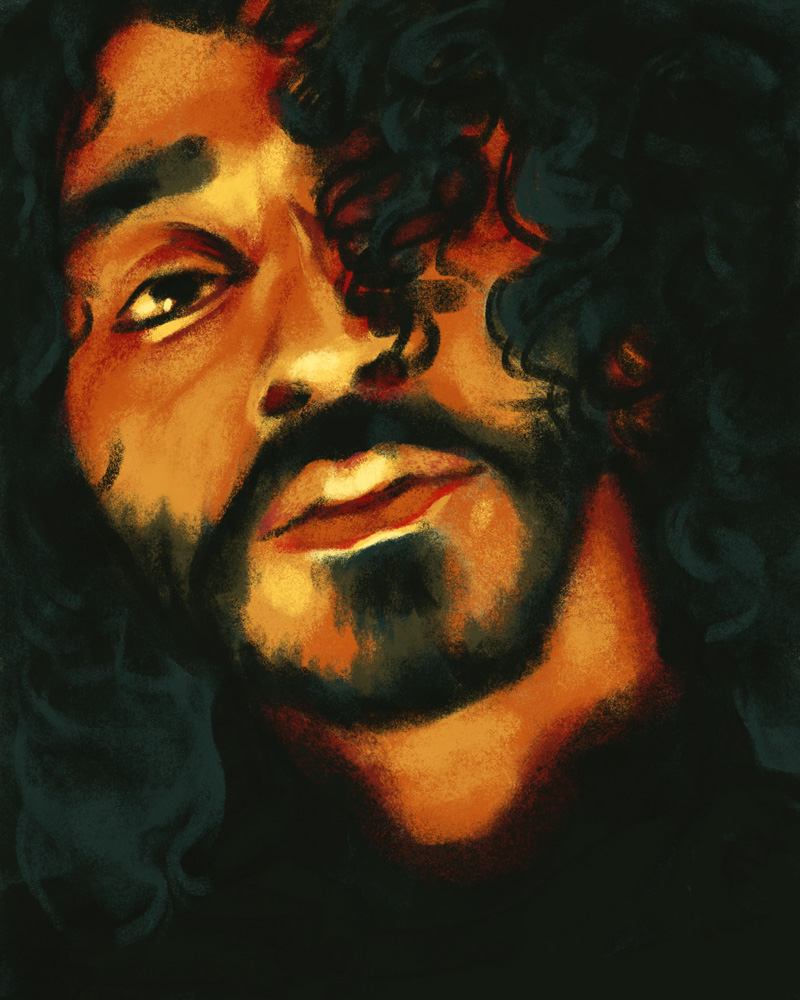
Let me know if you end up giving it a shot!
4 responses to “digital studies exercise”
-
These are so gorgeous!! I love the use of light and color here.
-
thank you! giving myself the limited palettes really did stretch my brain in ways I think were really worthwhile – I doubt I’d have gotten results I liked half as much just trying to reproduce these faithfully!
-
-
thank you for sharing this! this was my first shot at one, but i definitely plan to do more: https://candiedreptile.club/picture.php?/3443/category/5
-
whoah that’s so cool you took this idea and ran with it! I love the soft pallette you used, and you’re getting such nice warms and cools in the face and fluffy collar. Thanks for letting me know!
-
-
-
Shoutout to curious quail for this wonderful example of where thermal printing is fun and cute and useful!
 Hunting Cryptids with Frame 352 (and a cheap thermal print camera) | quailblogAnalog journaling game meets toy receipt paper camera – just in time for October
-
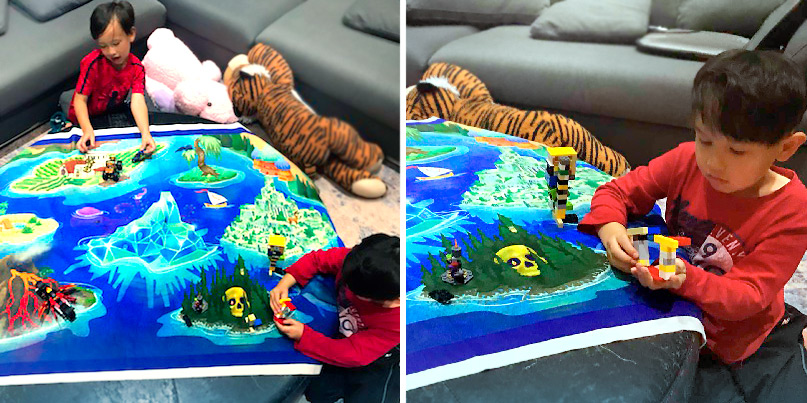
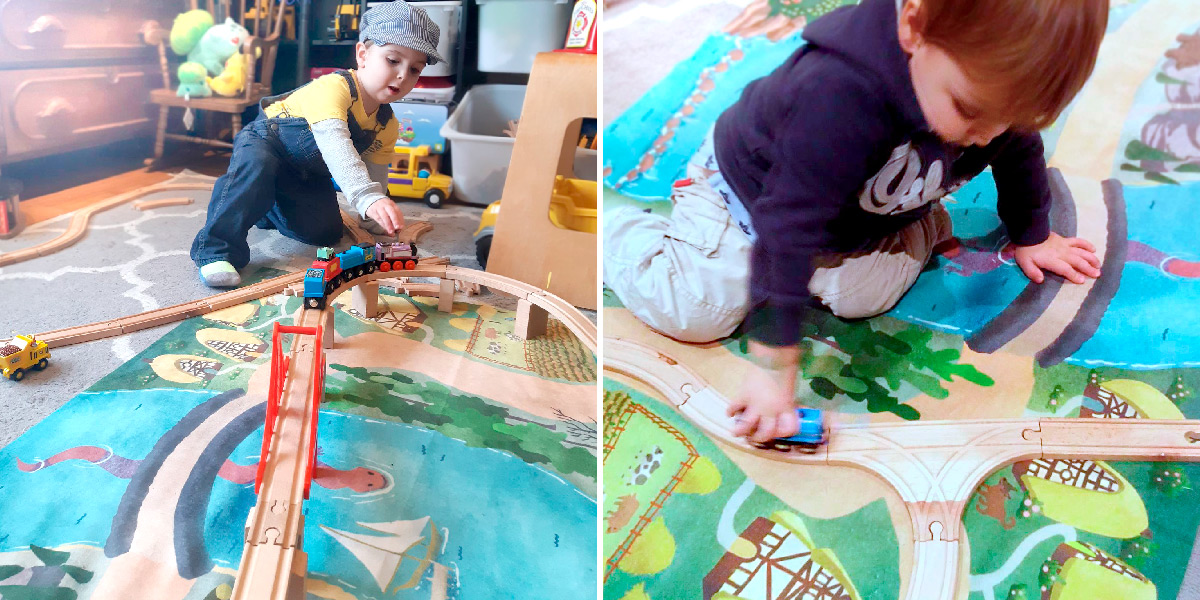
One of my ongoing interests is making storytelling toys for the kids in my life – and for me, playmaps on rugs or blankets are one of the first storytelling toys that I remember from my own childhood.
I’ve had the good luck to make maps with excellent friends like Evlyn Moreau and to get feedback on them from kids of all ages.
While I do not always keep them in stock, all of the maps have been available and will be available again someday in the Sorcerer’s Catalogue!
Here’s a gallery of my maps so far:
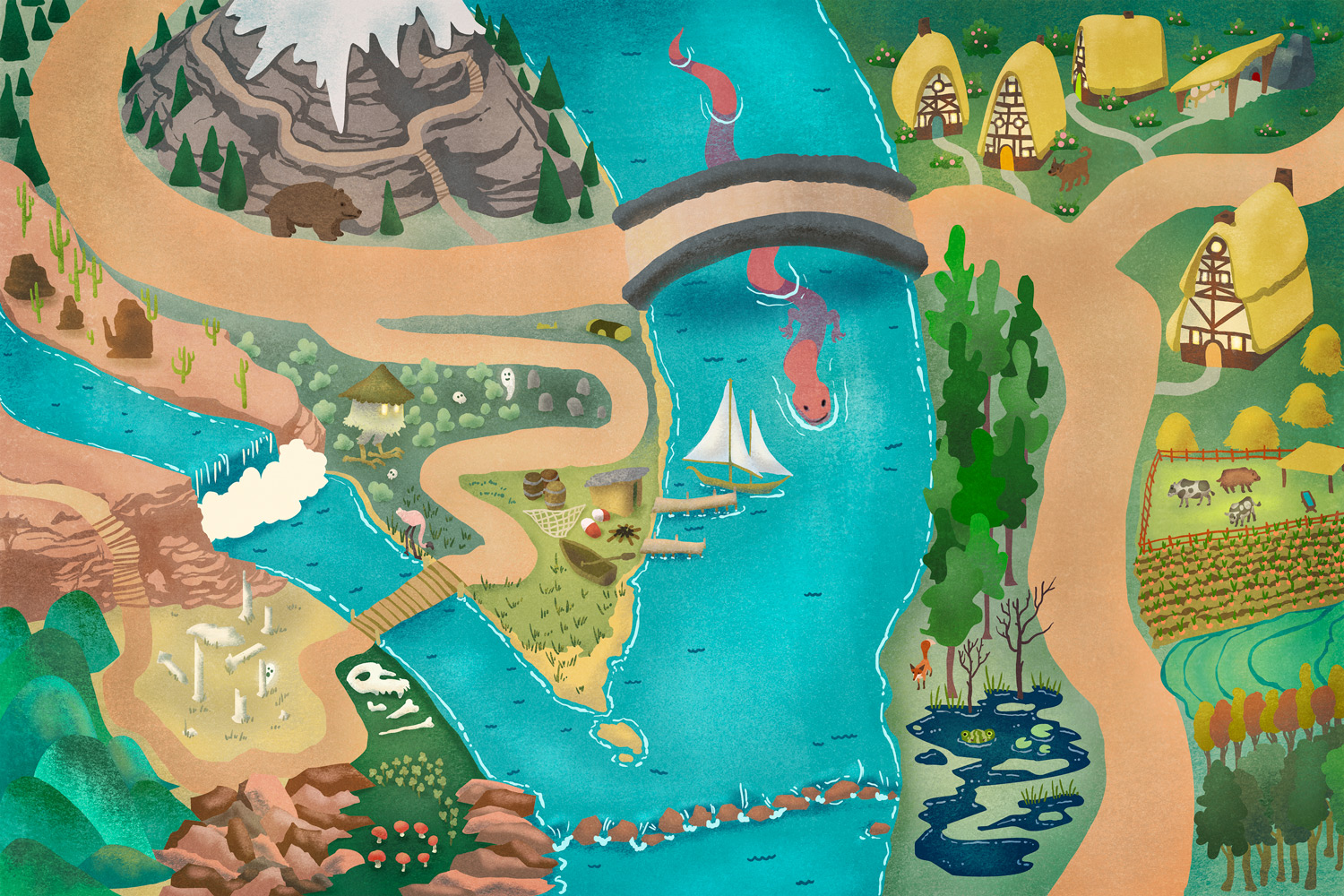
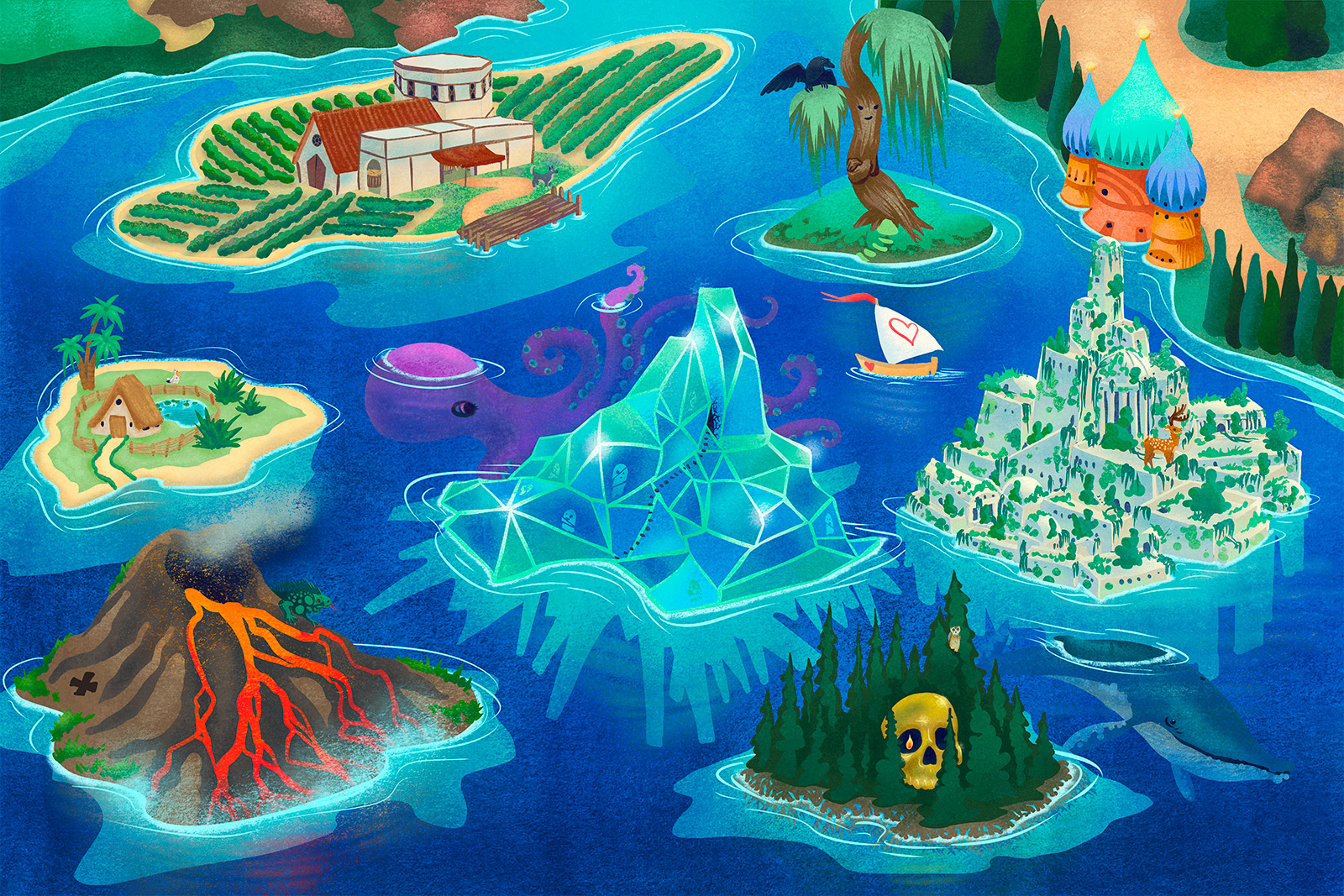
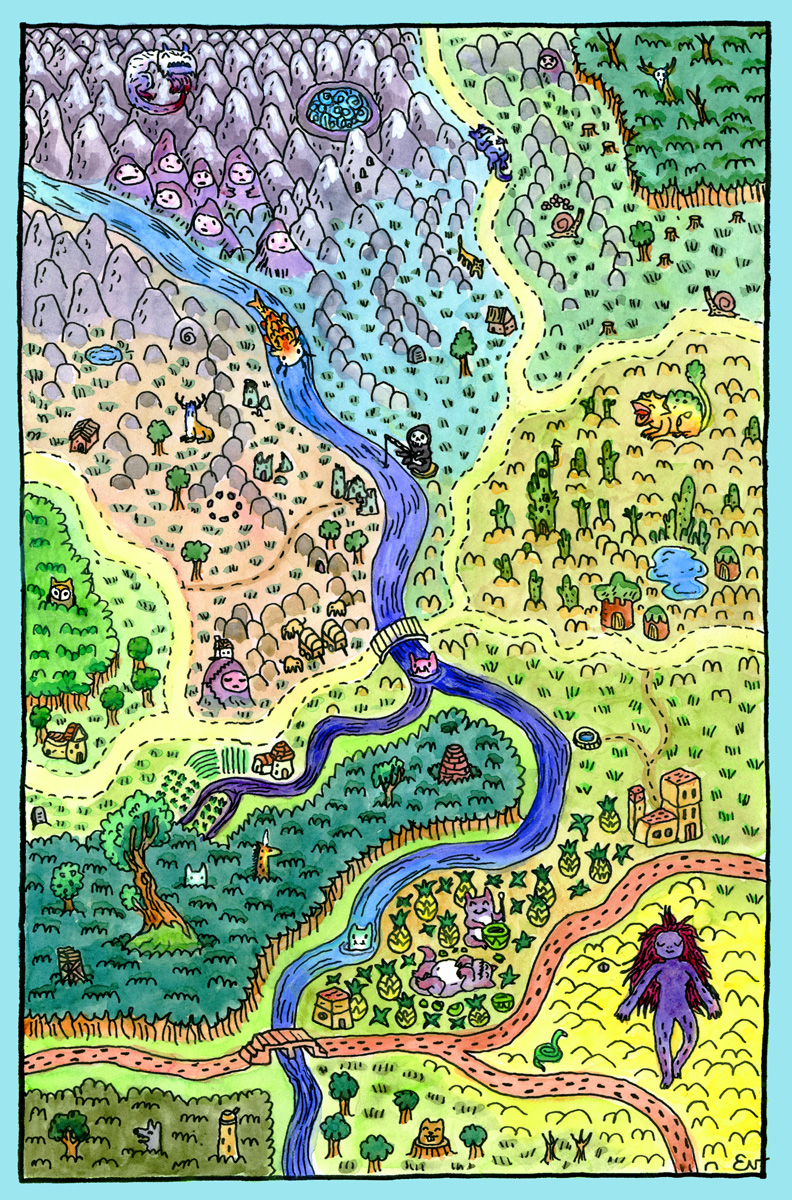
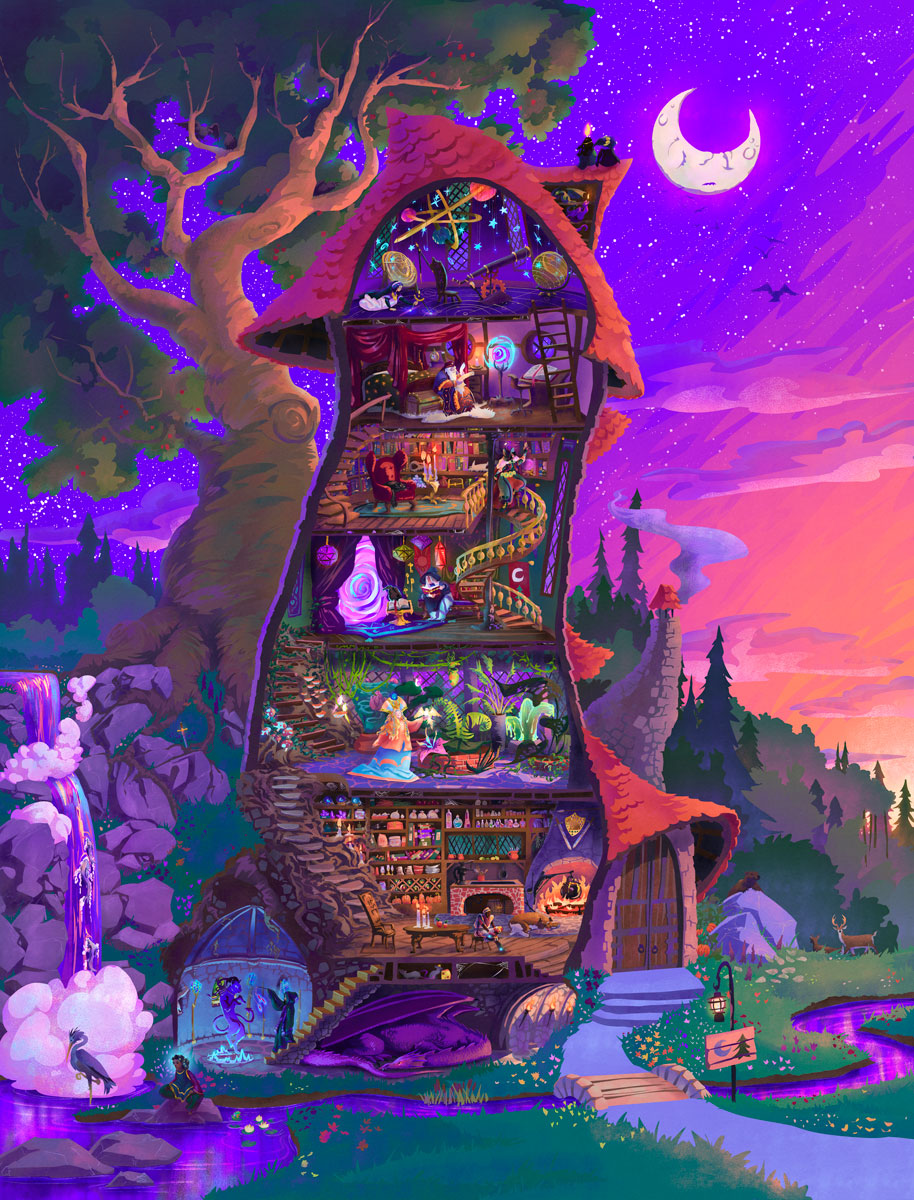
I’ve been lucky to receive enthusiastic feedback on these overall!
Photos here used with permission (and if you would like to revoke permission – or submit photos of these maps being used and loved – please email me!)


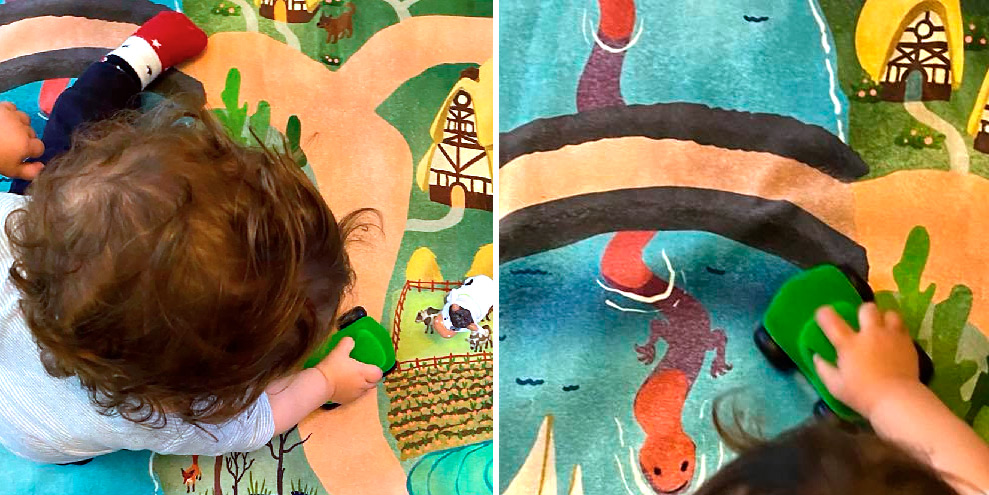
I’ve always got more ideas percolating, but if you are interested in these and want to know more, I’ll collect all my writing on the subject below:
-
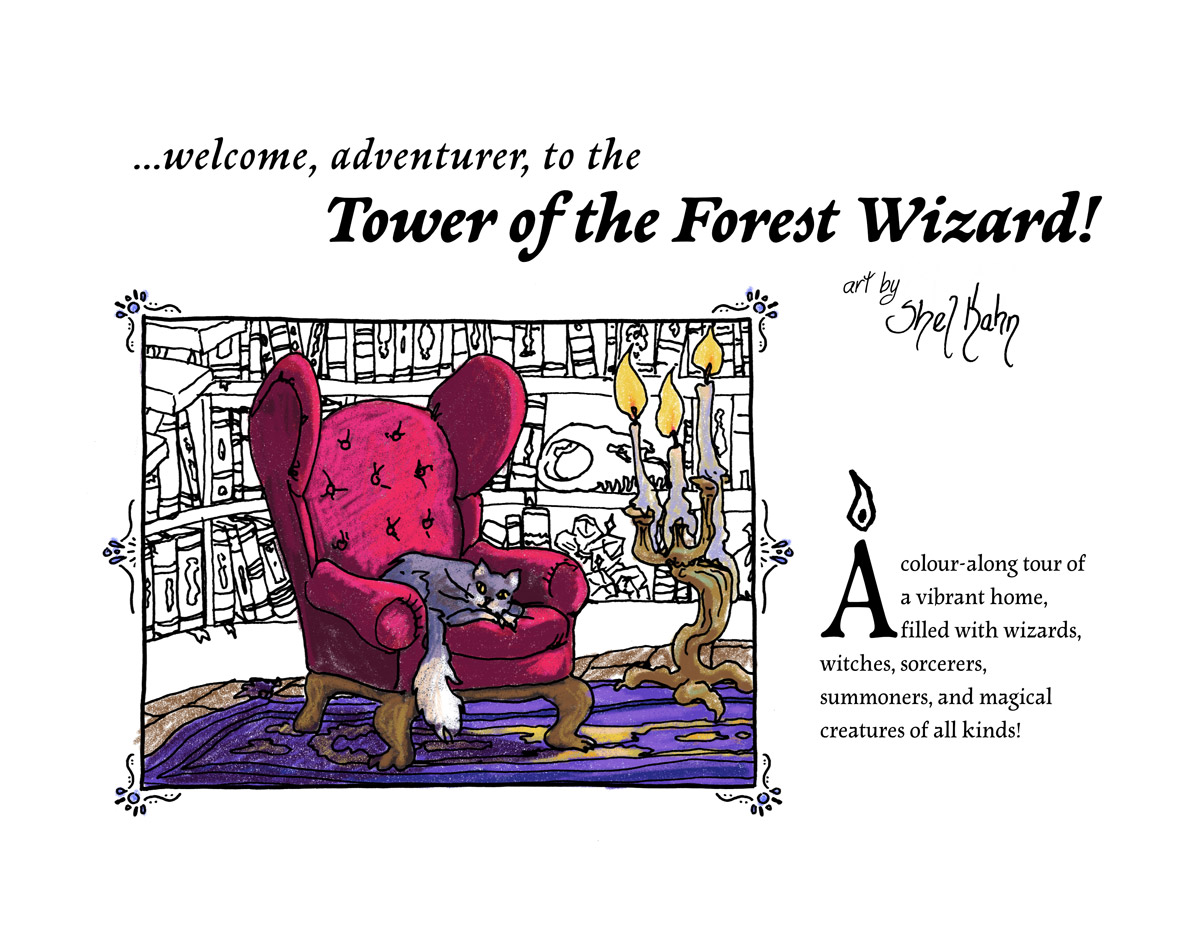
A Colour-Along Visit to the Tower of the Forest Wizard
This fall I took on a project I’ve been meaning to do for a while – I have made a colouring book based on my playmap The Tower of the Forest Wizard! I loved colouring books as a kid and teen, and the more stuff in them the better – one of my most treasured…
-
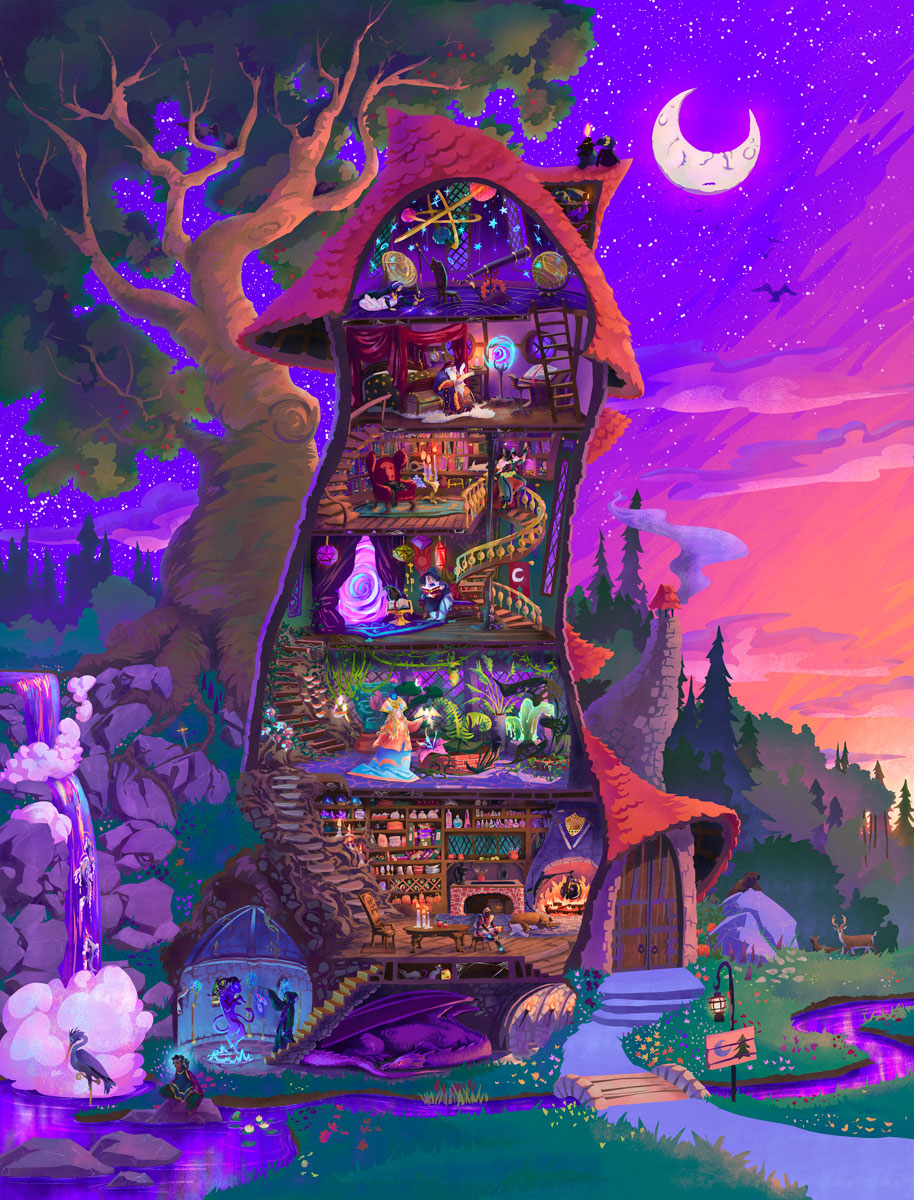
The Tower of the Forest Wizard
Presenting The Tower of the Forest Wizard, a vibrant painting of a magical wizard’s tower, complete with everyone and everything that it might contain. The tower was inspired by Jill Barklem’s beautiful Brambly Hedge tree homes, combined with my love for cutaway schematic drawings and late 90s airbrushed fantasy art colours. It was designed to…
-
Kids’ Playmap Design – Seven Odd Islands
Seven Odd Islands is a playmap designed for floor or wall display. It prints up at 36 x 54″.
-
Kid’s Playmap Design – Realm of the River Dragon
The Realm of the River Dragon is a playmap designed for floor or wall display. It prints up at 36 x 54″. Below, see several compatible character designs.
-
-
one year of arm stuff – part 1 – a quick summary for those who aren’t in the know, if you’re interested:
posted:
updated:
posted to: lifeThey found an almond-sized growth on my radial nerve above my elbow in my right (dominant) arm, and in october 2023 they removed it and grafted in a sensory nerve they took from my right calf. I have been slowly regrowing my radial nerve since then. The growth has turned out to be a benign medical anomaly, and while there are no current clear explanations for why it happened, no one seems to think I should worry about it happening again anywhere else. Just, random chance took out my dominant hand.
Maybe I was getting too powerful.
-
one year of arm stuff – part 2 – for those who want to know how i got here
posted:
updated:
posted to: lifeback in 2016/2017 I noticed some weakness in my right index finger – it wouldn’t extend (straighten) as far as my other fingers. At the time I was about eight years recovered from some serious RSI in both wrists that had affected my range of motion, and I assumed this was the same or similar flaring up due to an increased freelance art workload/a kickstarter/et cetera, and simply stretched my way through it.
in 2019 i was doing physio for an upper back injury and asked about it, as the finger was still weak, and we started rebuilding some movement, loosening up the knuckle joint, etc. we didn’t get to do much tho because I broke my ankle catastrophically and had to redirect my energy to relearning how to walk.
in 2022 I was finally done acute ankle recovery and asked another physio about the weak finger extension, and she and I went through a few months of me trying to rebuild strength in it. At this point it was clear that the weakness also impacted my middle finger, but that was the only symptom – there was no pain or any sort of discomfort.
After a few months showed us that there was no progress being made, the physio recommended I ask my doctor for a peripheral neurology assessment, because it seemed like I had maybe some nerve injury or compression happening somewhere in my arm that would cause this.
September 2022 I saw the neurologist, who spent two hours with me doing all the tests, only to say “that’s weird. get an ultrasound.” By December 2022 I’d had an ultrasound, MRI and CT scan of my arm and we were quite sure there was a growth much farther up my arm.
February 2023 I was meeting with a peripheral nerve surgeon; he assured me there was no reason to think this was cancer, but, they were taking it seriously nonetheless.
In May they did surgery to see if they could remove the mass without damaging the nerve. Turned out the mass WAS the nerve, though, so it was back to square one while the surgeon explained nerve grafts and tendon transfers and so forth.
October 2023 I had the surgery to remove the growth and a few cm of nerve on either side of it, and to graft in a very long piece of nerve from my right calf.
It went well!
The nerve they took from my calf had no motor function, just sensory, and so doesn’t affect my movement, but it’s two hefty scars on that leg at the top and bottom of the chunk they removed.
The nerve they removed from my arm has been to every lab in Canada that might know something about weird nerve growths, now, and they have found nothing wrong with it, except that it had grown there in the first place, functionally destroying the use of that nerve slowly over eight years.
2 responses to “one year of arm stuff – part 2 – for those who want to know how i got here”
-
The human body is capable of screwing up in many interesting ways, isn’t it? I’m glad you were able to get it sorted.
-
thanks, def always a relief to get diagnosis and start treatment!
-
-



Leave a Reply