swap to chronological order of most recently posted
-
Folks seemed interested and excited about my Your Cellphone Camera’s Digital Processing Settings and You post, so I think I’m going to do some more specific posts about different things you can do to your digital photos, and I’m going to use Open Camera to demonstrate them on my phone because it’s free for any Android user and it seems to stick to the standard photography language for most things, so I find it pretty useful.
so this first post I want to just take a second and ask you if, should you already have the app on your phone, you have read the documentation? Reading the documentation sounds brutally unfun, and I think in many circumstances it is the worst part of all software, but in the case of Open Camera the documentation is really quite helpful. I’m not as deep into documentation as the programmers I know, but I use a fair amount of it in my dayjob, so please trust me when I tell you that the information about the app that they share (to make using it go better for you) is presented in a more useful clear and easy to read way than most things that I encounter. if you haven’t flipped through the documentation, I really recommend it.
with an open source app like this, giving a quick read through the information about the app that the designer provides to you helps you skip to knowing what the fuck the app actually does, getting a sense of what features are meant to be there, and in the case of Open Camera, reading the big disclaimer that this app is going to work differently on different phones. That part’s important, because I’m going to show you things that the app does on my phone and they might not work on other phones the same way. I’m also going to highlight things that don’t work on my phone that might work really well on your phone.
When we have diverse hardware, and phone cameras are very diverse right now, we have to be ready to understand that the software is going to vary in what it can and can’t do across that hardware.
if you haven’t read the documentation, if you are absolutely not the kind of person to read the documentation, if you’re annoyed that I’ve asked you to read the documentation, my only question for you is: why are you here then? why are you reading a tutorial instead?
documentation is like an overview tutorial in a lot of ways, or at least it can be if it’s written well. and I feel like the documentation for open camera is decent, and I would definitely recommend reading it before doing tutorials, because it’s going to make it a lot easier to understand how tutorials apply to your phone.
I’ll be collecting the rest of my writing on the subject of cellphone photography under the tag “cellphone photography” – and I’ll put a nice archive here for you to peruse should you so desire:
-
Cellphone Photography: All About White Balance
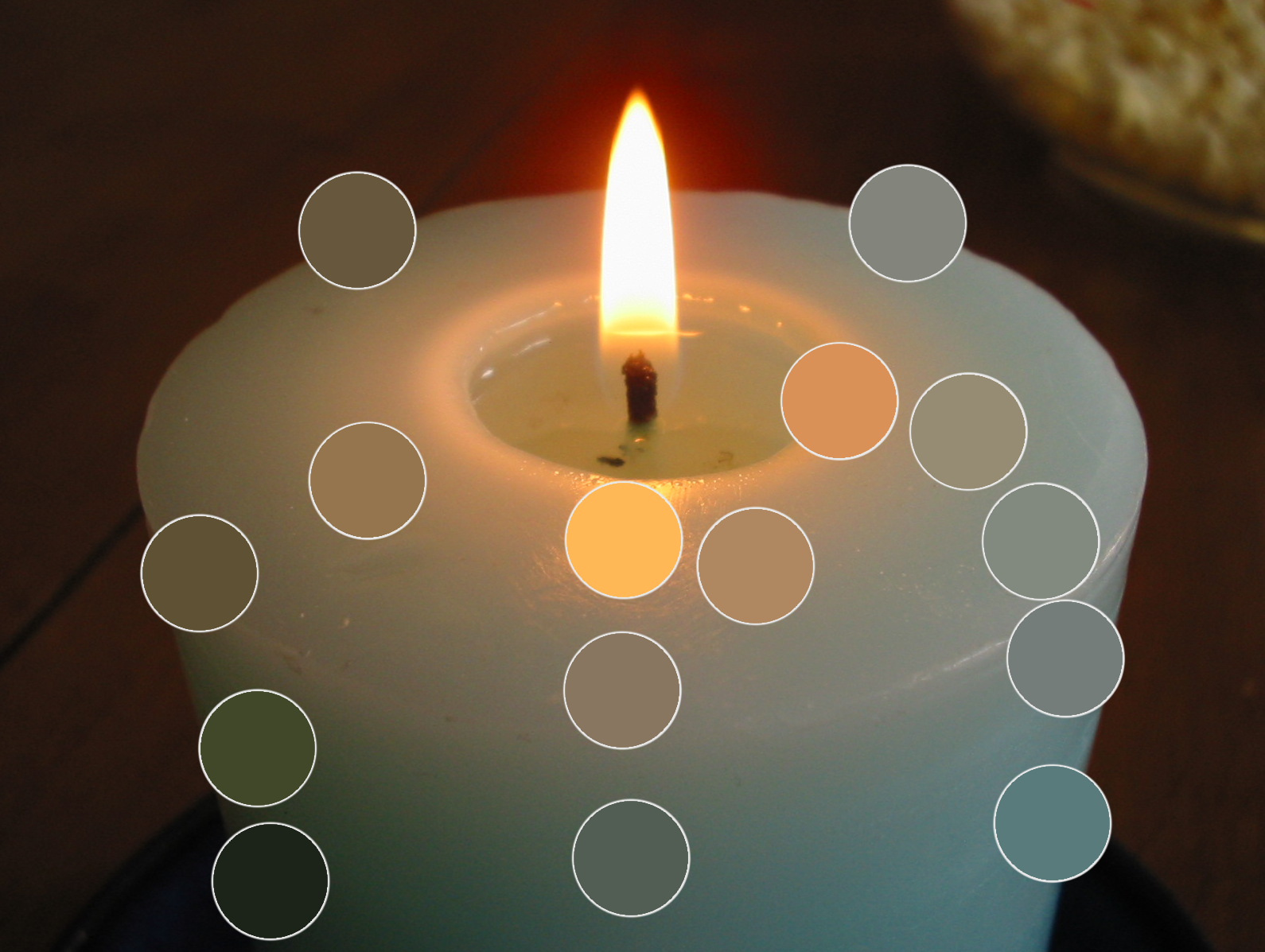
Okay, this first in-depth cellphone photography post is going to be about white balance. One of the things that I often struggle with is getting the colors to look right on my phone. If you’ve ever tried to photograph a sunset, or anything at twilight, or anything in a dramatically lit room, you might have noticed your digital camera on your phone kind of taking the juice out of the colors a bit. There are lots of complexities to how cameras capture color, and I’m not about to give you a magic answer that solves every problem, but the understanding…
-
Your Cellphone Camera’s Digital Processing Settings and You
I am mad about cellphone cameras hiding the processing they do to my photos, and I am glad about software I found that lets me control it and opt in and out.
-
What Format You Might Want To Save Digital Photos In
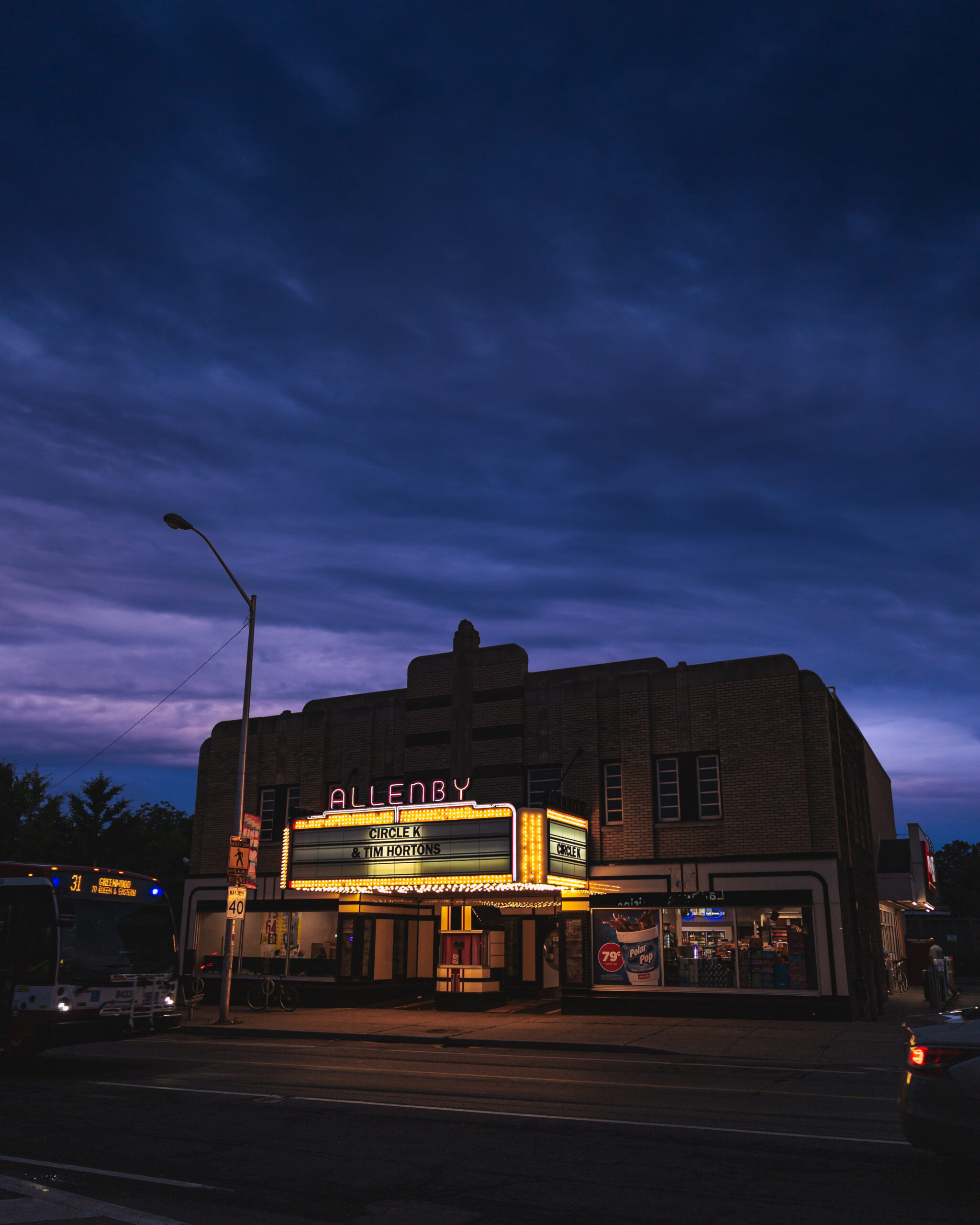
What format do you recommend I save photographs in? Like raw or jpeg? I don’t know the difference.
Also, if you have questions on this subject, I’d love to answer them! Drop a comment below and I’ll either answer in-line or see if I can integrate your question into a bigger post in future. And if I’m getting stuff wrong, please connect me and anyone else reading this with accurate info – I’m just a hobbyist and there’s so much nuance, technical specificity, etc, that I am still learning on the subject.
-
-
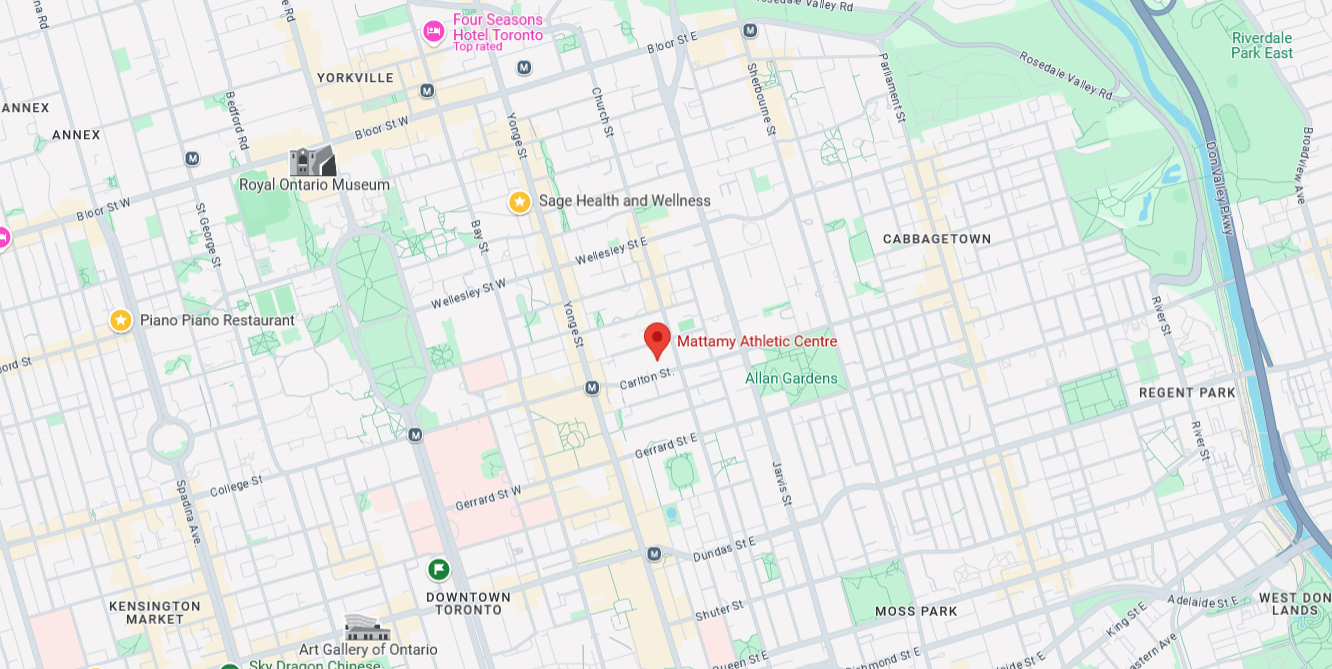
I’m really excited to announce that I’m going to be tabling at the Toronto Comic Arts Festival this coming weekend! As you might guess, it’s located in Toronto, Ontario, Canada, in the Mattamy Athletic Center – old fogeys like me will know the building as the Maple Leaf Gardens, though it’s been through a thorough reno.
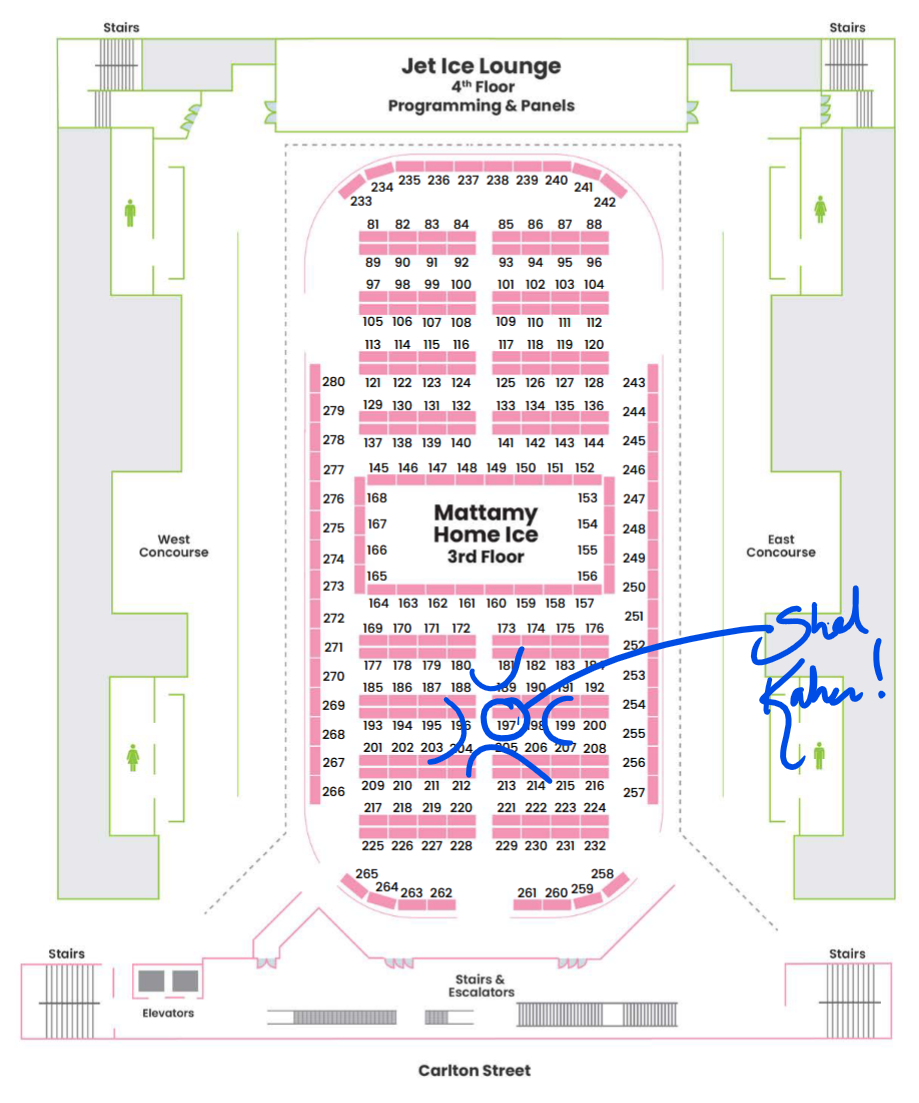
I’ll be tabling on the ice rink floor, table 197B:
It’s been 6 years since I last tabled at a convention, and almost 4 years since I sold physical things online through my own online store, so I have lots of exciting new stuff that I’m really pumped to share with folks!
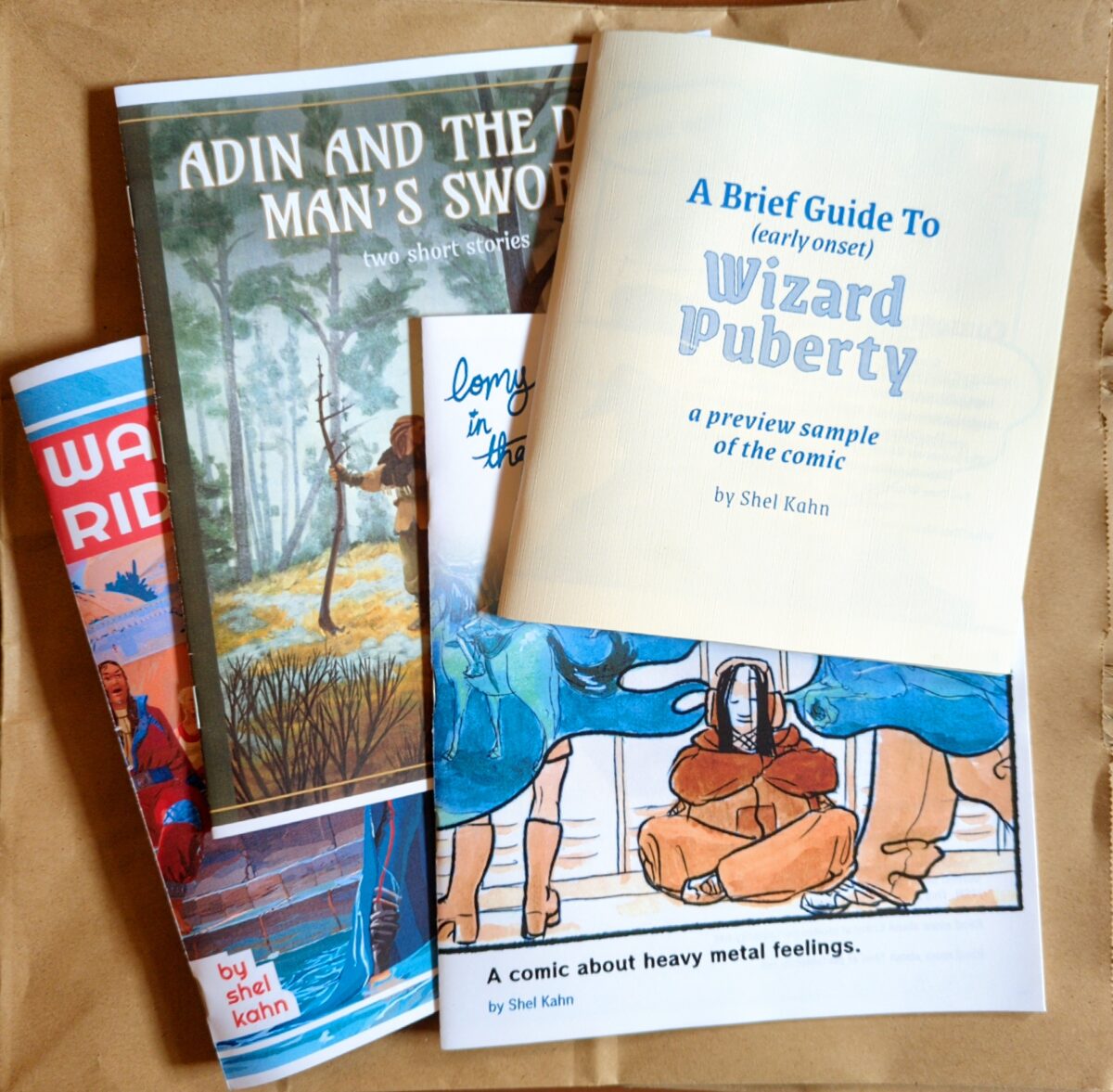
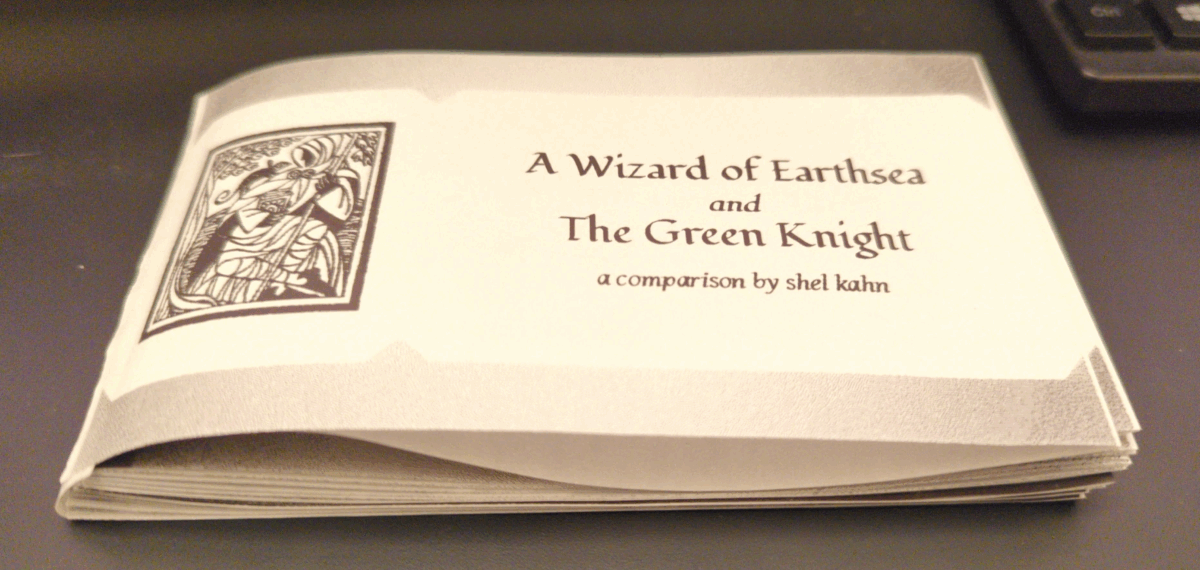
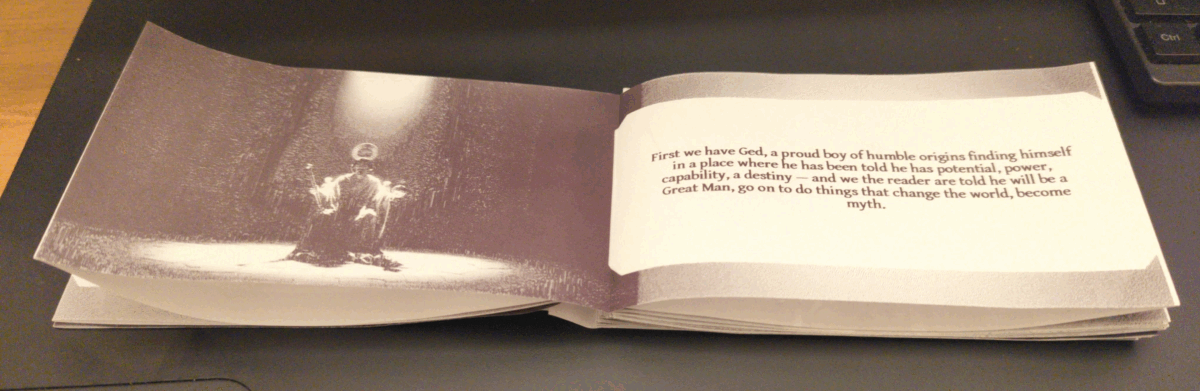
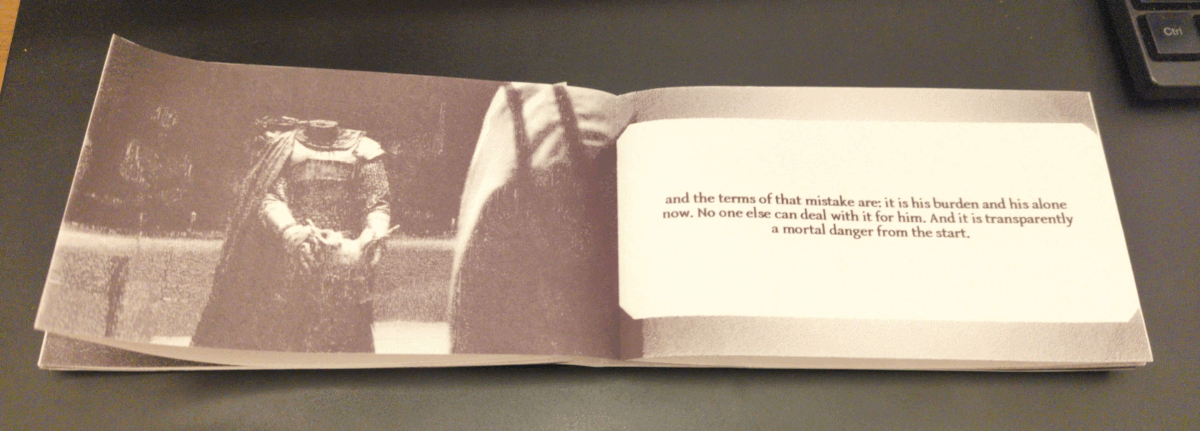
You’ll be able to finally get your hands on a collection of all the existing Lomy in the Abyss comics! I’ll have a zine of both of my short comics about Adin! I’ll have a few print copies of my goofy pulp scifi novella about time orbs! And I’ll have a preview of my wizard puberty zine, which I’ve been working on this spring and summer and can’t resist the urge to show off – though sadly it wasn’t possible to finish it in time to print for TCAF!
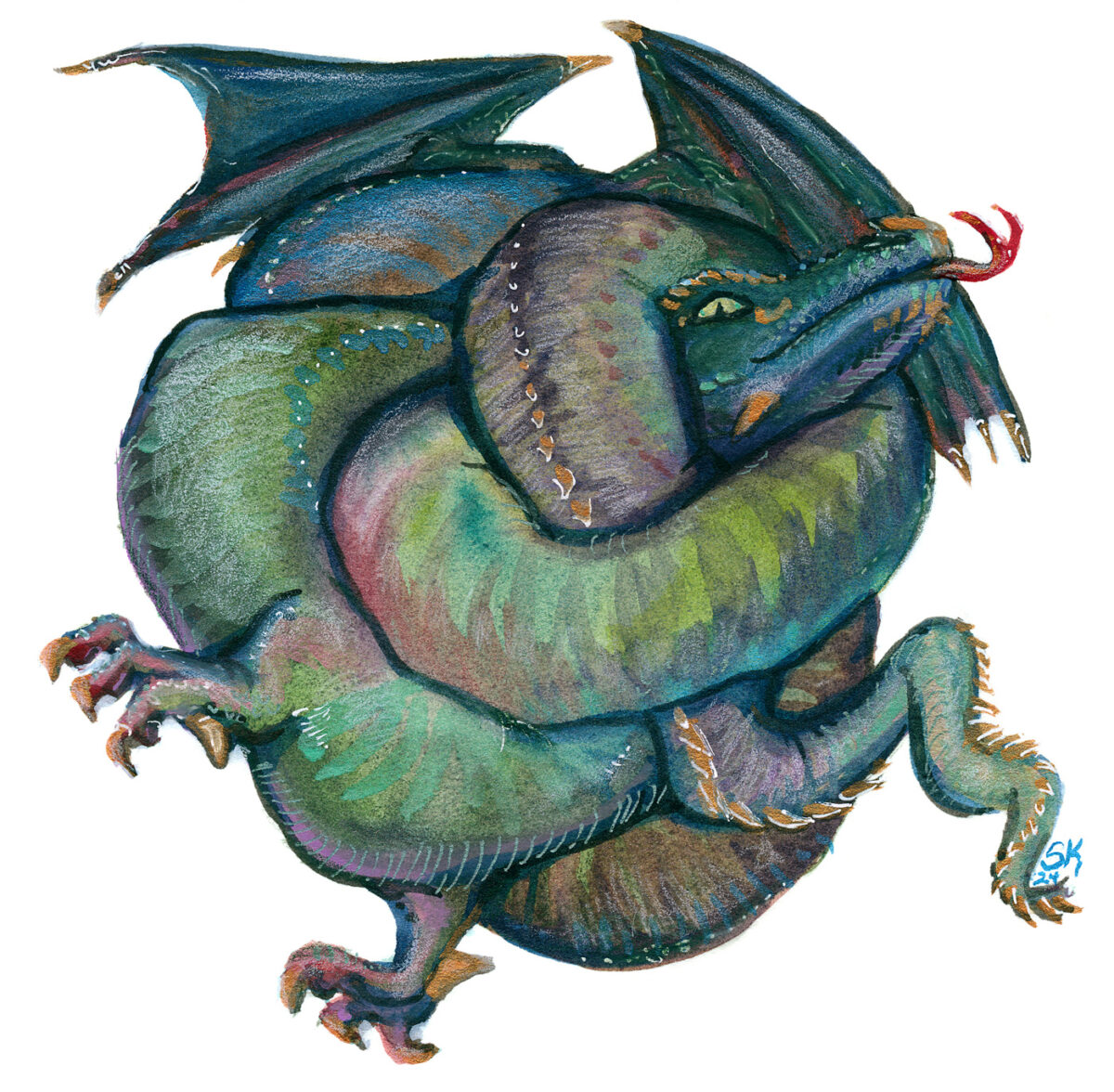
I will also have art prints, including the Tangled Dragon, a few other favourite pieces, and some much requested classics.
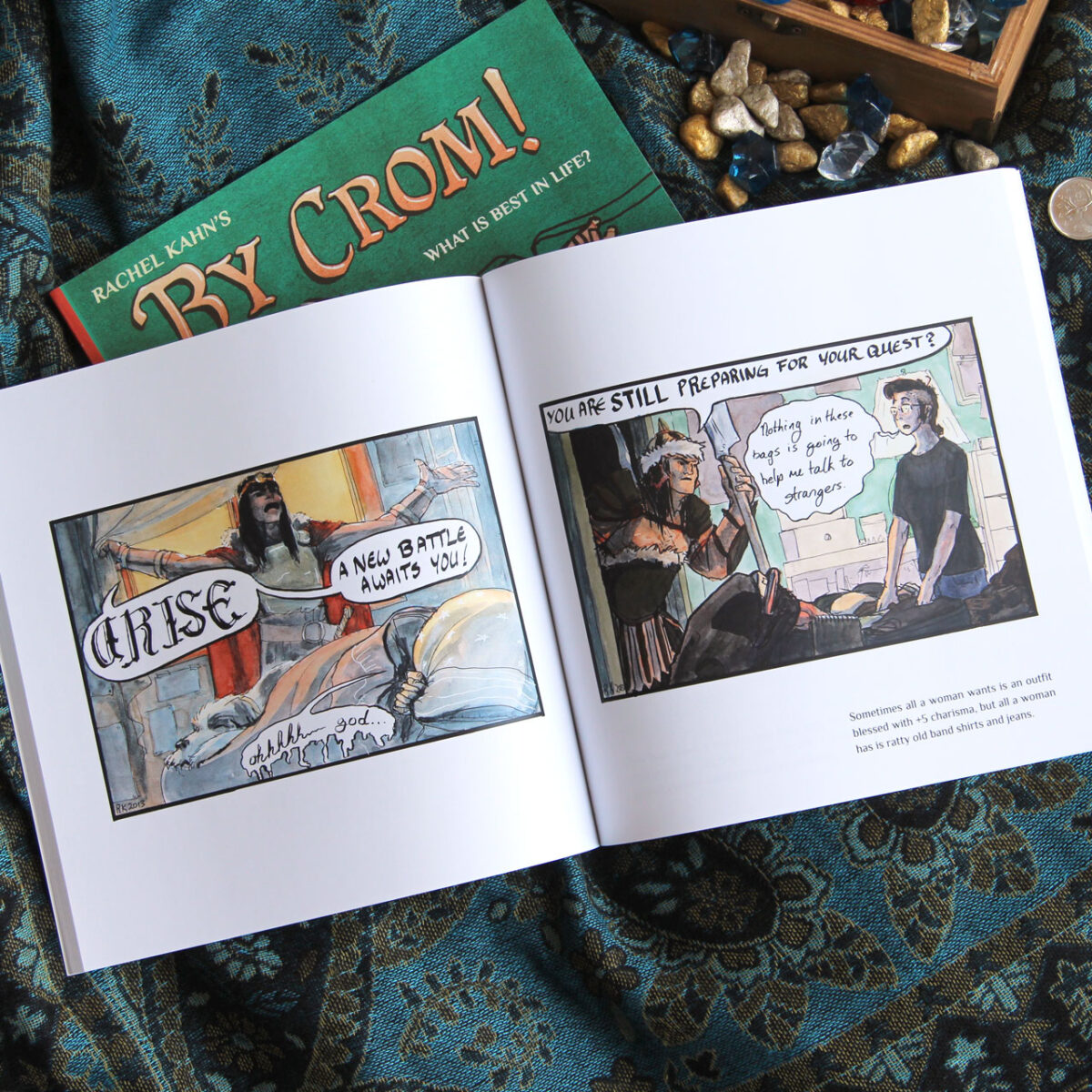
Speaking of much requested classics, I’ll have my remaining copies of By Crom!
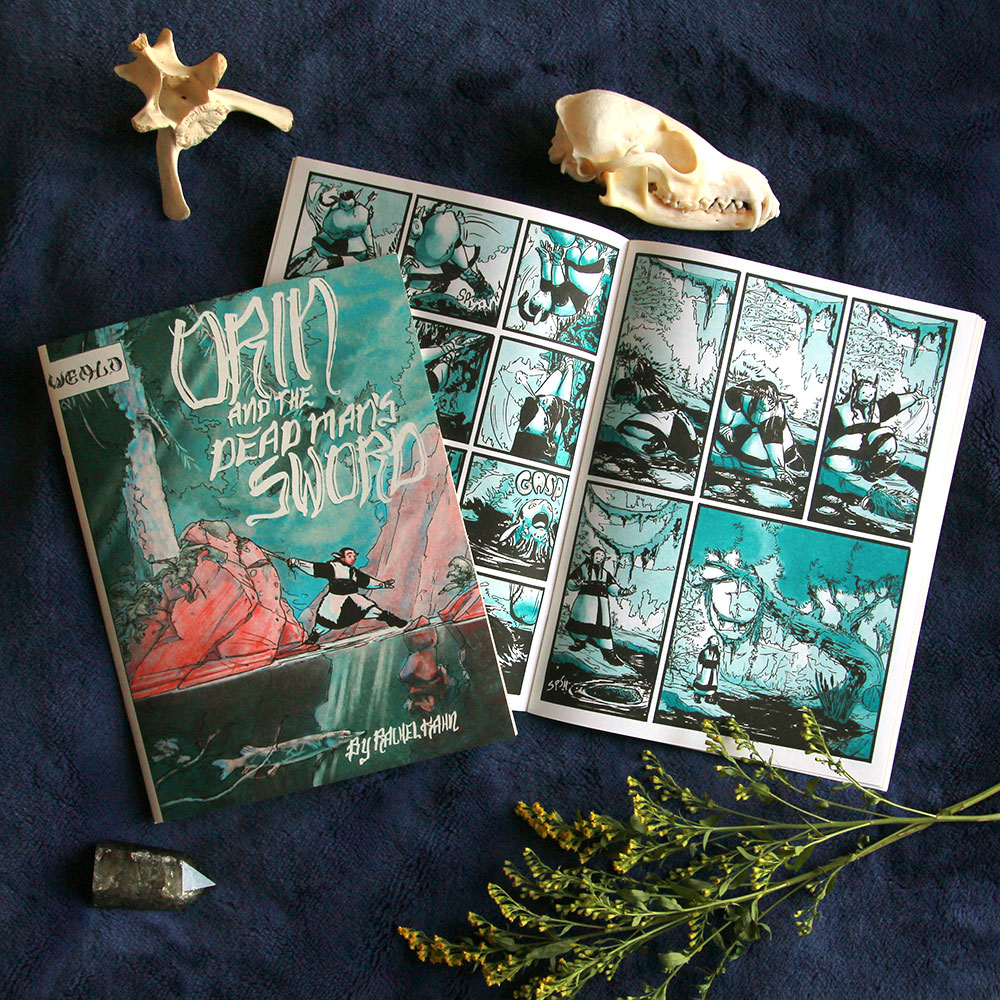
I’ll also have Orin and the Dead Man’s Sword and its accompanying art zine!

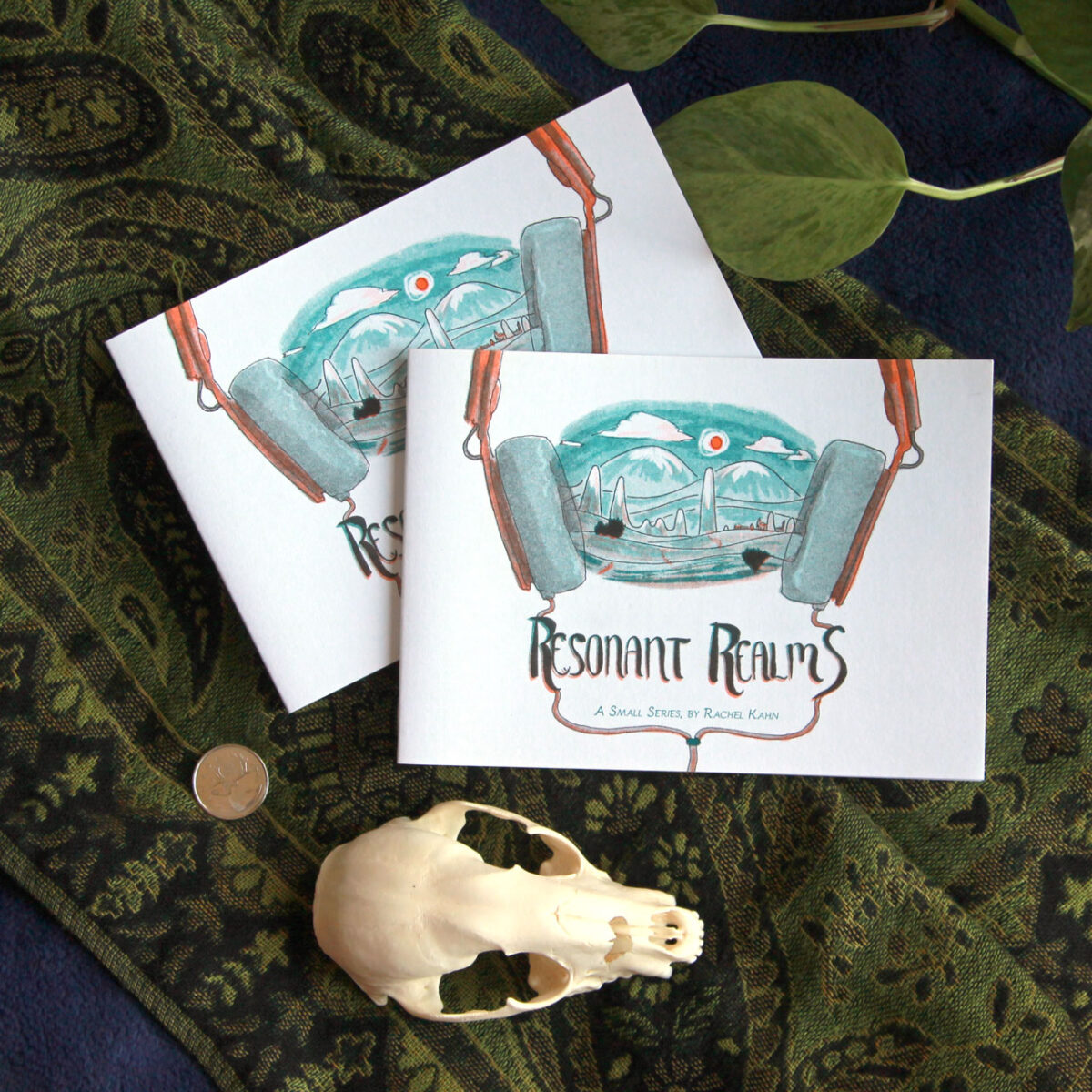
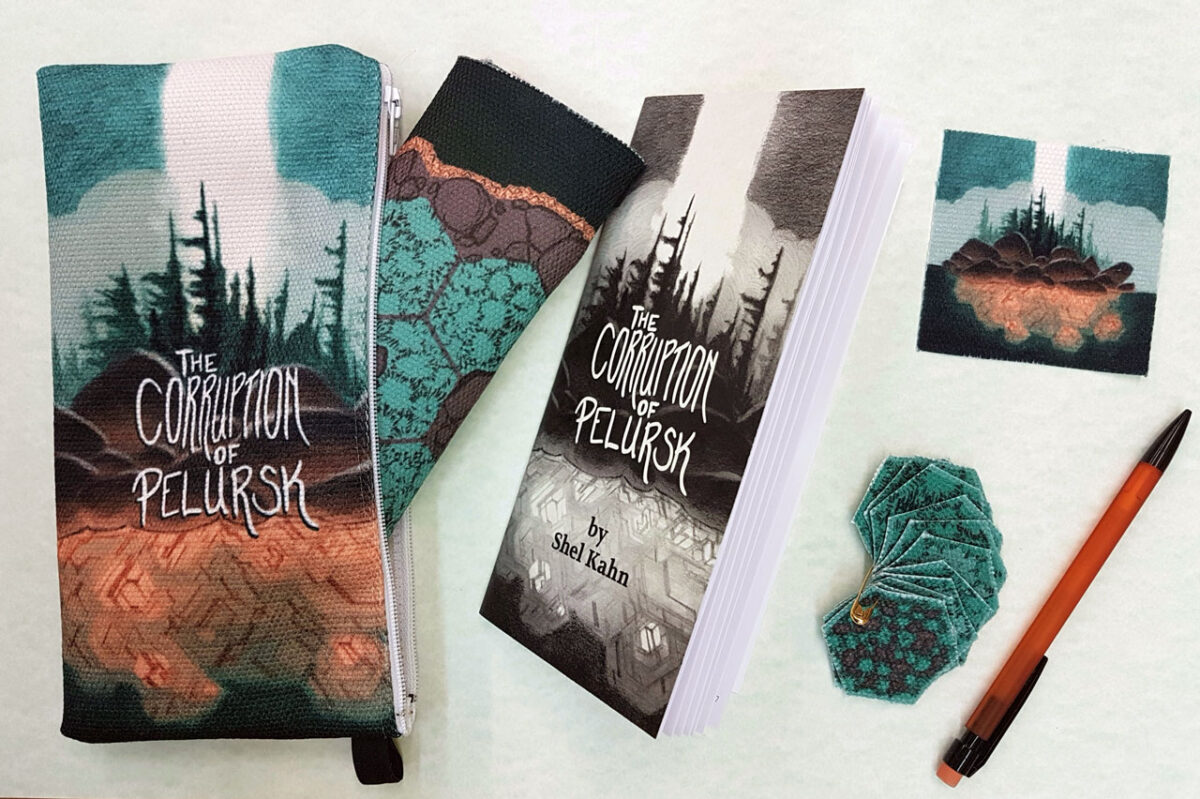
Lomy will be represented as well, with my riso zines Resonant Realms and The Listening Station:

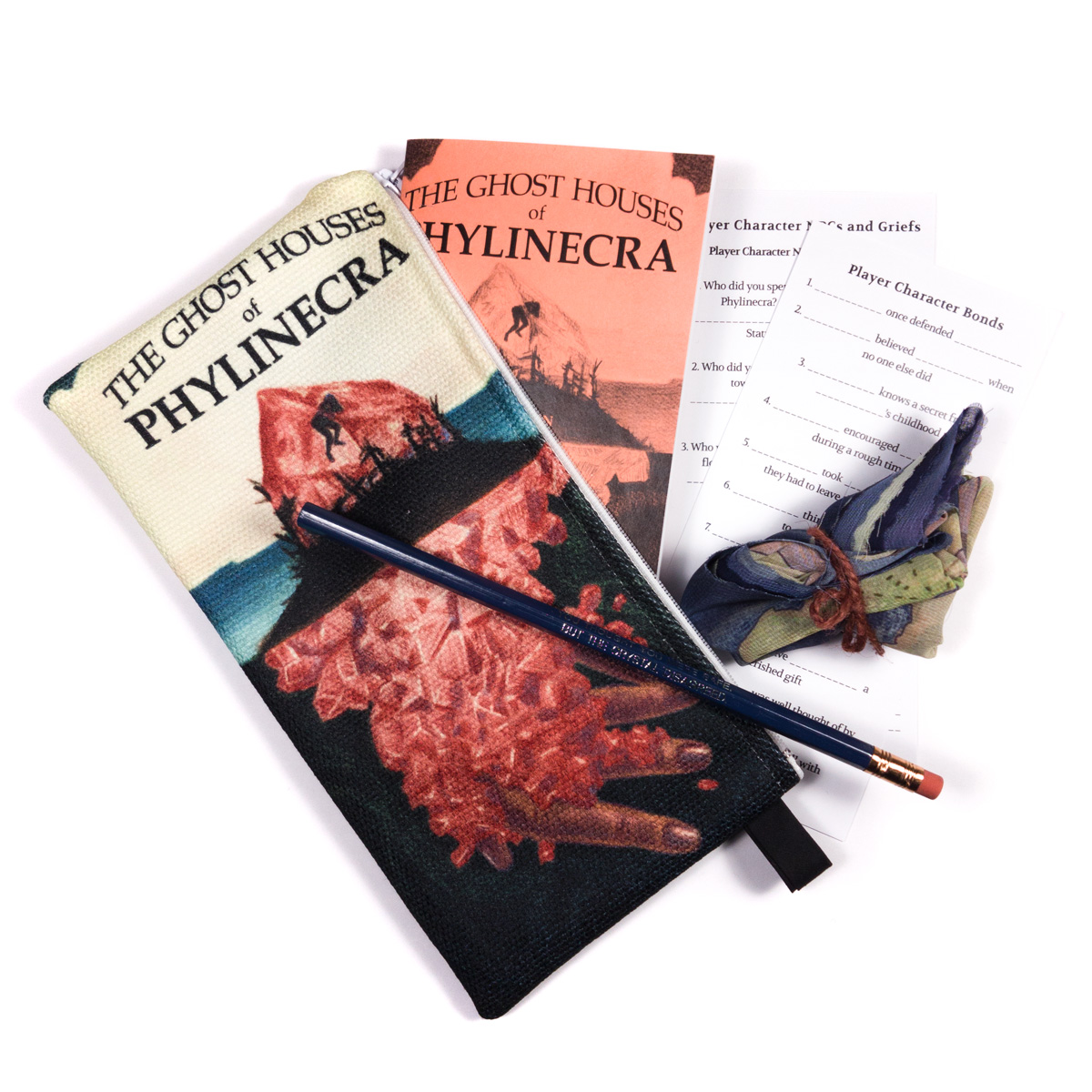
And I won’t forget my Pocket Dungeons, both in zine and pocket pack format!

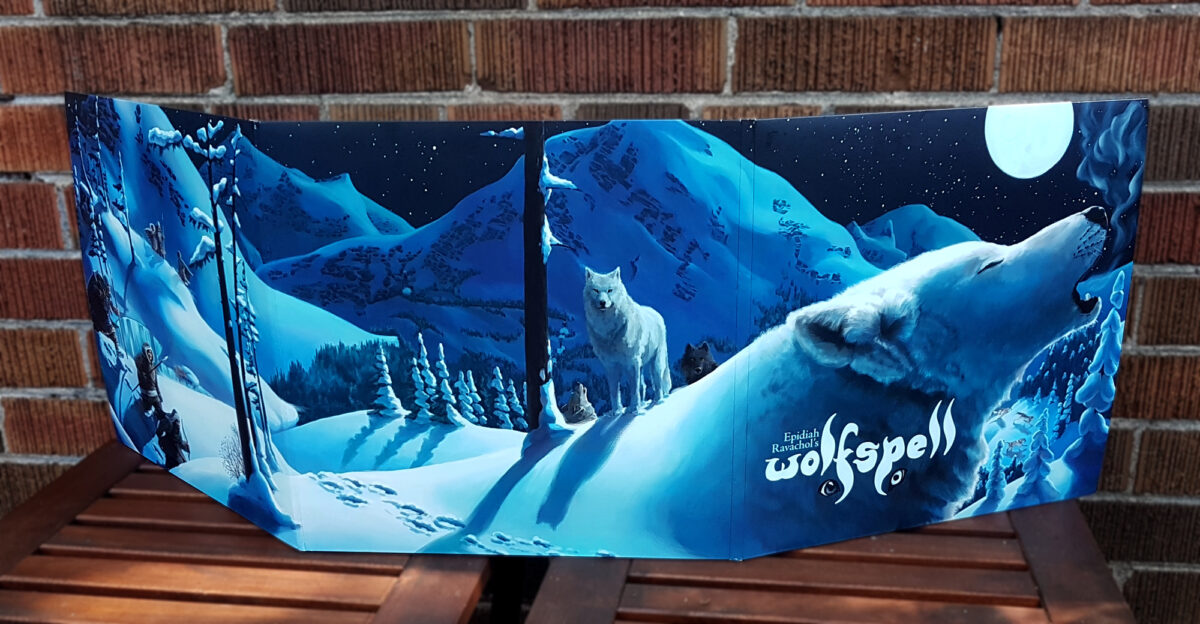
I’ll also have Wolfspell, this being (I think) the first time it’s been sold in physical form in Toronto, so definitely not one to miss!
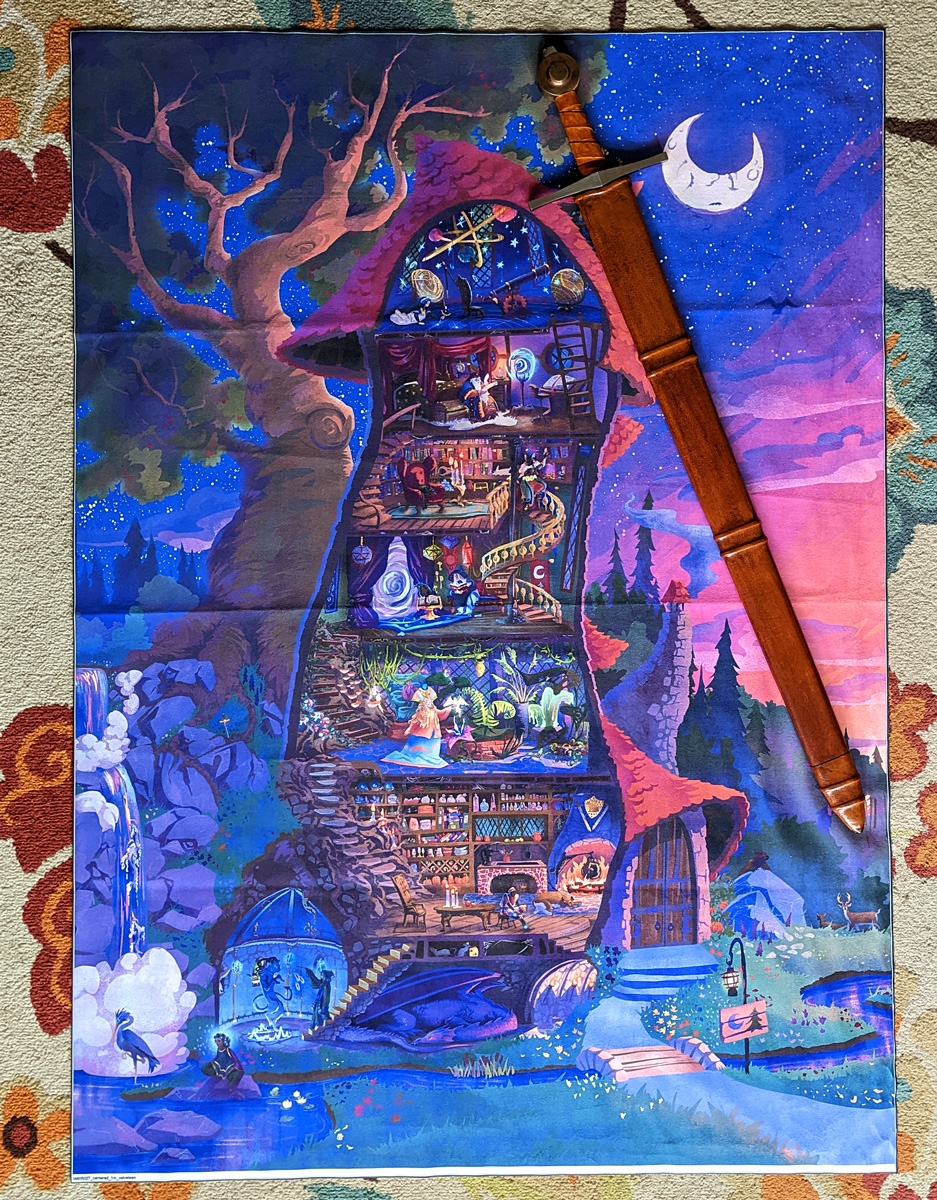
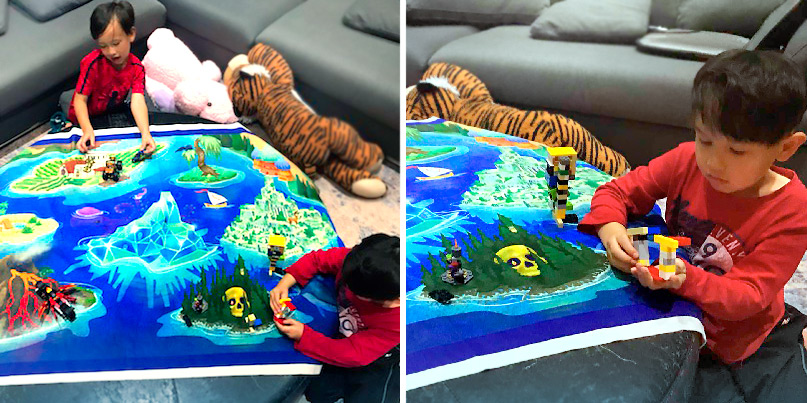
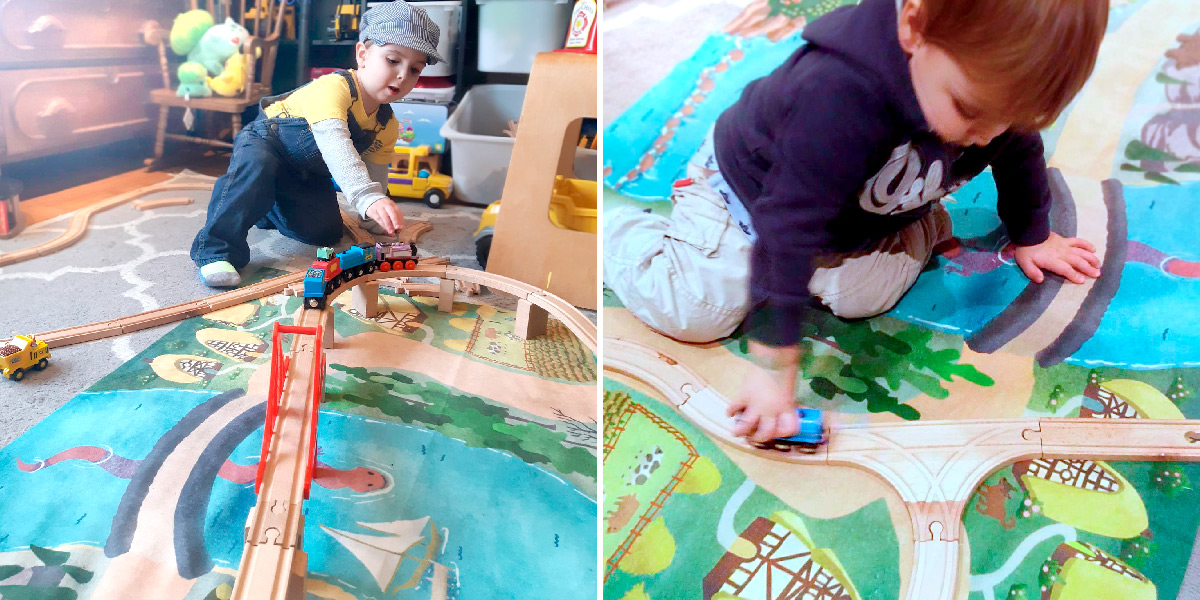
And I’ve got blankets featuring my Tower of the Forest Wizard, Seven Odd Islands, and Realm of the River Dragon playmaps – these turned out gorgeous and it’s so exciting to have them at a show finally!
And last but not least, I’m going to be bringing some receipt zines I’ve made on my thermal printer; they are a really fun experiment in ephemera on my part, and I’m really curious to hear what y’all think of them!
If you’re going to be checking out TCAF please do say hi! And if you’re on the fence about it, let me pitch it one more time: it’s Toronto’s premiere independent comics festival, maybe one of the best ones in North America, and free to attend! Saturday and Sunday this weekend, downtown! Comics galore! Hope to see you there!
-
I am mad about cellphone cameras hiding the processing they do to my photos, and I am glad about software I found that lets me control it and opt in and out.
A breakdown of what I noticed on my Pixel 6 Pro camera and what I used to get around it:
This was initially written on instagram, dictated into the stories feature, so, uh , that’s what I’m putting here, at least to start. As I am still living that partial dominant hand paralysis life, alt text taken from IDs generously written by brianbrianbrian on tumblr.
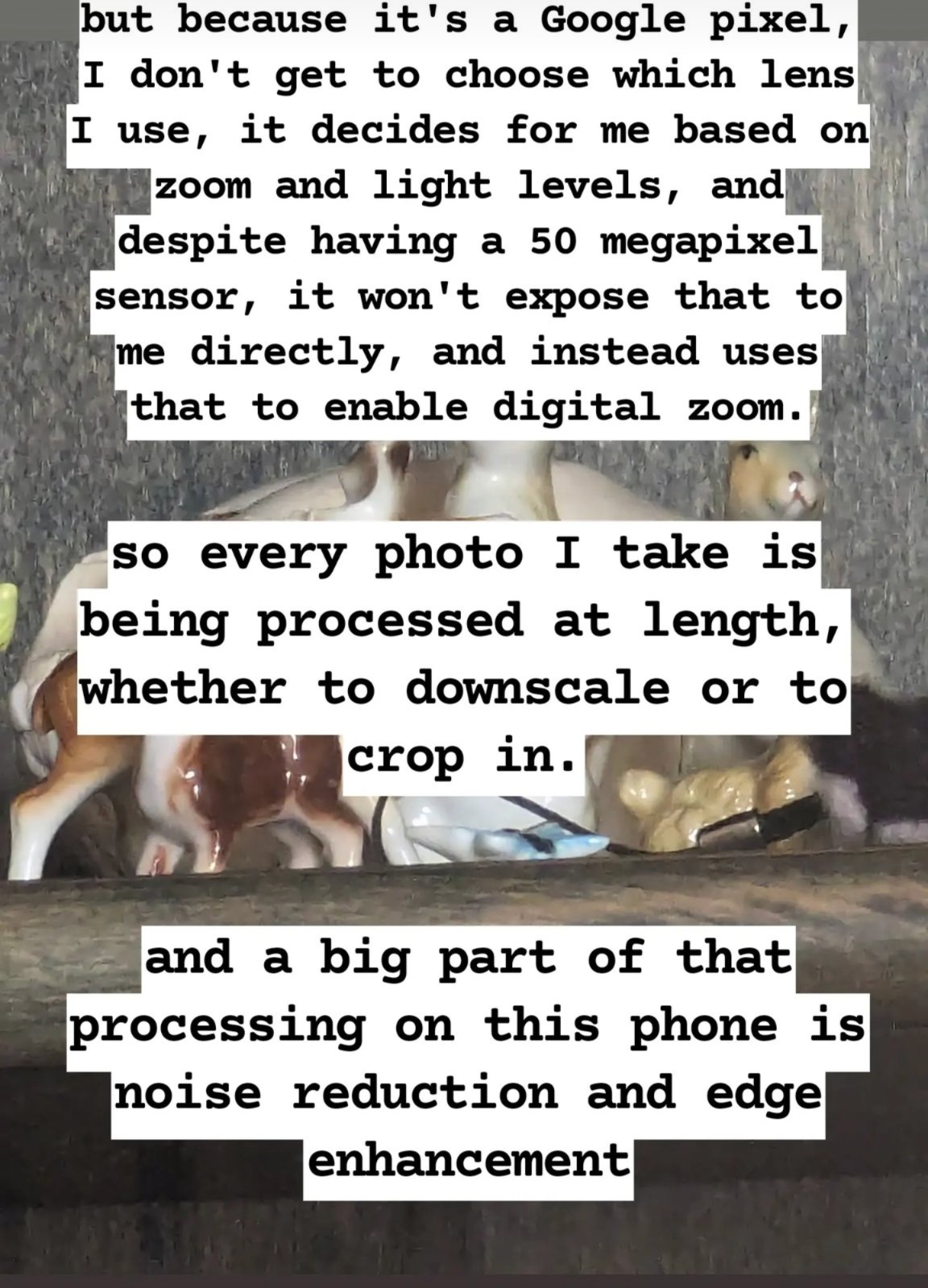
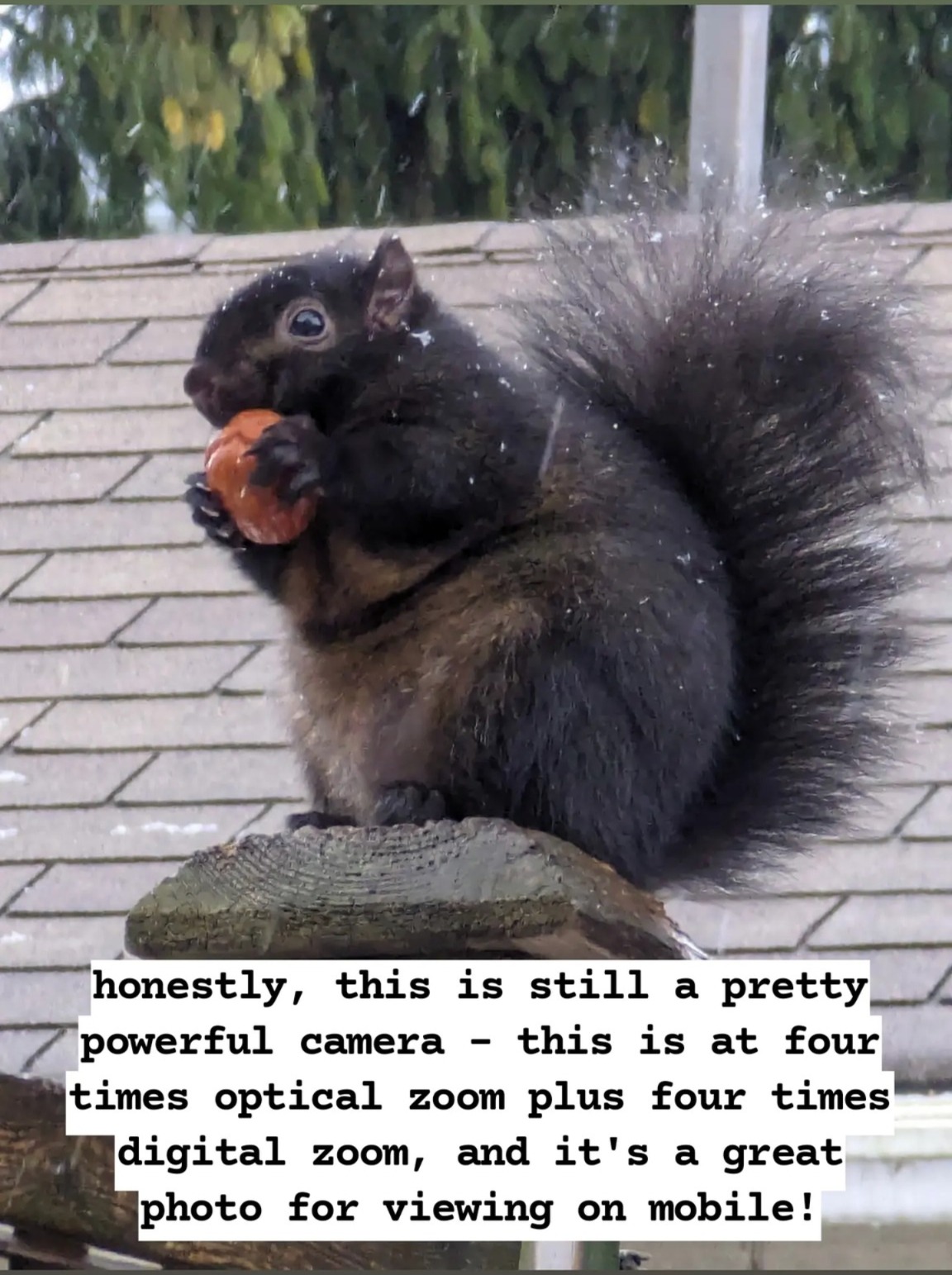
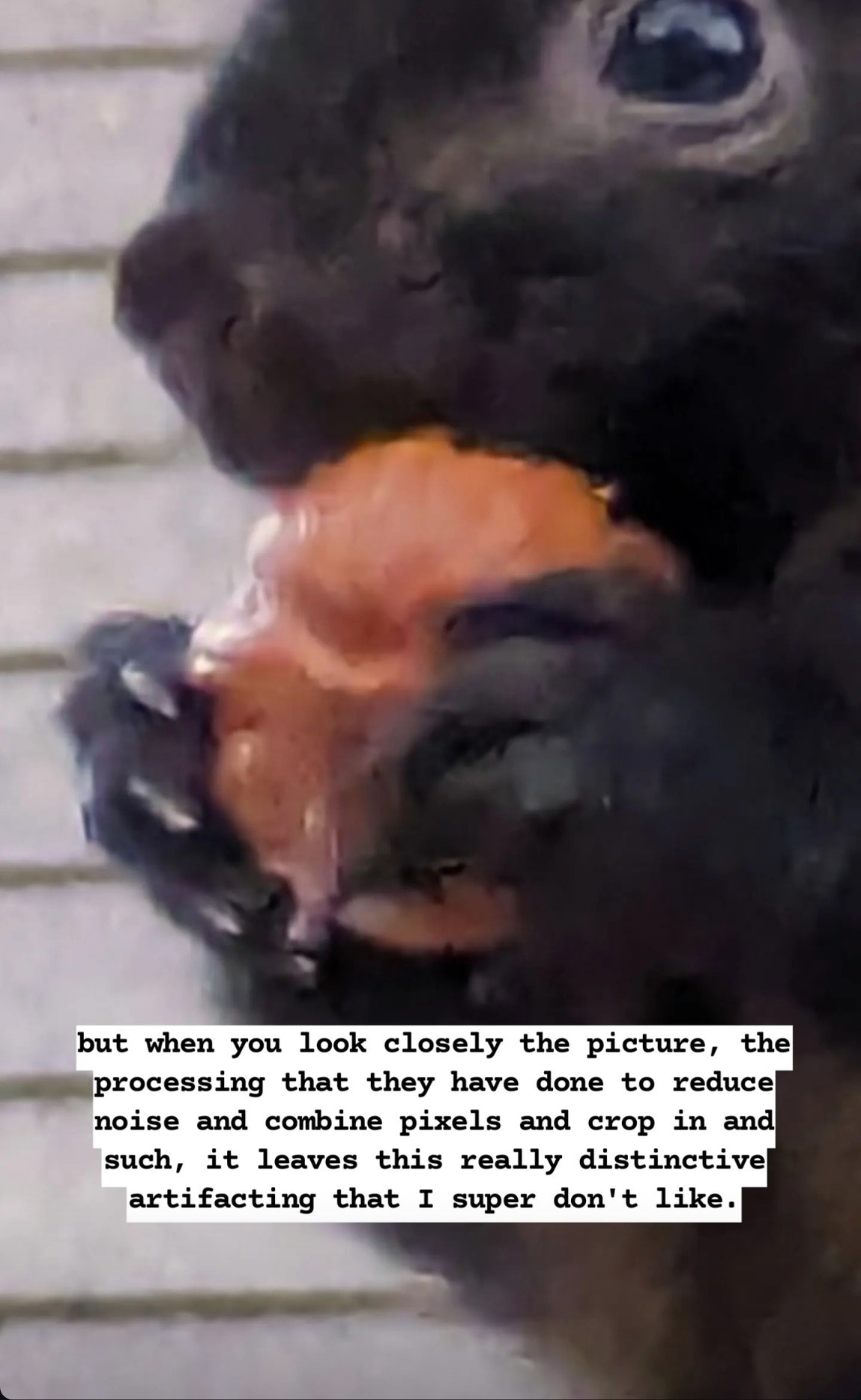
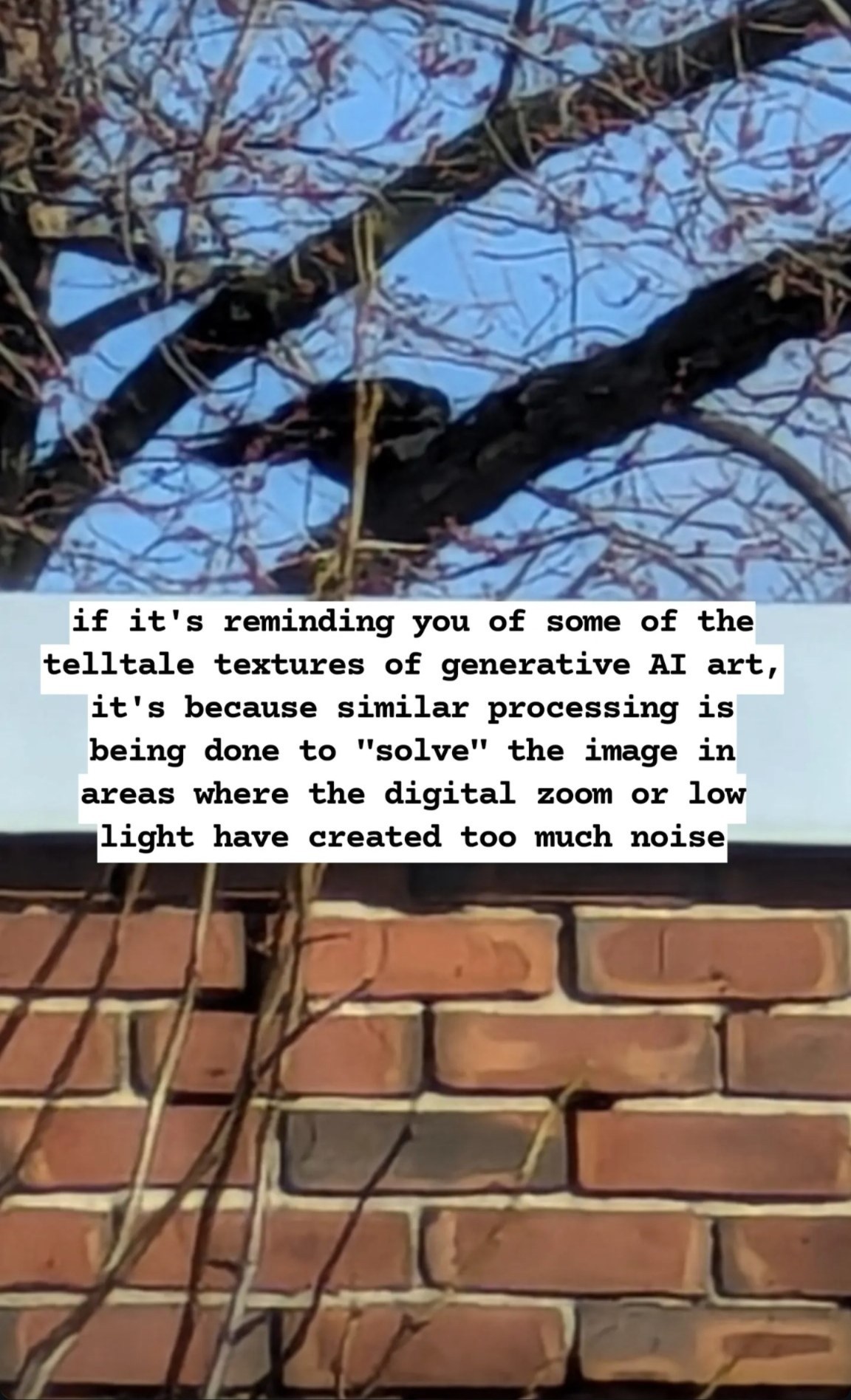
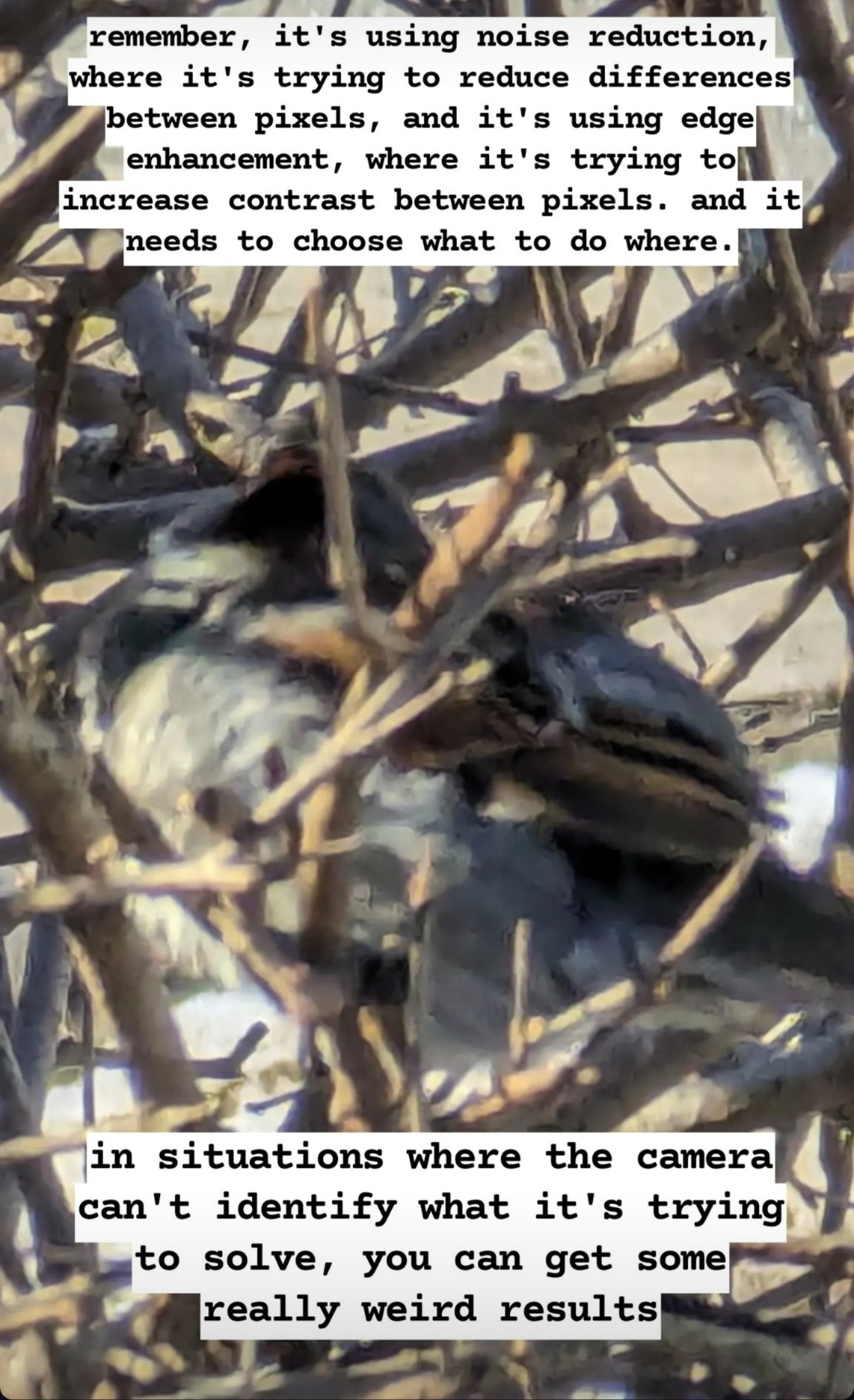
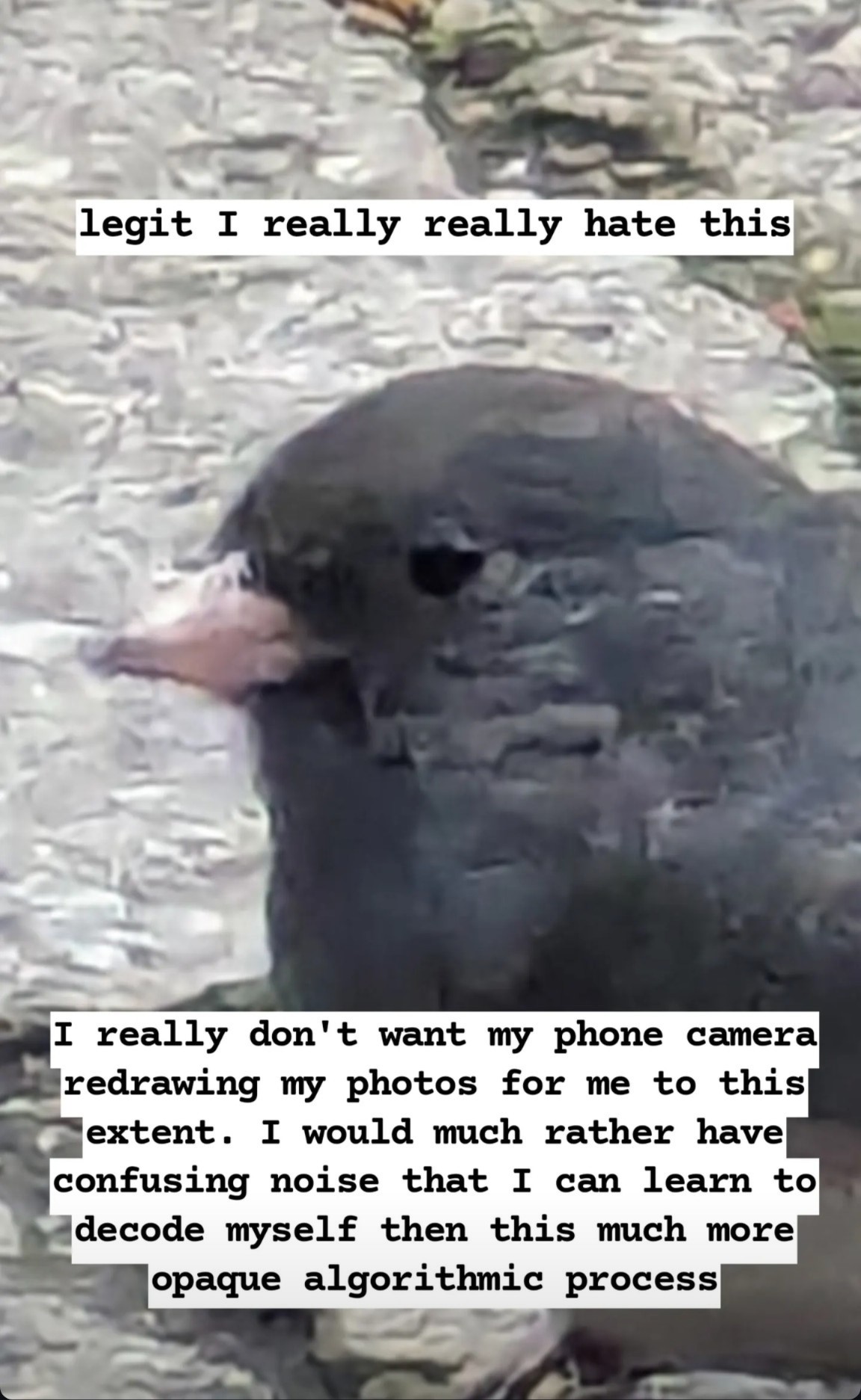
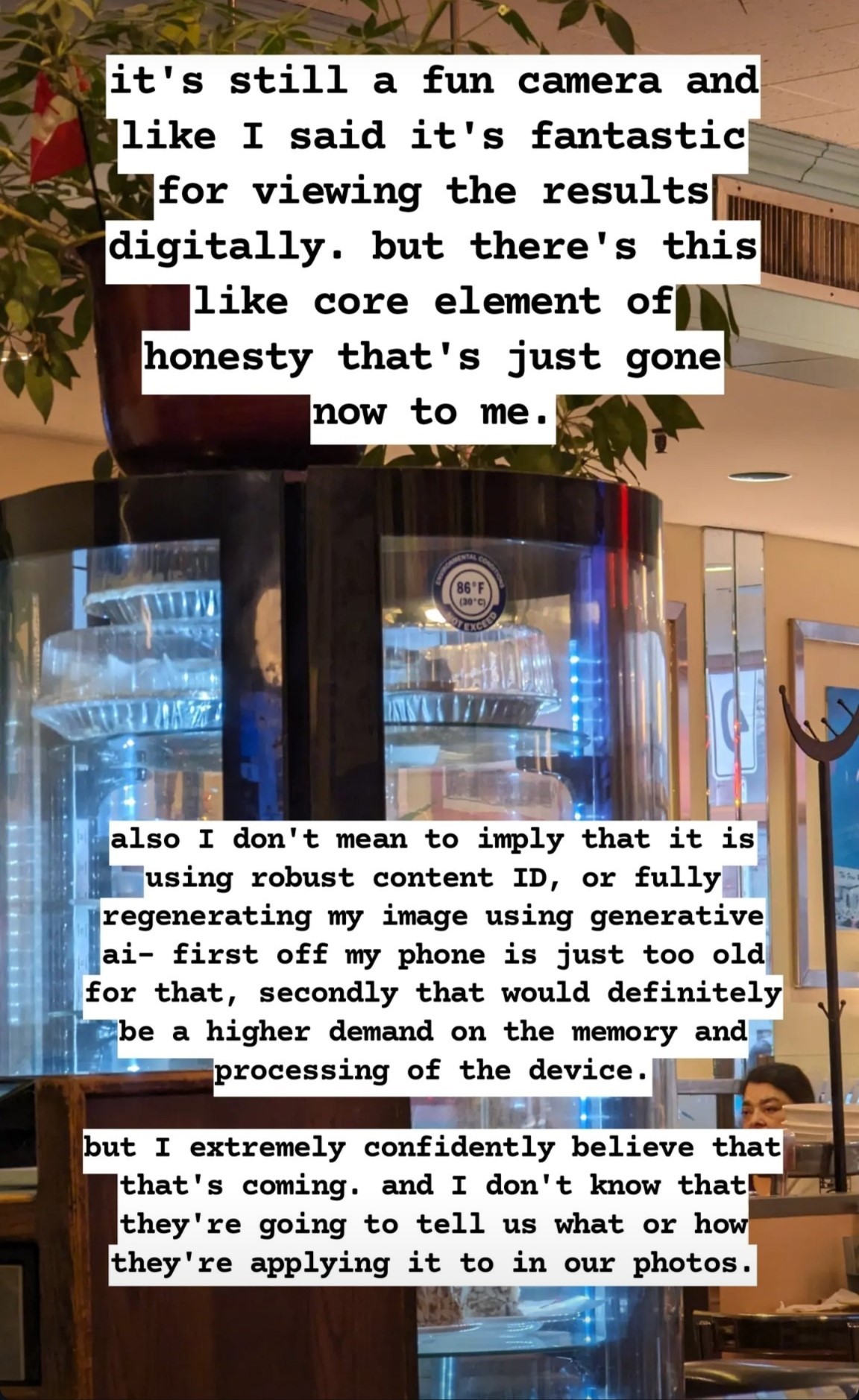
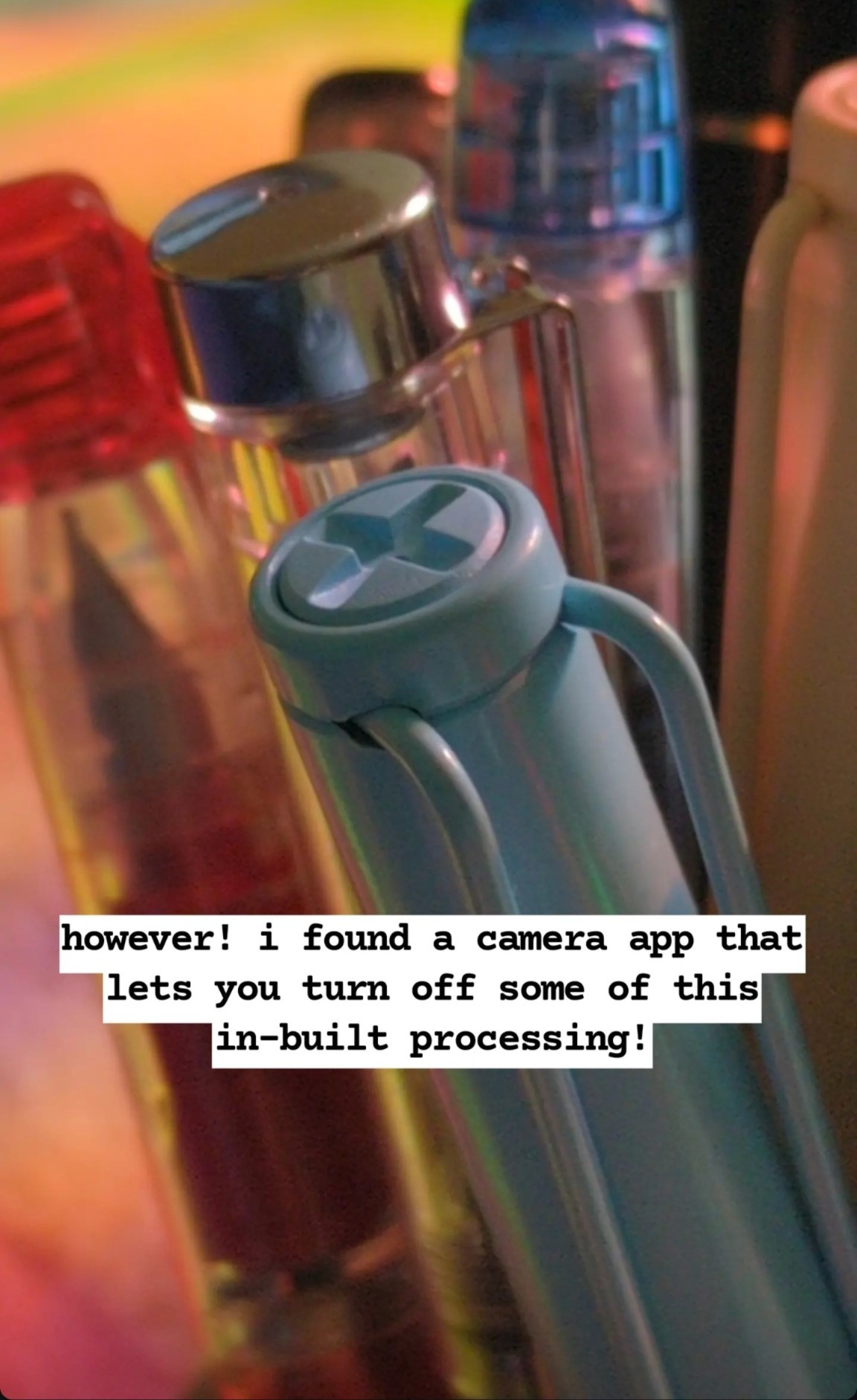
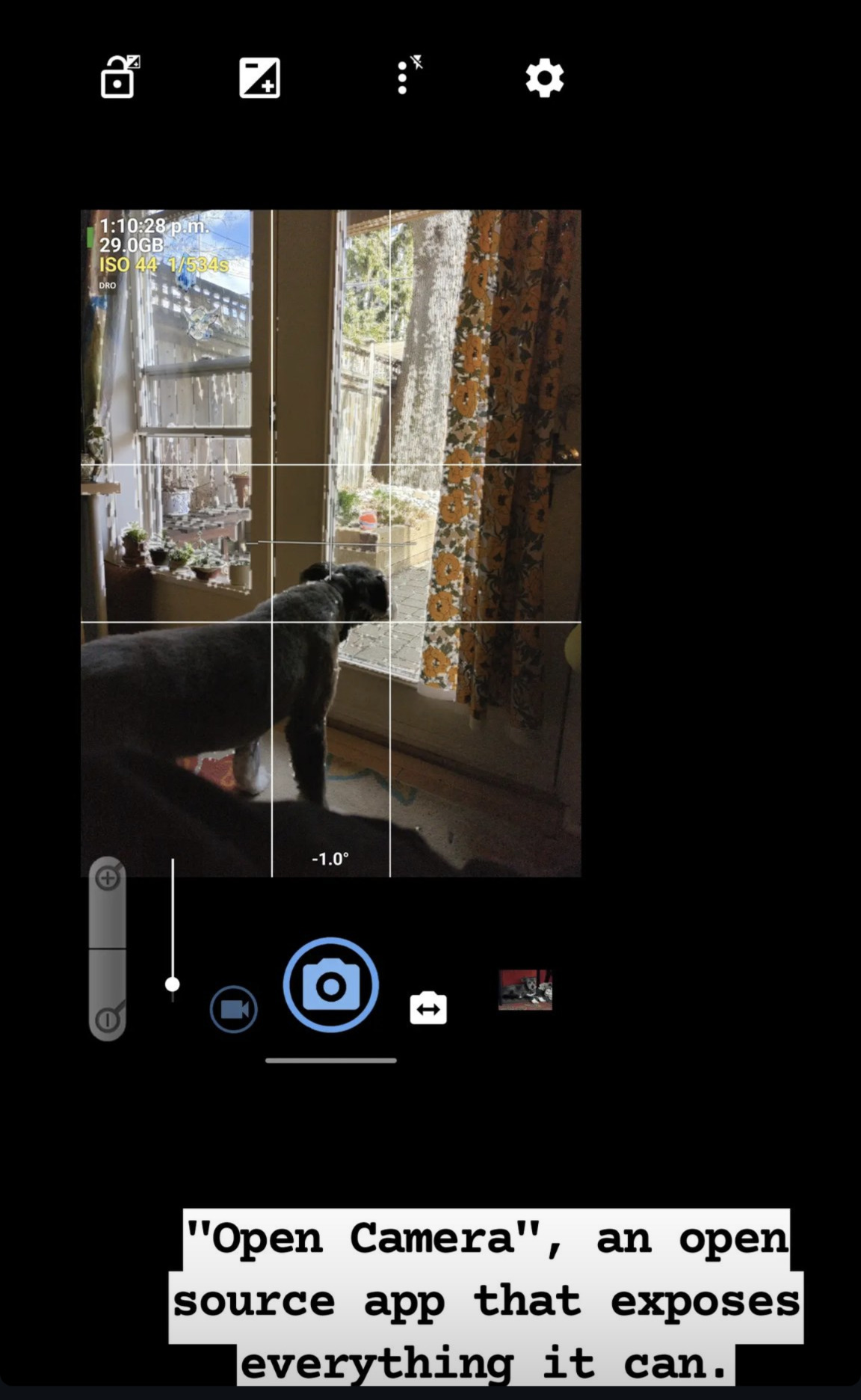
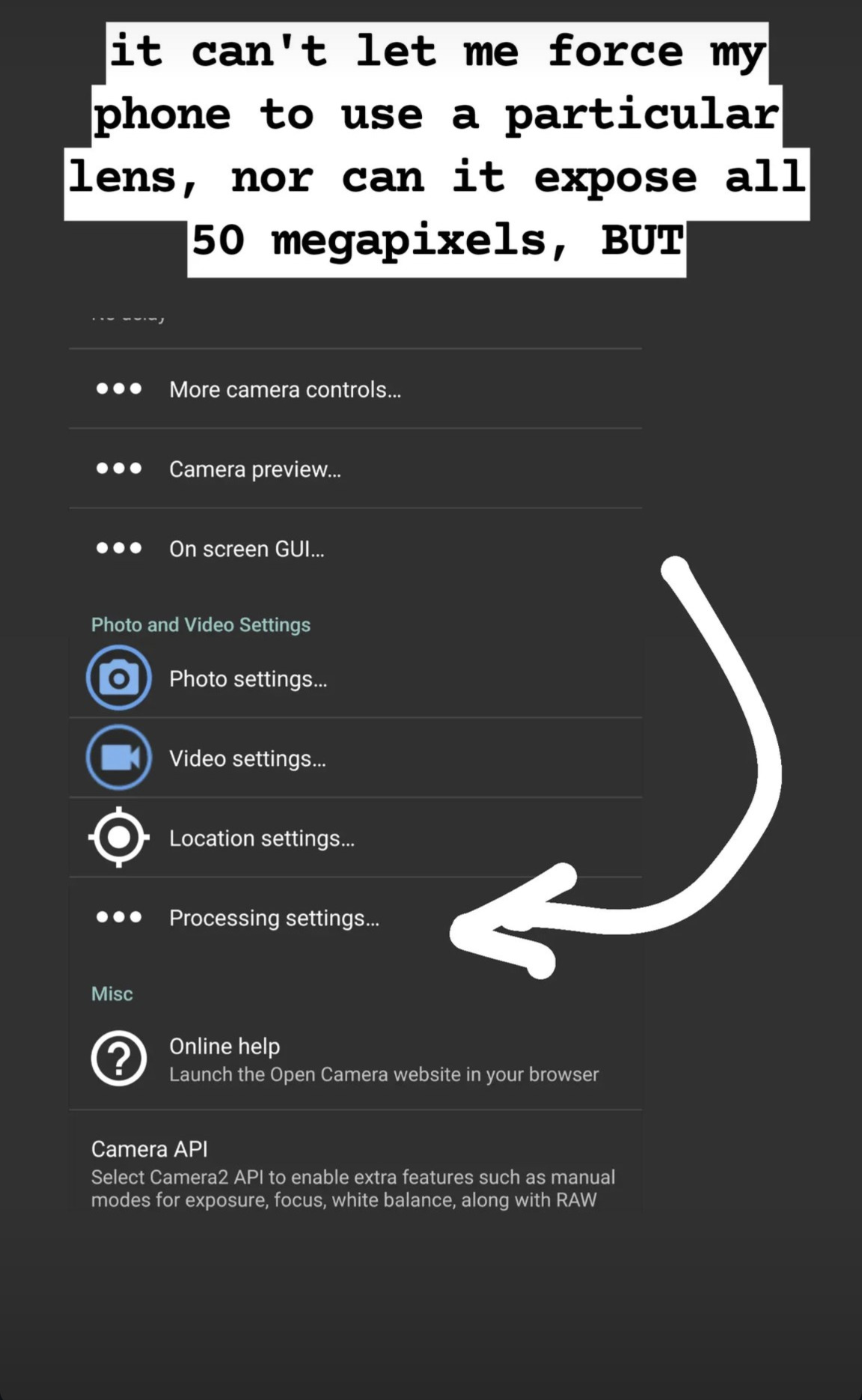
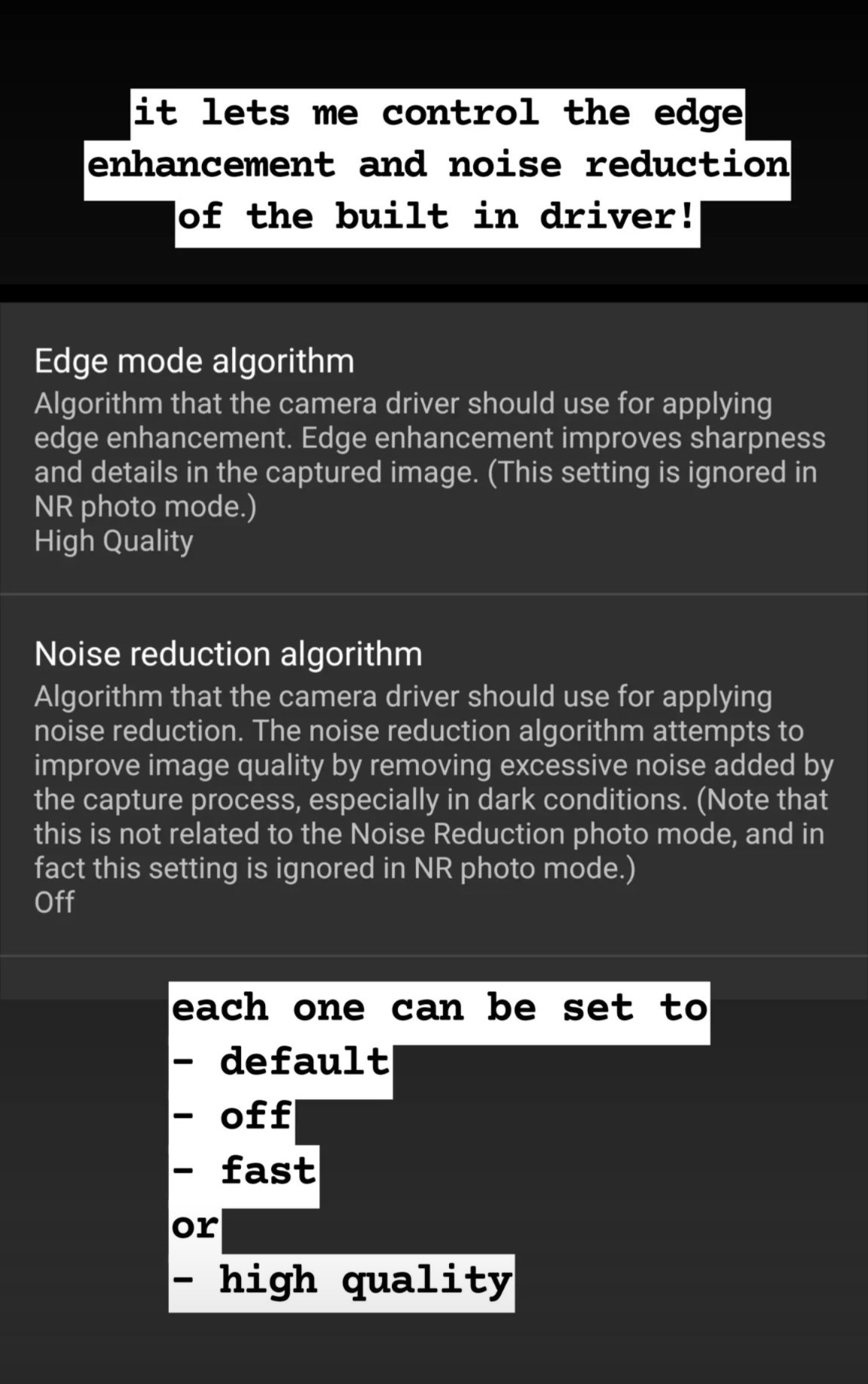
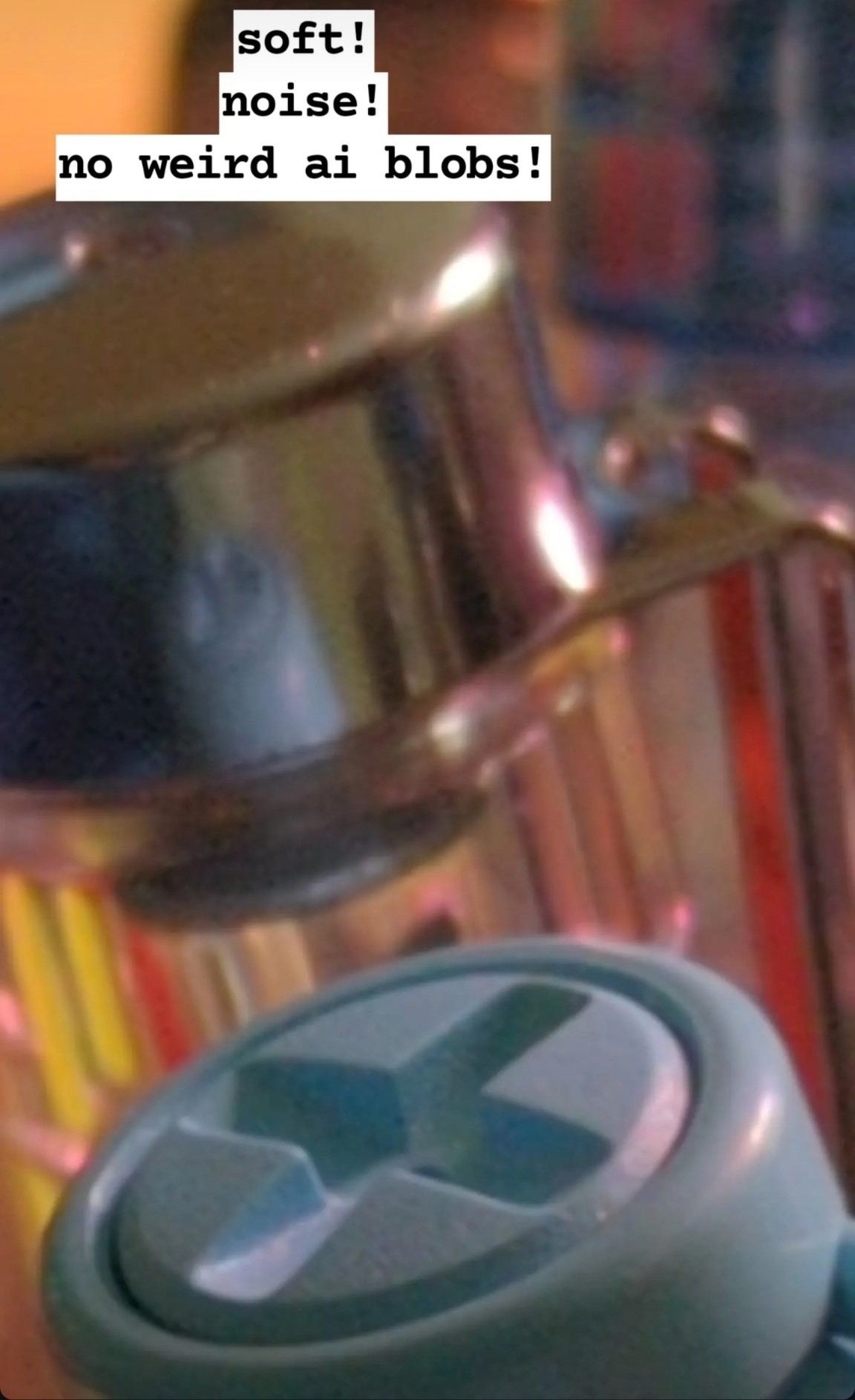
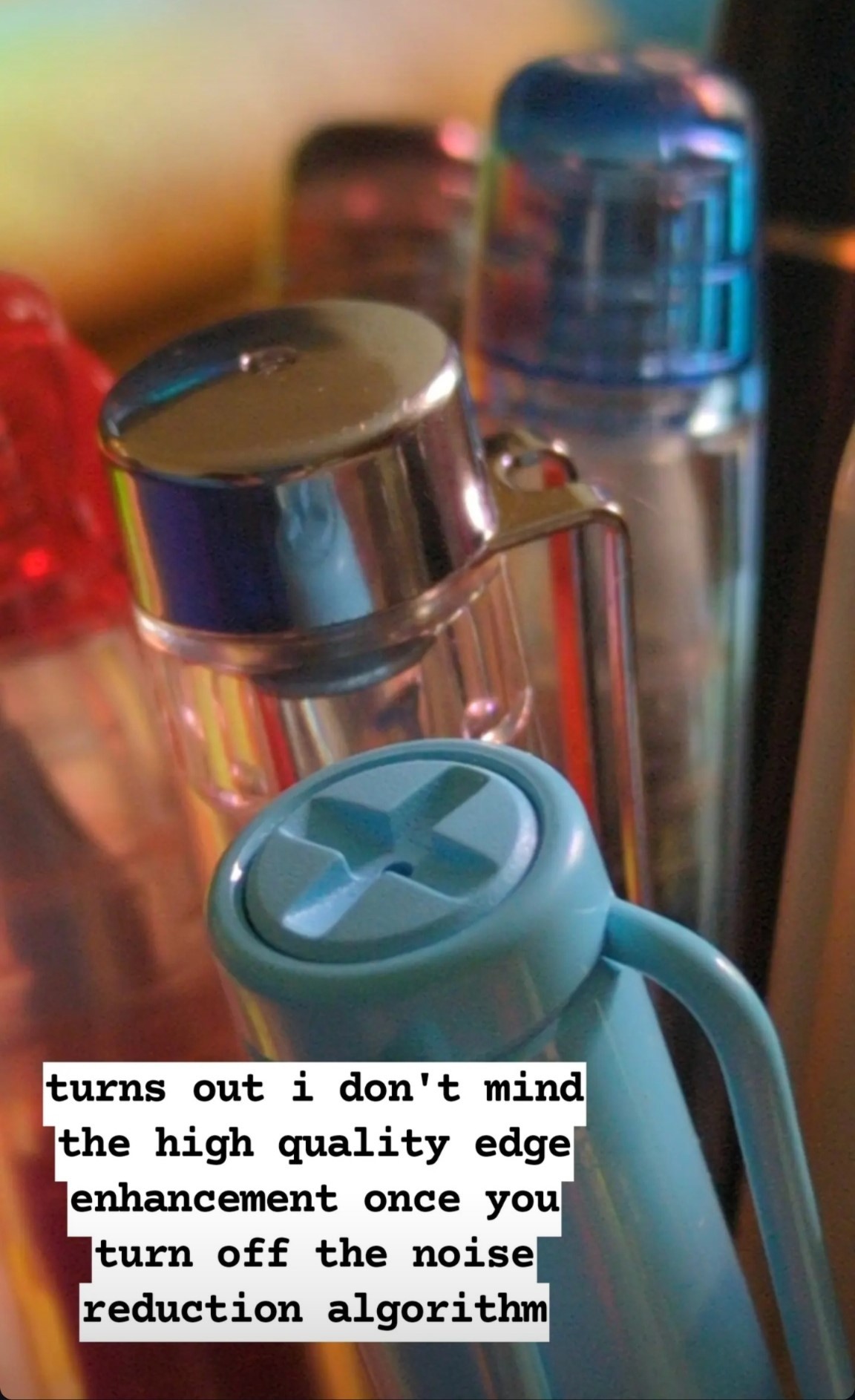
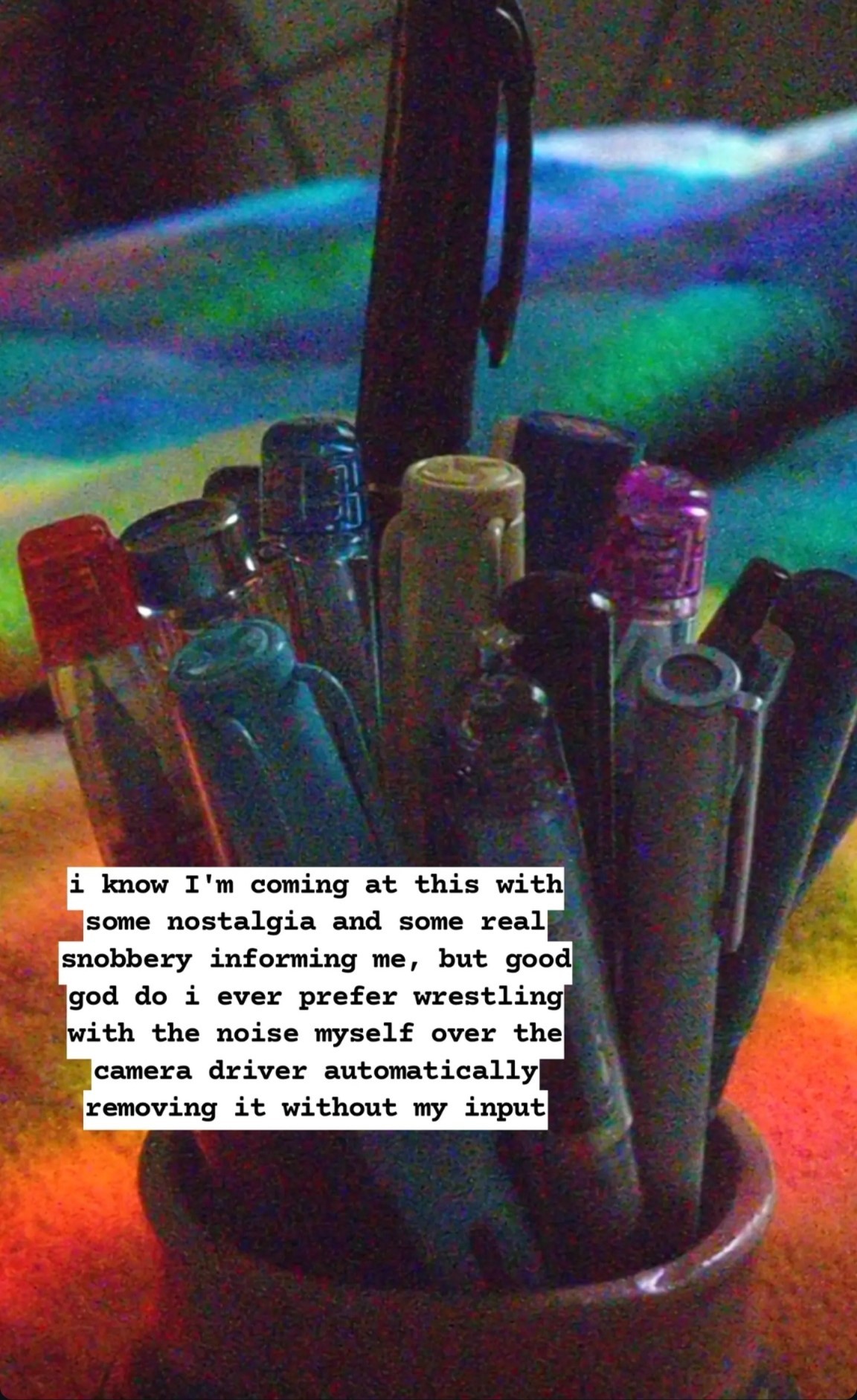
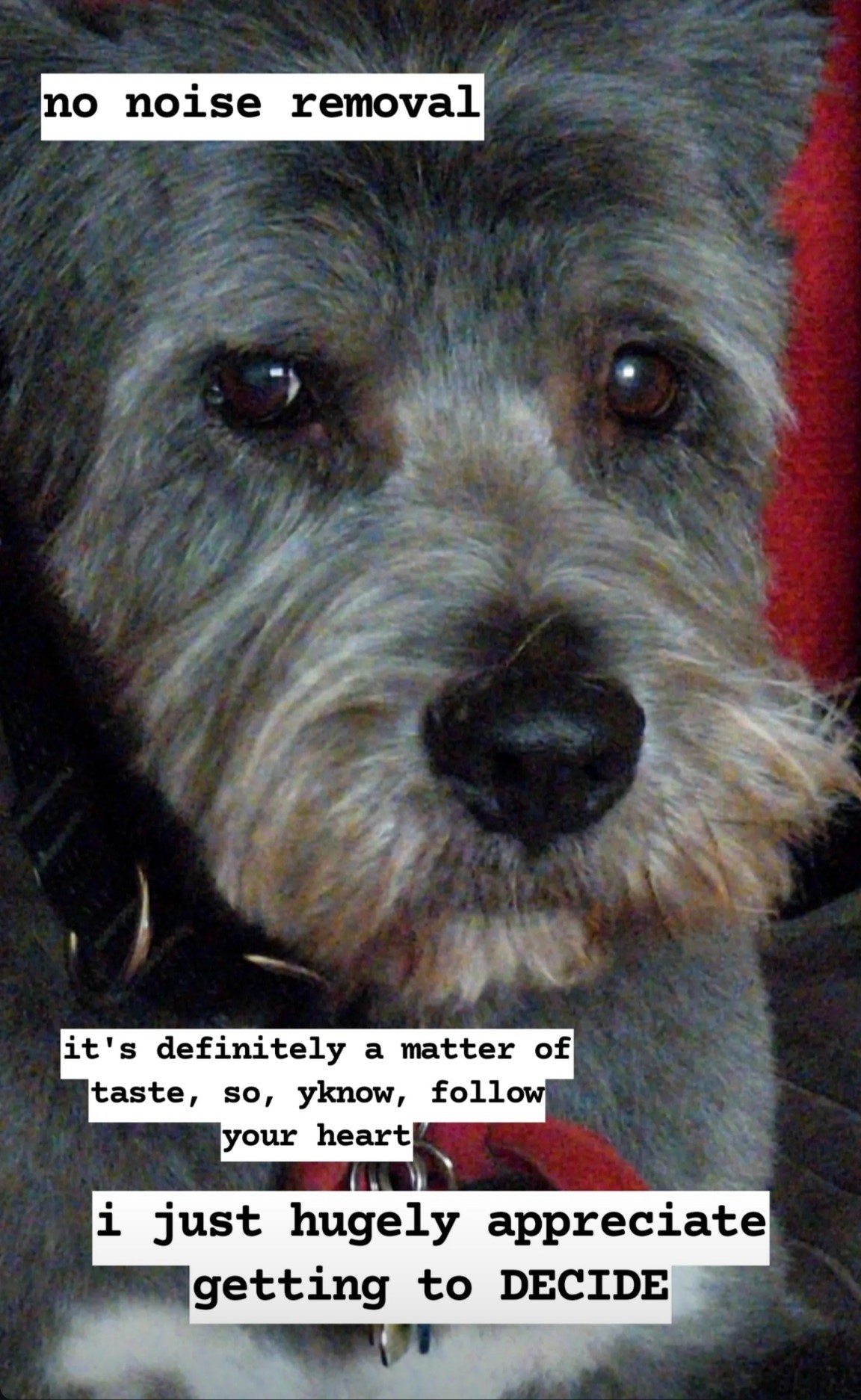
Here’s the website for the app I’m getting so much good use out of: https://opencamera.org.uk/ – it’s open source, android only. A comparable app iOS folks have recommended is Camera+, but I don’t think it’s free.
important note! this is an open source app, and that means scammers can copy it, relist it, and fill it with ads or malware. Make sure the version you get is published by Mark Harman, and remember it’s free and you shouldn’t be asked to pay for it on the app store at all.
An example of how much this means to me:
I’ve been really feeling like I’m terrible at photographing my own work, especially watercolour, and i can’t seem to really capture what makes a painting special in person.
Here’s some examples of my attempts to photograph this sketchbook painting using the native camera app on my phone:
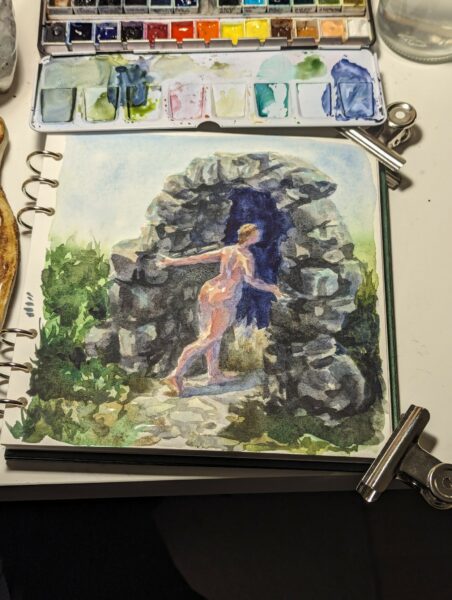
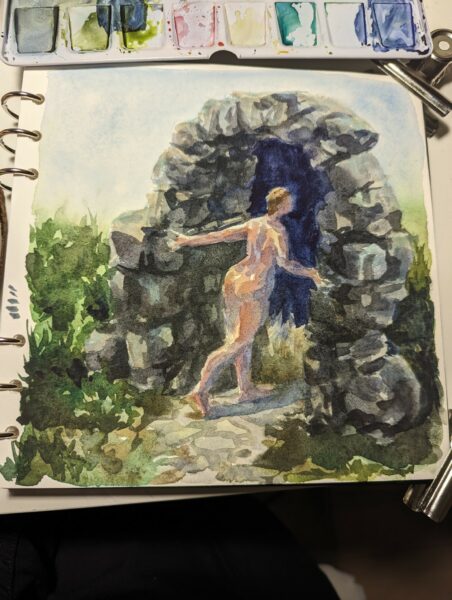
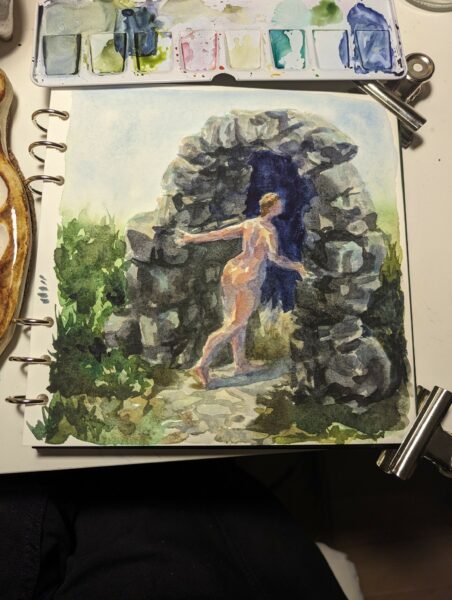
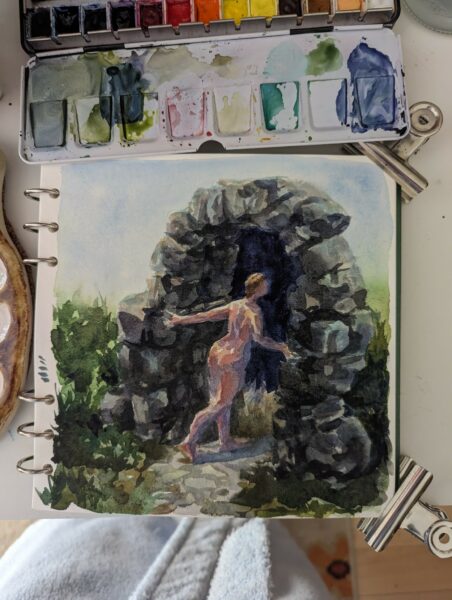
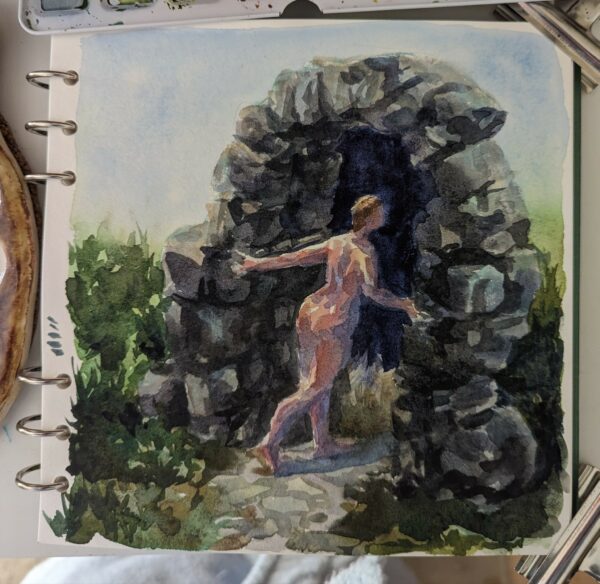
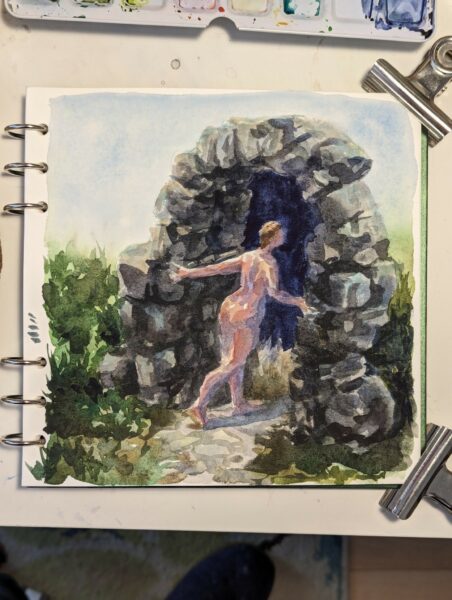
no matter the exposure, the lighting, the lens I use, it’s grainy, blotchy, the colours feel off, the contrast is too much… it really doesn’t capture what’s on paper in front of me!
so then i try with the processing turned off in Open Camera:
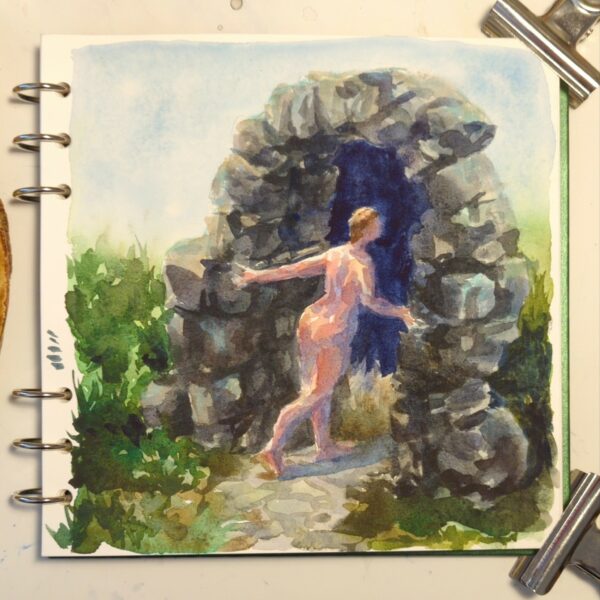
it’s night and day!
A clearer comparison for you:
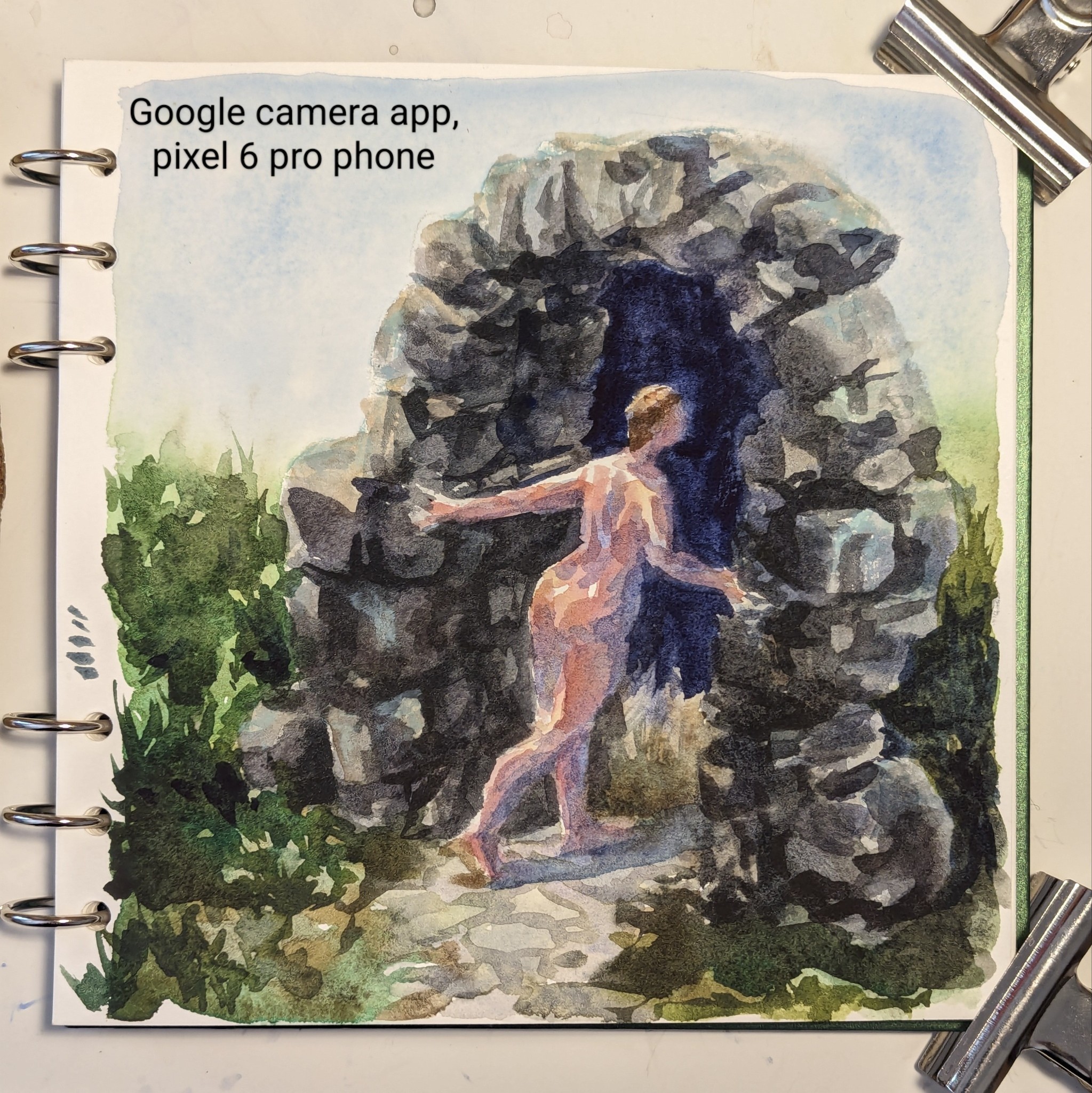
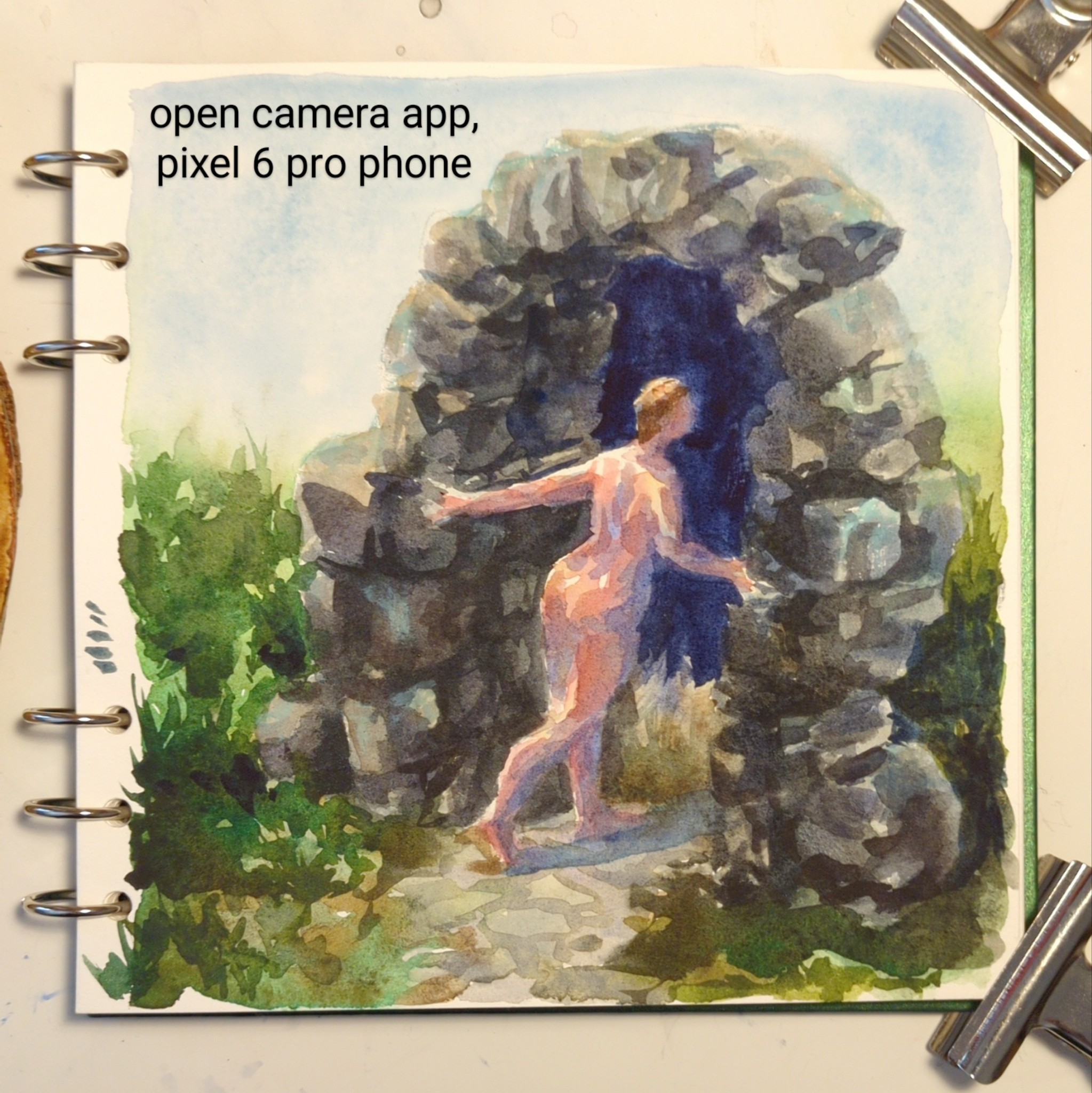
To sum up what’s different: the google camera app is trying to reduce noise AND sharpen the image it creates, leading it to both remove actual colour complexity in my painting and then to oversharpen what details it kept. It’s also doing a ton of HDR value-balancing, attempting to even out contrast across the whole image instead of letting some parts be darker and others lighter. In the end, it makes my watercolour painting grainy and high contrast, while removing all the subtle colour and value choices I made while painting.
The open camera photo shows you the nuance that’s in the actual painting – or at least something much closer to it!
what a game changer!
A few notes!
First, this may remind you of a scandal specifically regarding moon photography! You can read more about that here: https://www.theverge.com/2023/3/13/23637401/samsung-fake-moon-photos-ai-galaxy-s21-s23-ultra
Secondly, a lot of folks were confused about why I would need this app when my phone can shoot raw photos in the native app as well! And to that I have a two stage answer!
- Bold of you to assume google has made its raw files pristine. They’re certainly less chewed up than the jpgs, but not all raw files are equal, and these are not great. Google also does not allow raw photography through all three of the lenses – only the main one, as far as I can tell. If I want less processing on a photo I take through the telephoto lens, I need to use OpenCamera to take a jpg photo. Additionally, google’s camera app, evenwhen shooting raw, doesn’t give me any granular control over exposure, focus, ISO or colour. OpenCamera solves many problems at once for me, and shooting raw in the native app solves none of them completely.
- It occurs to me that people who do shoot raw might not understand how inaccessible that can be for folks who don’t! And folks who don’t shoot raw at all might not know what it entails. So I’ve put up a post about what I weigh when deciding whether or not to shoot raw right here: https://www.portablecity.net/what-format-you-might-want-to-save-digital-photos-in/
Finally, I intend to keep growing and cleaning up posts like this as I research and experiment and learn about this stuff! So if you have questions I haven’t answered yet, or suggestions, definitely drop me a comment below so I can follow up.
-
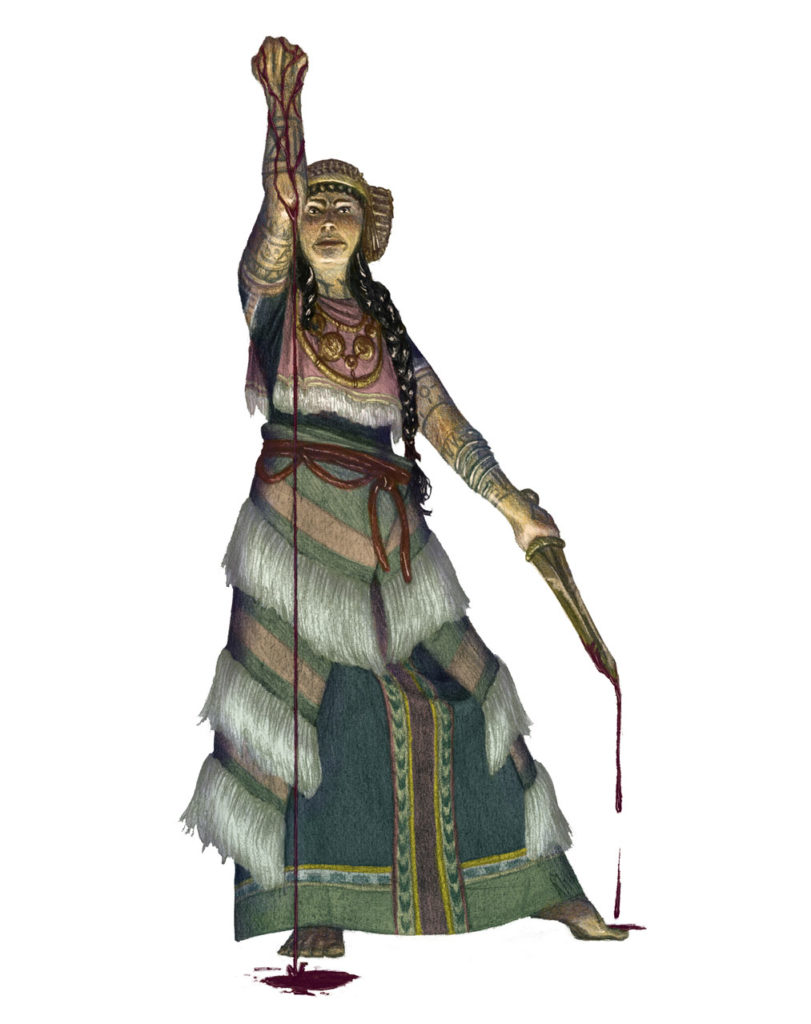
Illustrated for 13th Age Glorantha, featuring historically inspired clothing, weapons and accessories. Drawn with graphite and painted digitally.
-
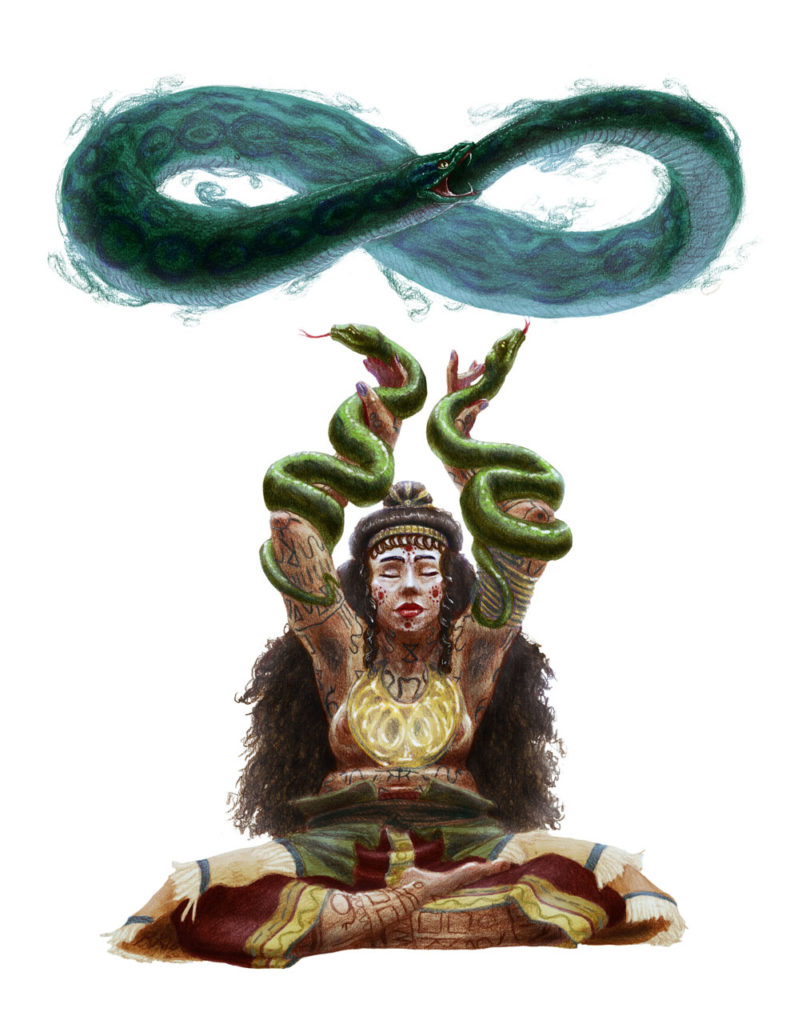
Illustrated for 13th Age Glorantha, this woman combines ancient etruscan and greek clothing and accessories with the fantastic setting of Glorantha.
Pencil and digital, 2017
-
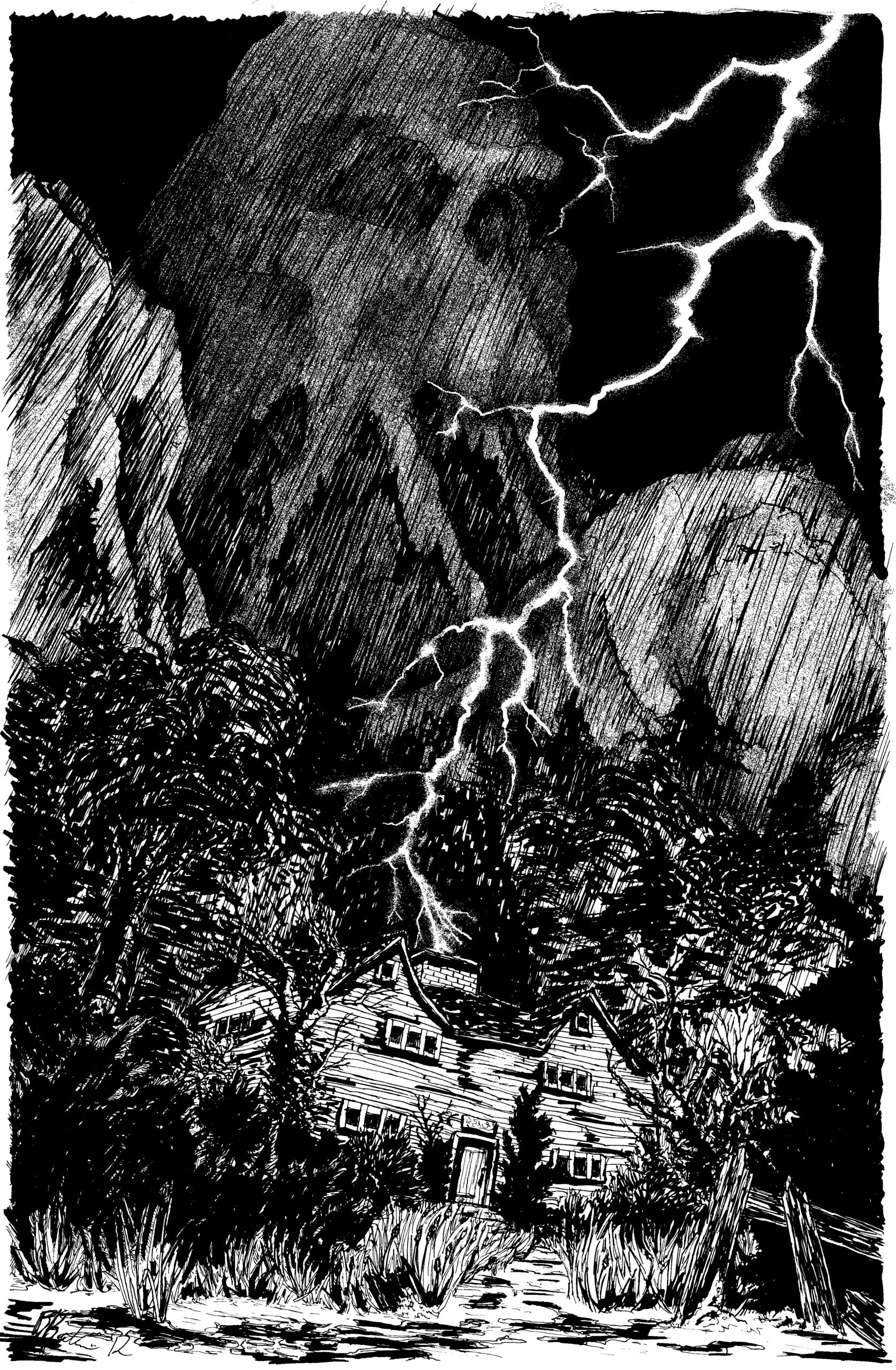
An illustration for Lovecraft’s The Picture in the House, drawn for Puffed Shoggoths.
-
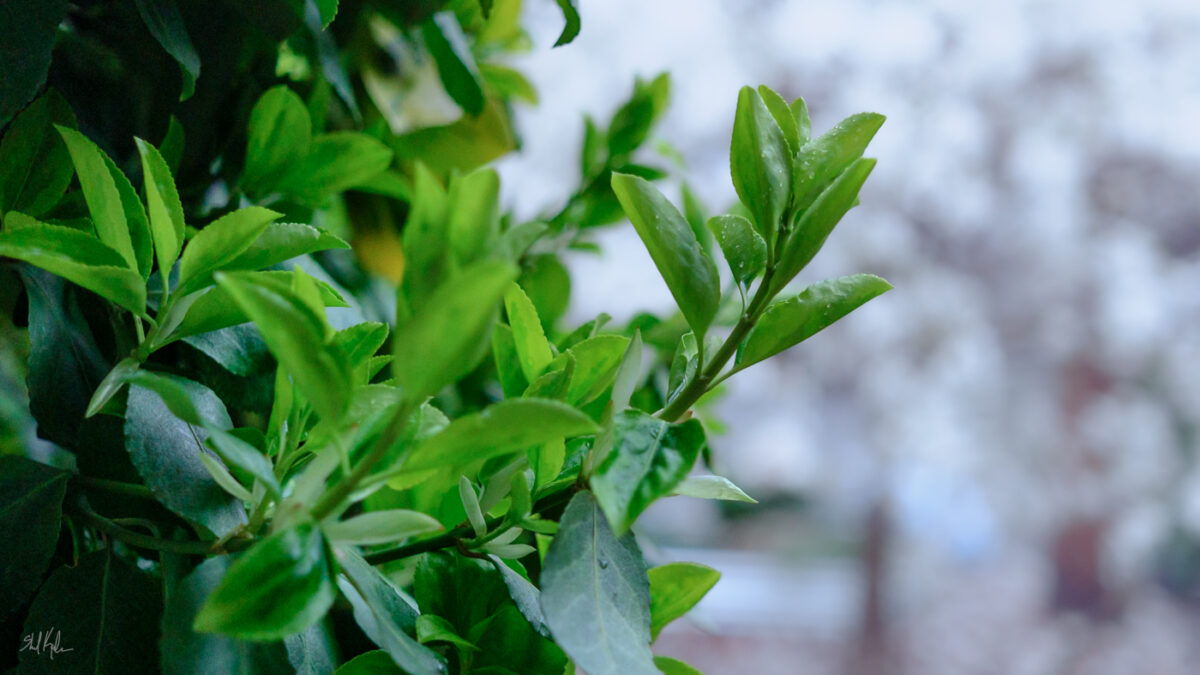
my partner leant me his 27mm prime and it is indeed as delightful as promised!
-
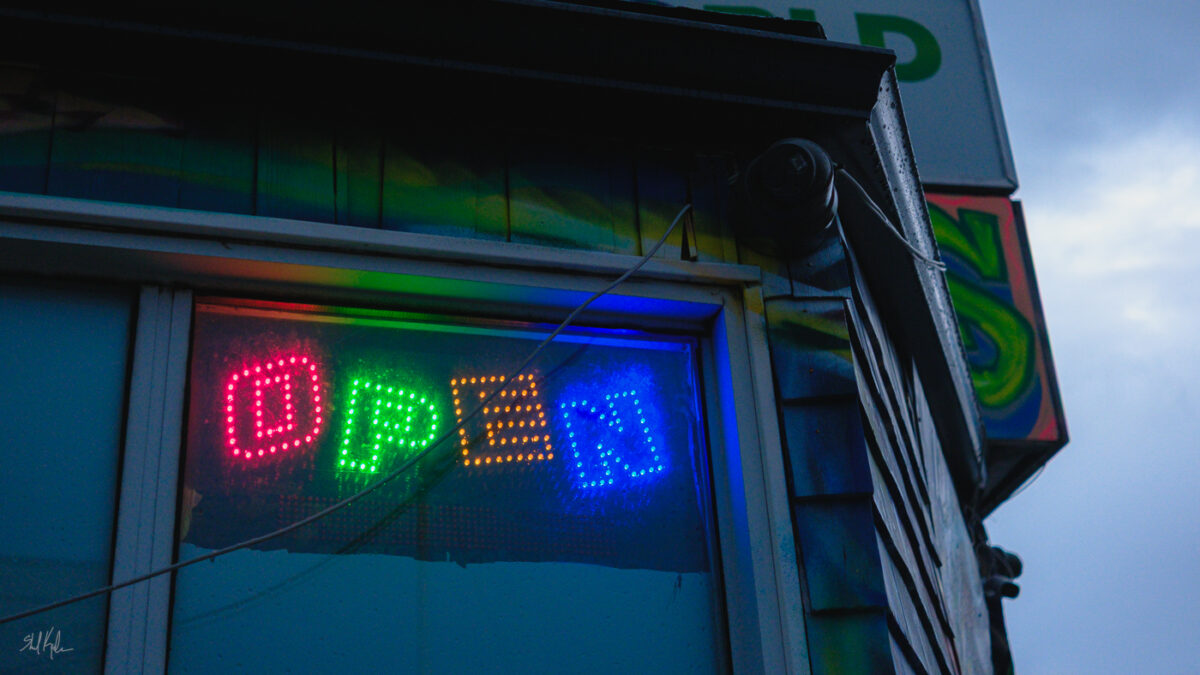
taking my camera on dusk walks has been legit incredible – can’t wait till we get some of those deep blue summer dusks later this year.
-
-
Leave a Reply